1. Install
Get the desktop app running
Wuji Studio positioning, supported devices, and core capabilities
Download and InstallationMust-read
Check requirements, install Wuji Studio, and keep it updated
2. Connect and Explore
See live data and set up your profile
Discover, connect, rename devices, and enter visualization
Create a user profile and adjust theme and language preferences
3. Visualize and Record
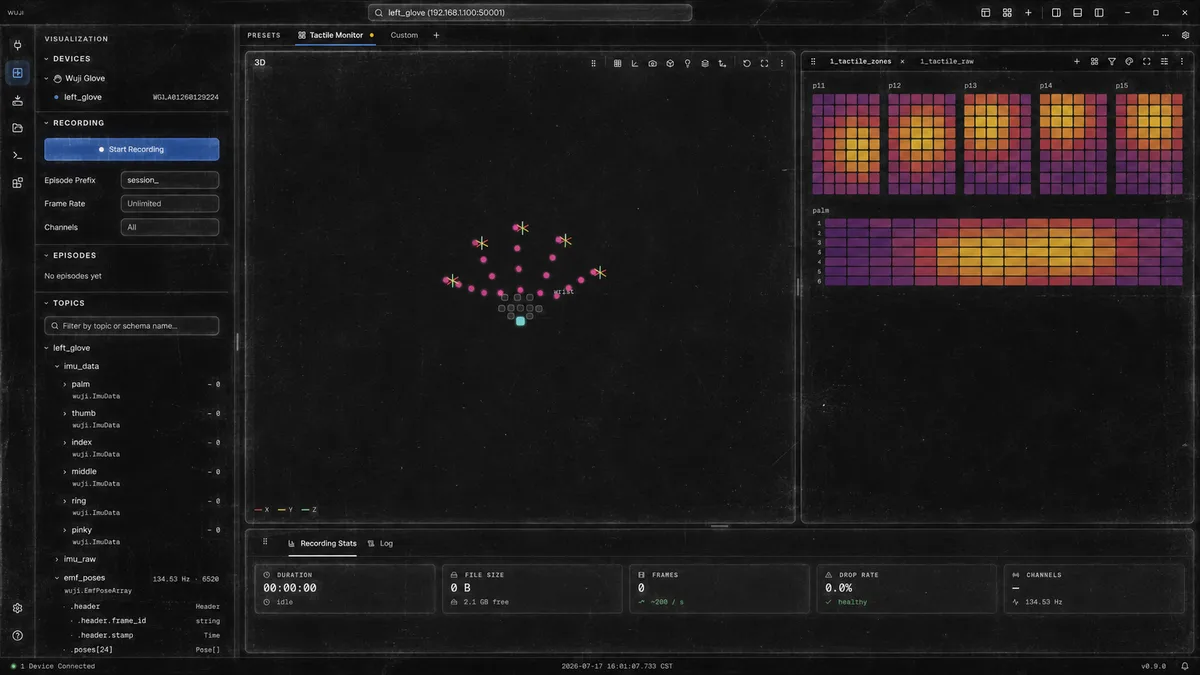
Turn streams into panels, 3D views, and MCAP files
Visualization layout, topic tree, and layout presets
Layout presetsPanel types3D hand visualizationData recordingDevice logs
4. Calibrate
The two glove calibrations, in the GUI — before capture or development that relies on joint angles or contact detection
Device calibration flow, 6 poses, and troubleshooting
Tactile contact calibration flow, 4 no-contact motions, and sensitivity
5. Maintain
Firmware upgrades and symptom-based troubleshooting
Select devices and firmware, run upgrades, and review results
Common issues with startup, data, and firmware upgrades
GitHub Repositories and Docs Entry Points
The table below summarizes Wuji Studio repositories and use cases.
| Repository | Version | Use case | Supported products |
|---|---|---|---|
| wuji-studio |  | Device management, data visualization, calibration, and firmware upgrade for Wuji devices | Wuji Hand 2 (Beta 1) Wuji Hand Archived Wuji Glove |
Technical Support
For technical support or any questions, please contact us: support@wuji.tech