User Notice
Before using Wuji Hand 2, read these safety notices and the Beta 2 capability boundaries carefully to ensure safe operation and personal safety.
Improper operation can damage the device or cause injury. Follow the safety rules below strictly.
Power Safety
Power requirement: 11–13 V DC (12 V nominal)
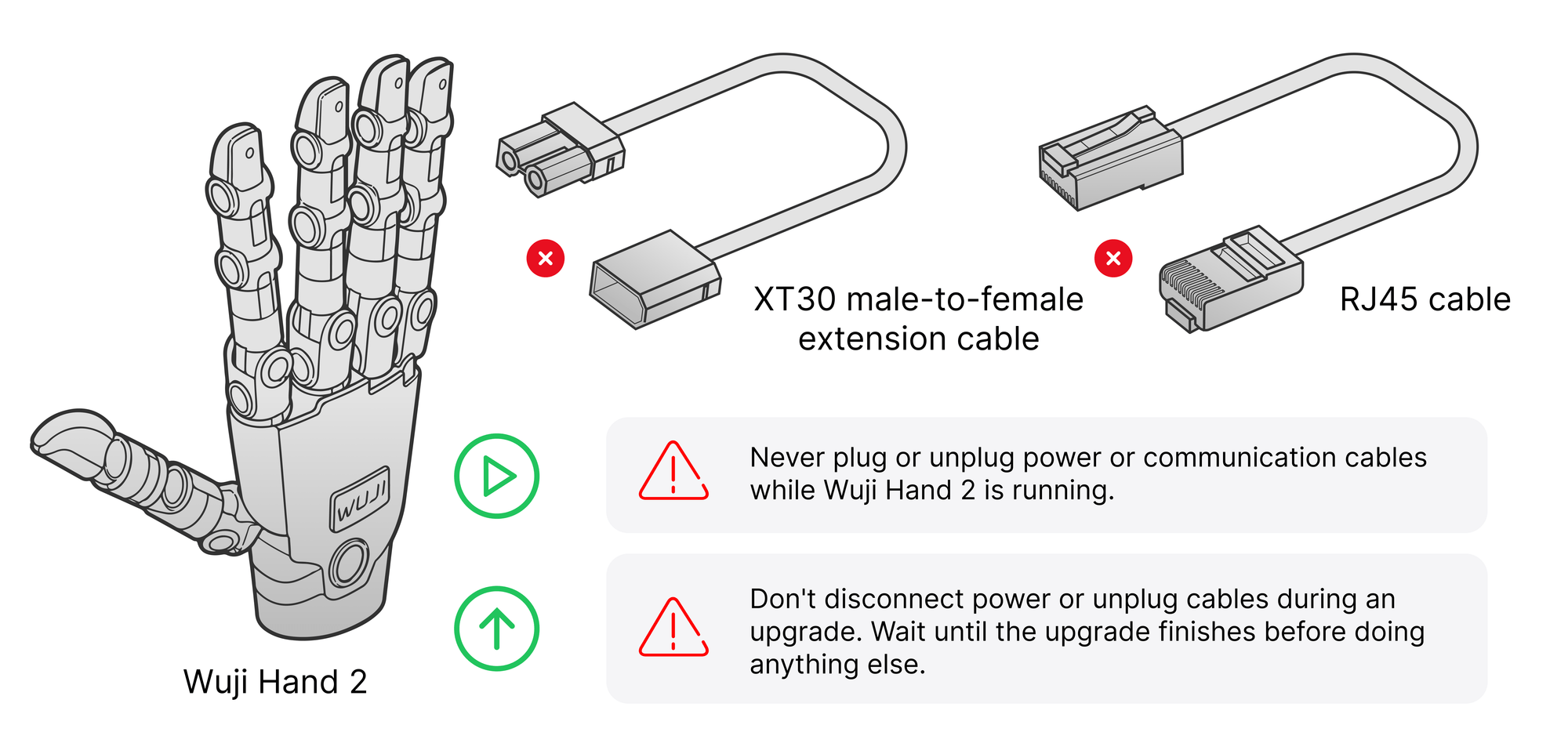
External harness: the wrist directly leads out two cables—XT30 + RJ45 network port
Beta 2 supports an input of 11–13 V DC, with a nominal voltage of 12 V. Don't connect a voltage outside this range. The external interface form and the supply voltage range will change in later versions, so leave room in your integration design.
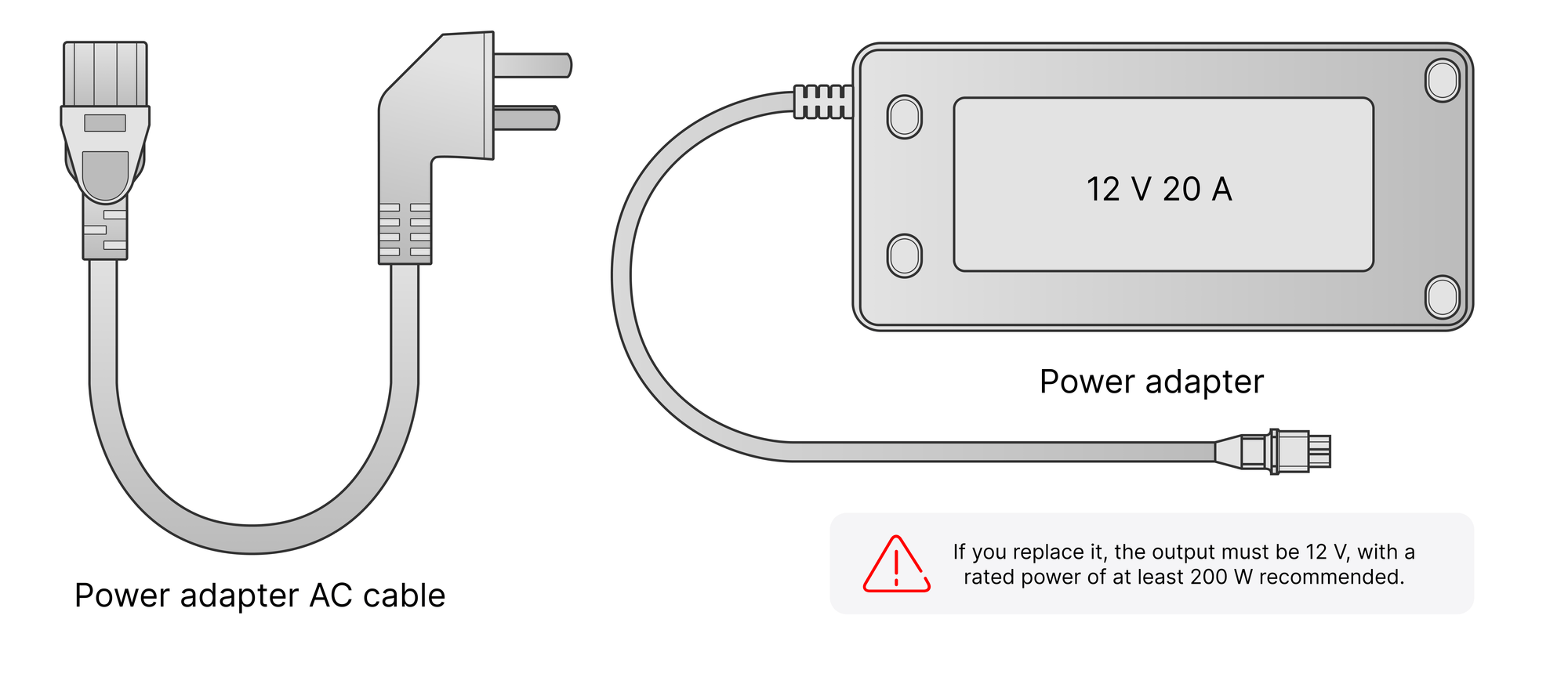
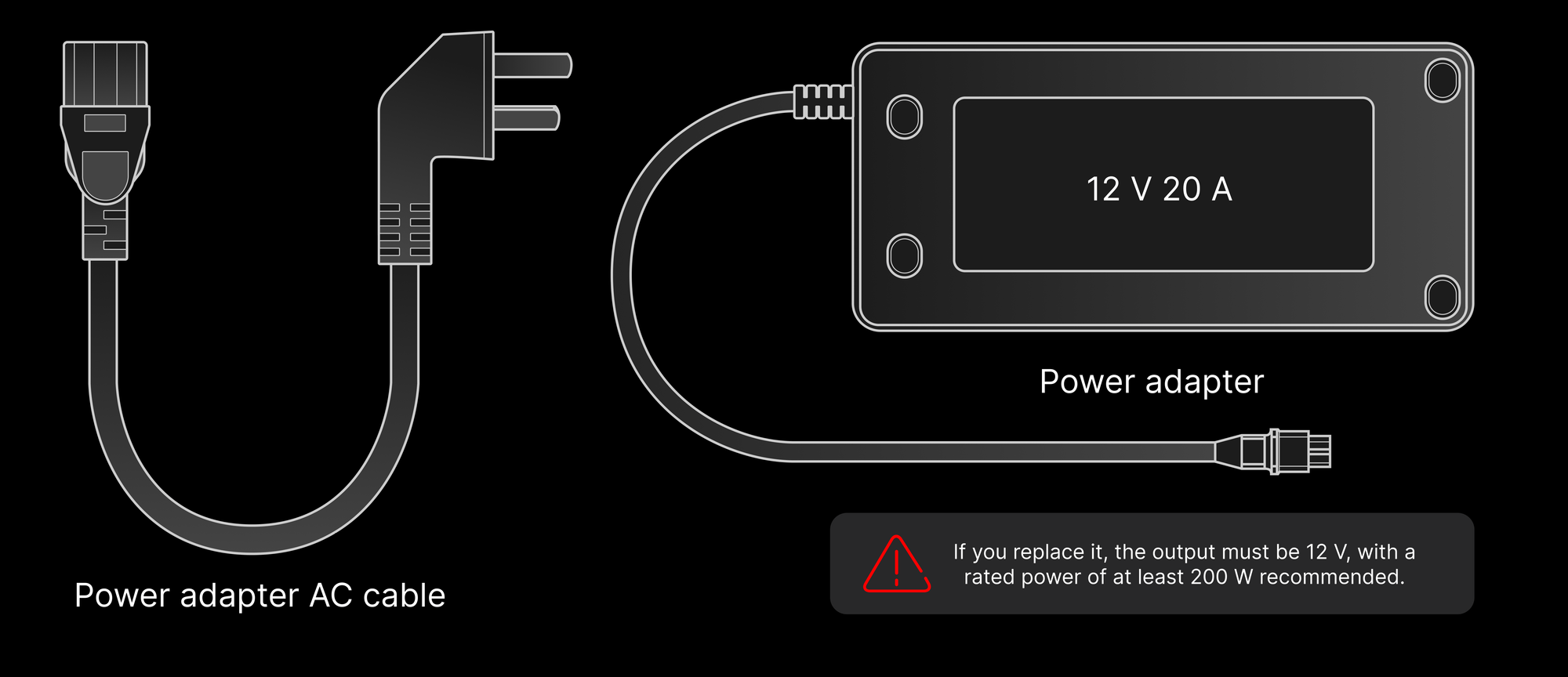
Power adapter:
- Use the official power adapter (12 V 20 A).
- If you replace it, use a supply with an output in the 11–13 V DC range. A nominal 12 V supply rated for at least 200 W is recommended.
Wiring rules:
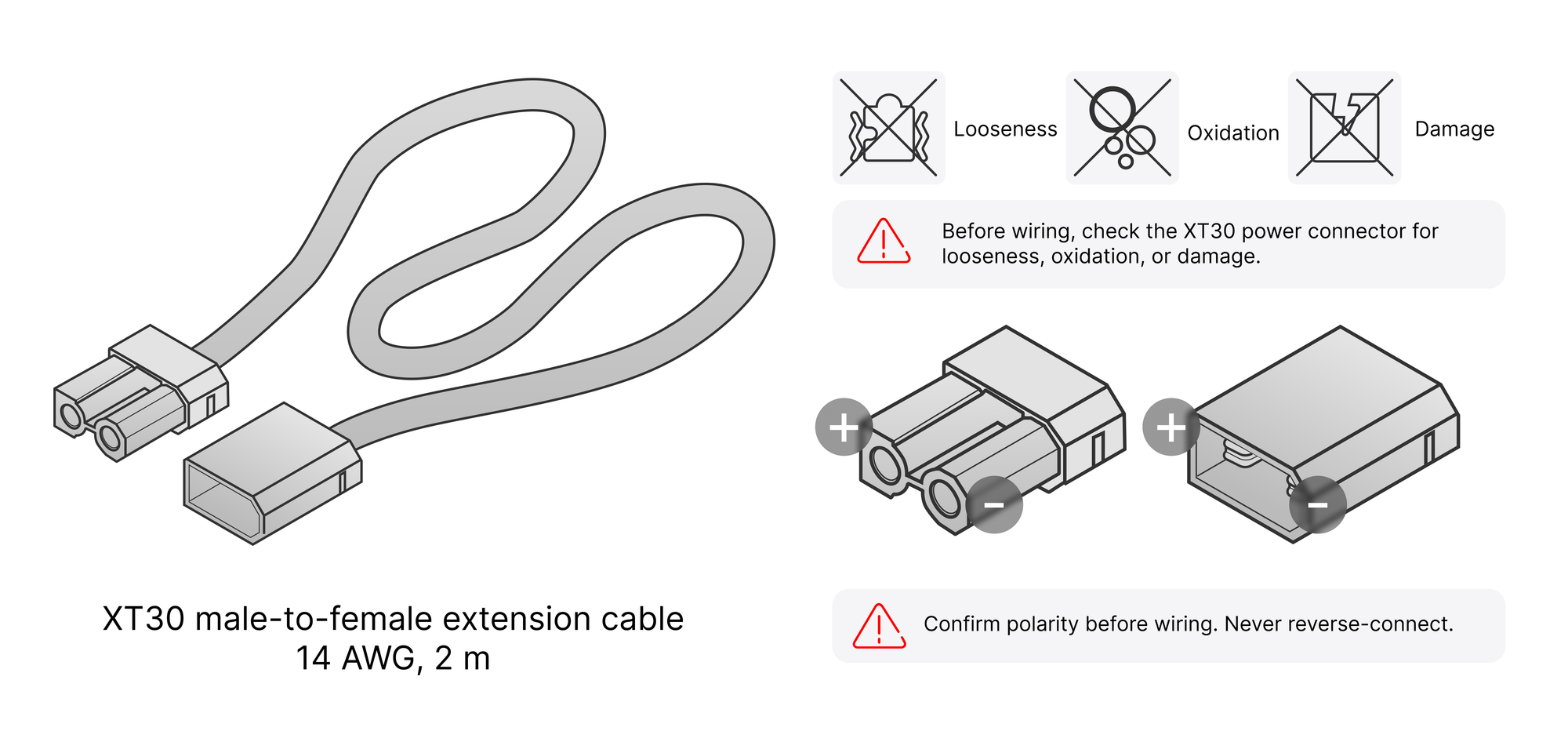
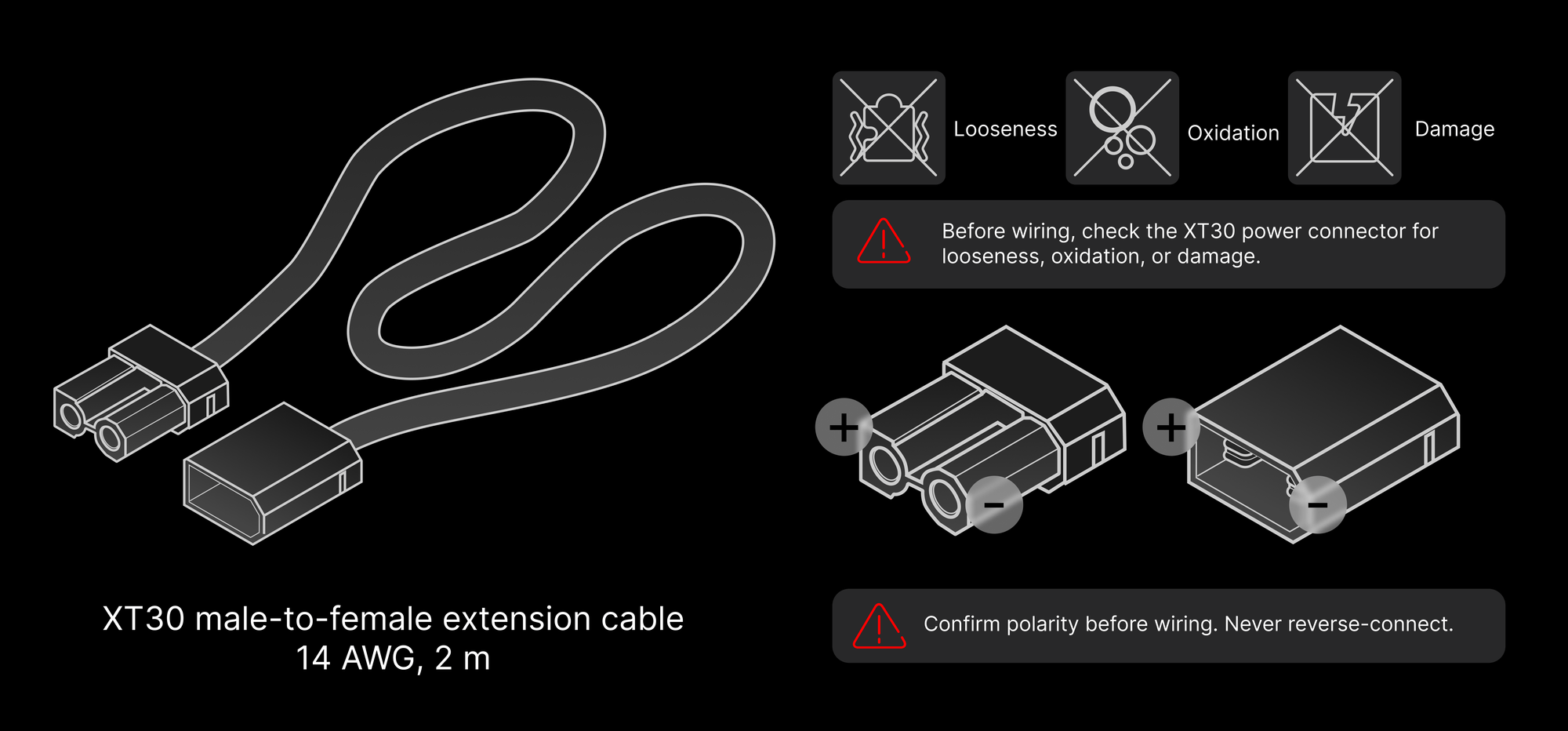
- Before wiring, check the XT30 power connector for looseness, oxidation, or damage.
- Confirm polarity before wiring. Never reverse-connect.
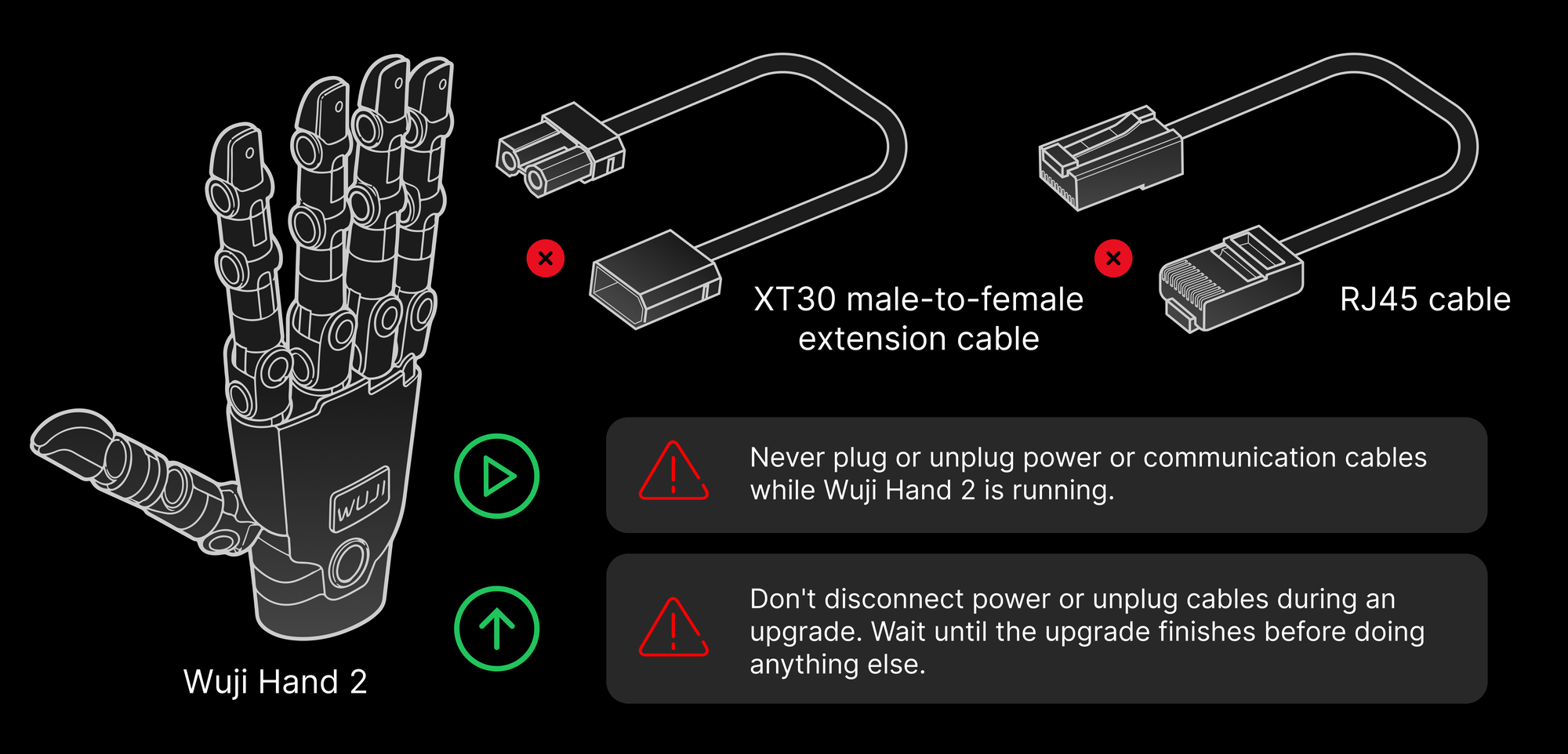
- Never plug or unplug power or communication cables while Wuji Hand 2 is running.
Power-down and storage:
- Power off the device when it isn't in use.
- Before disconnecting power, stop motion and confirm the hand is at rest.
During firmware upgrade:
- Don't disconnect power or unplug cables during an upgrade. Wait until the upgrade finishes before doing anything else.
Mechanical Operation Safety
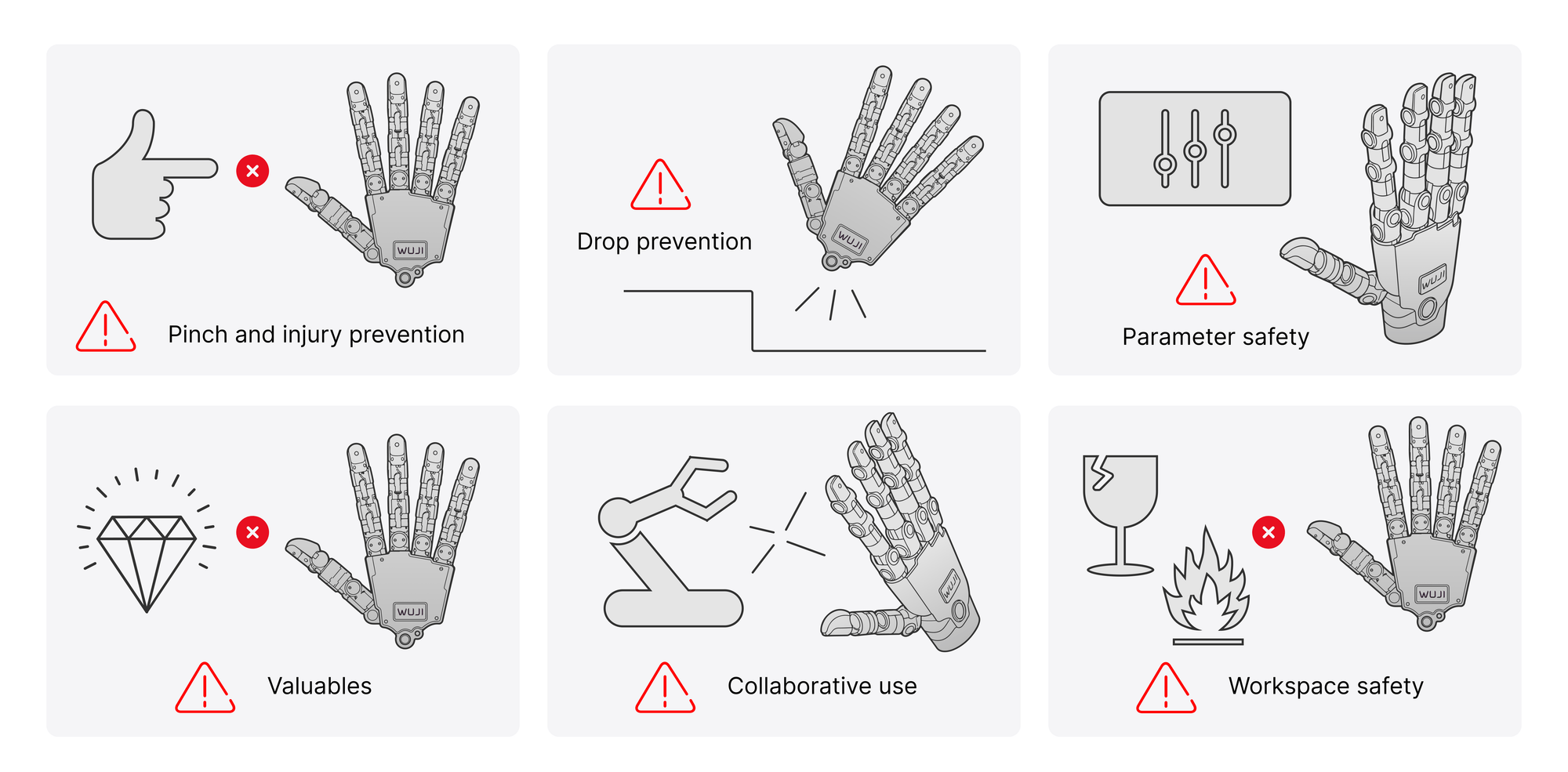
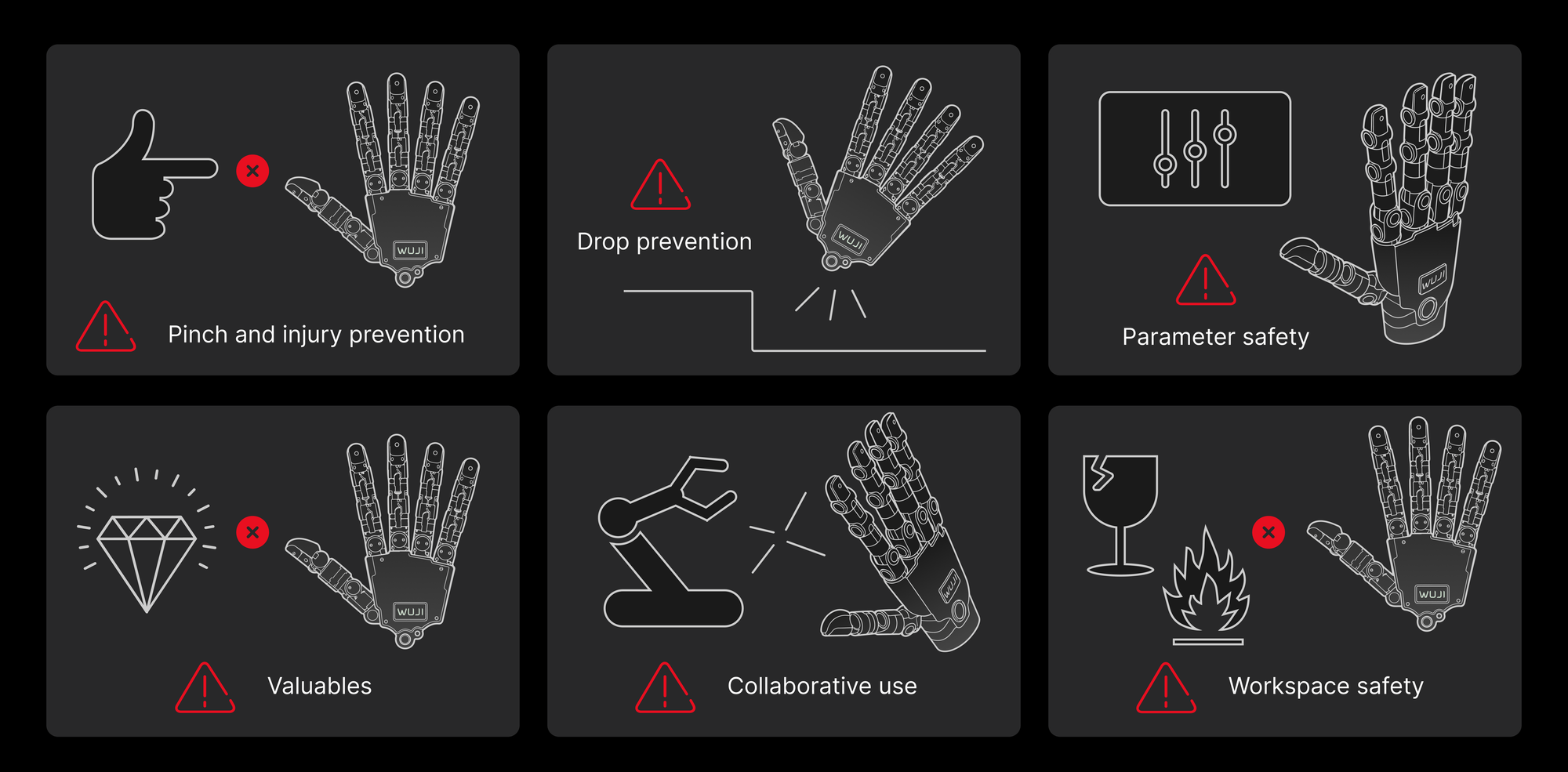
- Pinch and injury prevention: Never reach toward or bring your body near Wuji Hand 2 while it moves. Take care to avoid pinch injuries.
- Drop prevention: Prevent drops during handling, placement, or operation. A drop can damage structural parts, joints, and internal components.
- Parameter safety: Before changing default motion parameters, make sure it's safe, to avoid accidental injury.
- Valuables: Don't grasp fragile or high-value objects, to avoid losses.
- Collaborative use: Prevent collisions when working with robot arms or other equipment.
- Workspace safety: Keep the workspace clear of fragile, flammable, or other hazardous items.
Environmental Requirements
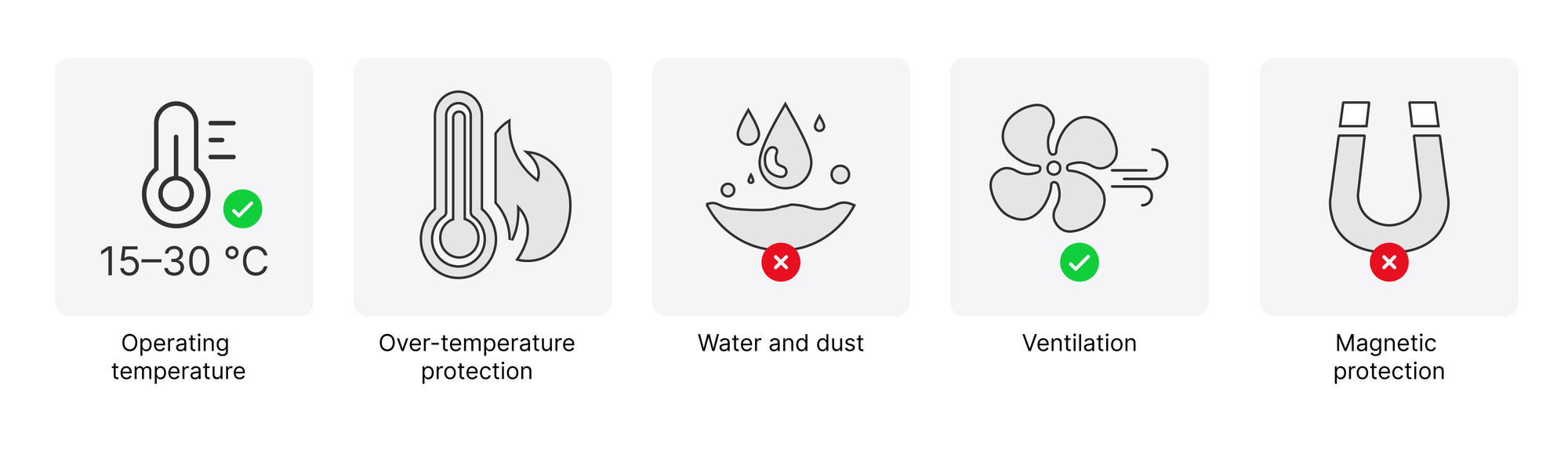
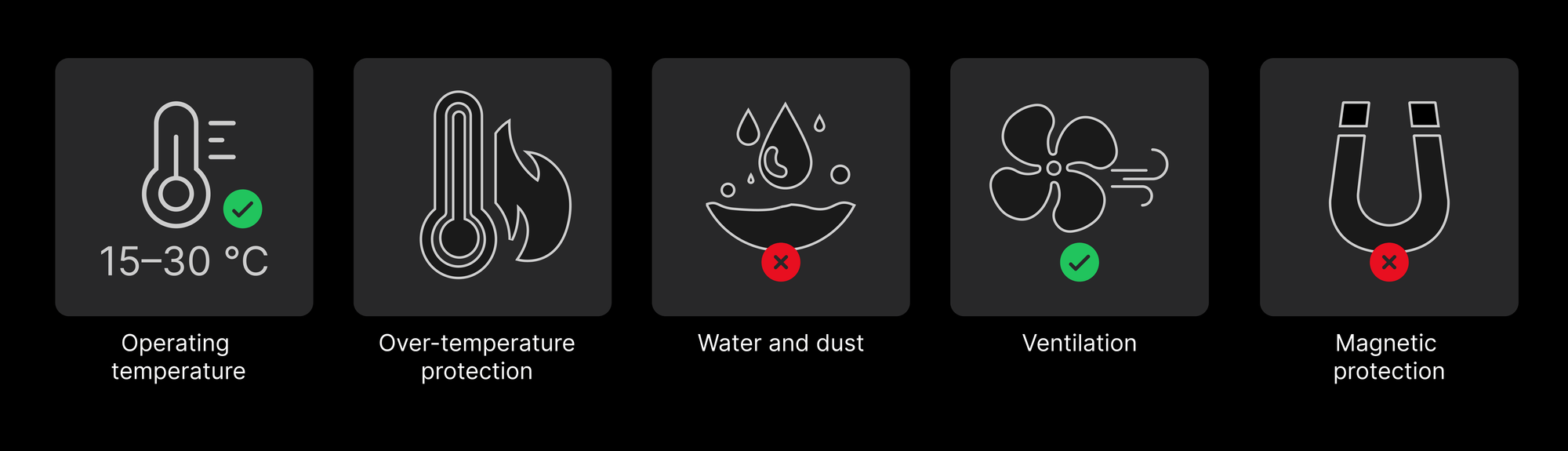
- Operating temperature: Use at room temperature (15–30 ℃).
- Over-temperature protection: Wuji Hand 2 has thermal protection.
- Water and dust: Use the hand only in a dry, clean environment. Keep out liquids, oil mist, and dust.
- Ventilation: Leave enough space around Wuji Hand 2 for heat dissipation.
- Magnetic protection: Keep the joint areas away from metal or magnetic objects to avoid encoder interference or magnet damage.
The housing heats up at high temperatures. Don't touch it, to avoid burns.
Cable and Flex-Cable Protection
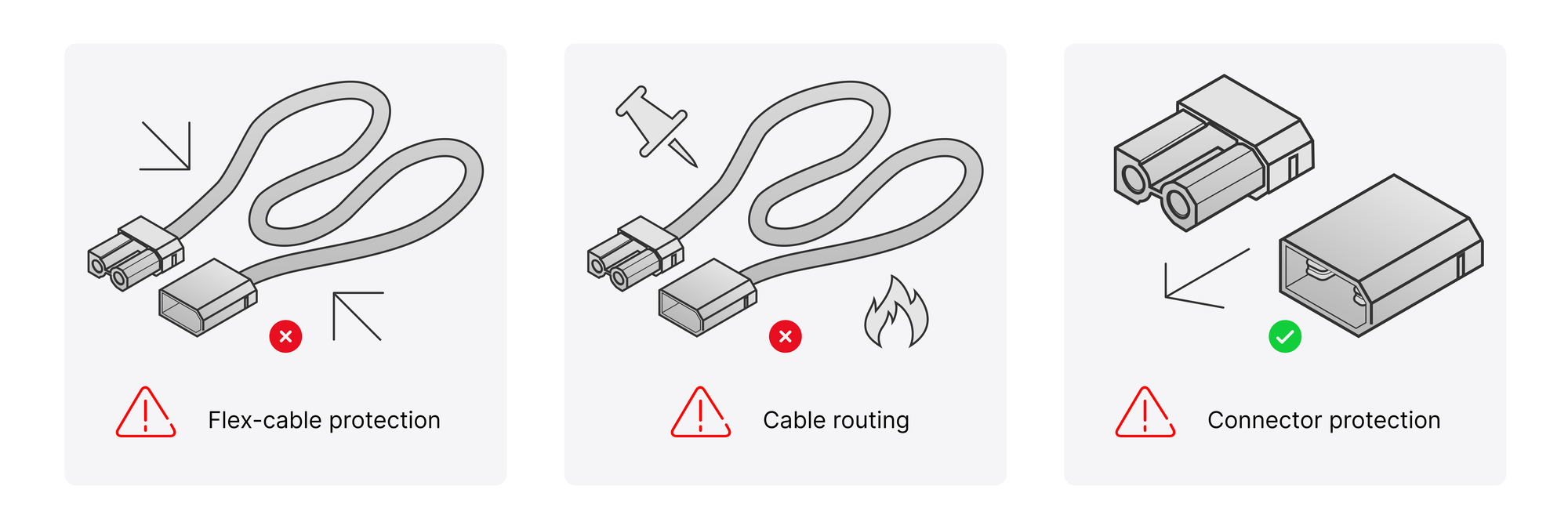
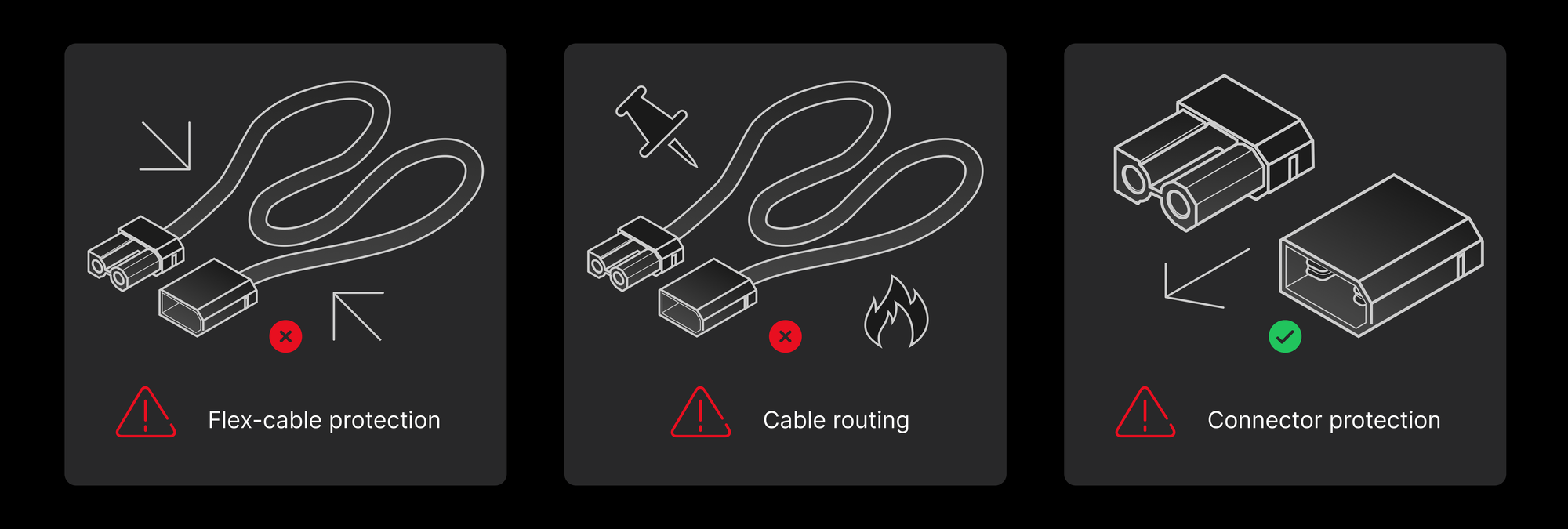
- Flex-cable protection: The flex cables on the finger surface are fragile. Keep the soft pad and skin fitted at all times to avoid scratching, squeezing, or impact.
- Cable routing: Avoid pulling and sharp bends. Leave slack and keep cables away from sharp edges, heat sources, and moving parts.
- Connector protection: Pull data cables along their axis. Don't lift or pull them sideways, to avoid connector damage.
Capability Boundaries and Items Not Yet Provided
This part lists the capability boundaries and the items not yet provided for the Beta 2 prototype. Confirm each one before use.
| Item | Beta 2 status |
|---|---|
| Simulation model with soft pad | The simulation model includes fingertip soft pads (separate links that take part in contact). A whole-hand soft-pad model isn't provided |
Soft Pad and Skin
- Always run the hand with the skin fitted. Never run it without the skin, which you can remove and replace yourself.
- Fingertip soft-pad hardness is still being tuned, and the skin design isn't finalized.
- Soft-pad contact properties, surface friction, appearance, and feel will keep evolving.
- Don't take the current prototype's feel, appearance, and soft-pad life as a reference for the final product.
Thermal
- The thermal design is still iterating.
- Temperature rise, surface temperature, and throttling behavior under long continuous operation aren't verified yet.
- Don't run long full-load or high-load continuous tests on the Beta 2 prototype.
Reliability and Durability
- Whole-unit reliability testing is ongoing.
- Beta 2 makes no guarantee on durability, life, drop, vibration, or shock.
- Contact your point of contact immediately if a prototype is damaged.
Motor Load Capacity
- Whole-hand motor peak force, rated force, and load curves may change later.
- The prototype's measured load values aren't committed external values, and they aren't a basis for design or purchasing decisions.
Joint Zero Calibration
- Joint zero-calibration accuracy is still being optimized. The prototype may show larger-than-expected zero errors.
- Don't take the prototype's zero accuracy as a reference for the final product.
Joint Back-Drive and Torque Transparency
- Back-drive torque consistency across joints is still being tuned.
- Estimating external joint torque from joint current: the forward path exists in Beta 2, but the hardware consistency and calibration accuracy it relies on haven't converged, and closed-loop performance isn't verified.
- In Beta 2, don't use joint current readings to judge external contact force or torque. Don't take these values as a reference for the final product.