Wuji Hand
 Wuji Glove
 Wuji Studio
 Wuji SDK
ROS2 User Guide
Quick Start
Launch the Driver
# Source ROS2 environment, replace <distro> with your ROS2 distribution
source /opt/ros/<distro>/setup.bash
# If built from source, overlay the workspace (Deb package users can skip)
# Replace <workspace> with your workspace path, e.g., ~/wujihandros2
source <workspace>/install/setup.bash

# Launch the driver
ros2 launch wujihand_bringup wujihand.launch.py
On successful launch, you will see the following output:
[wujihand_driver]: Connected to WujiHand (right)
[wujihand_driver]: WujiHand driver started (state: 1000.0 Hz, diagnostics: 10.0 Hz)
Verify Operation
Open a new terminal and check the joint states:
# Source ROS2 environment, replace <distro> with your ROS2 distribution
source /opt/ros/<distro>/setup.bash
# If built from source, overlay the workspace (Deb package users can skip)
# Replace <workspace> with your workspace path, e.g., ~/wujihandros2
source <workspace>/install/setup.bash

ros2 topic echo /hand_0/joint_states --once
Run Demo
# Wave demo: fingers curl and extend in sequence
ros2 run wujihand_bringup wave_demo.py
When multiple hands are connected, specify the target hand with --ros-args -p hand_name:=<hand-name>. See Multi-hand Configuration for details.
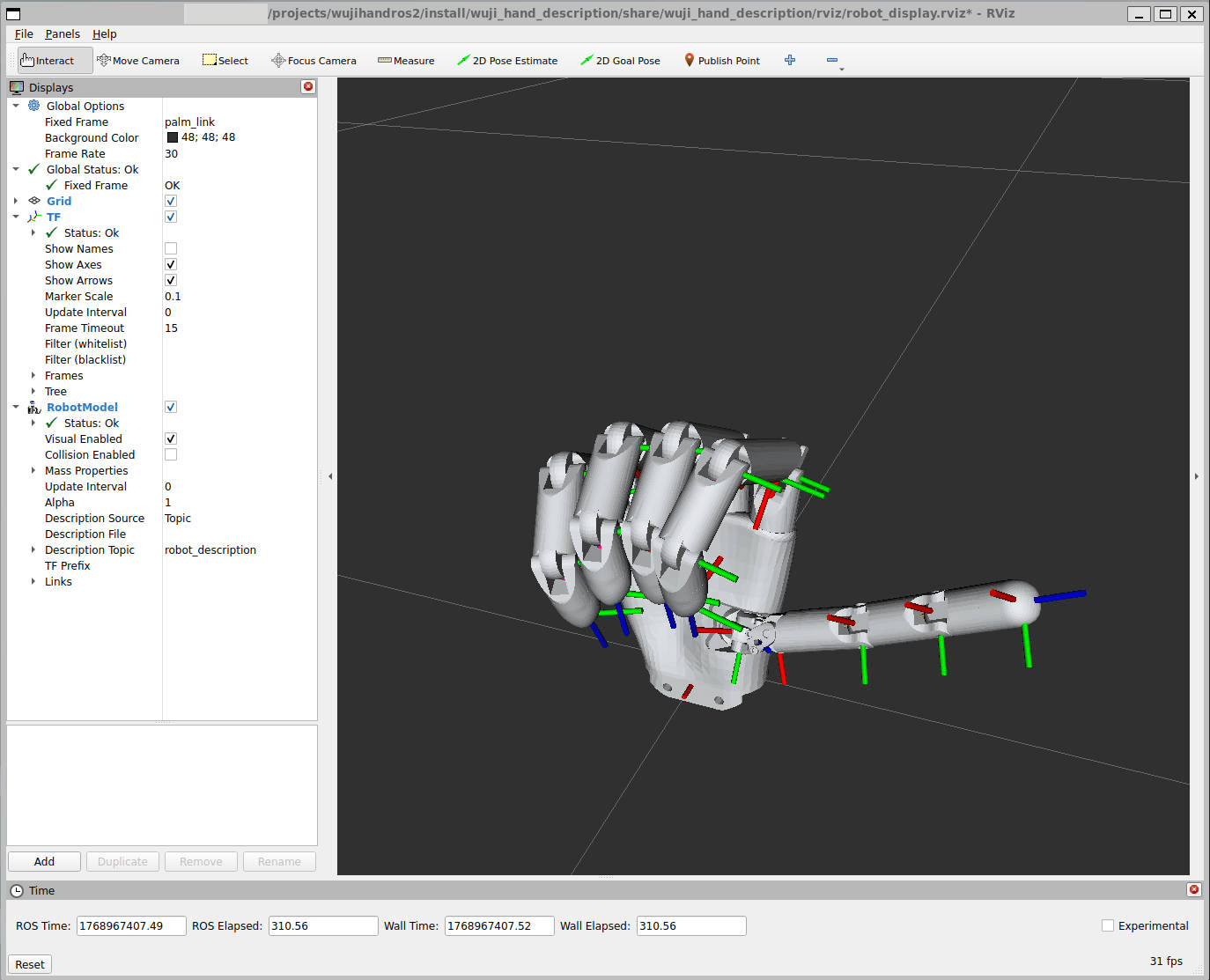
Launch RViz Visualization
ros2 launch wujihand_bringup wujihand.launch.py rviz:=trueResult