

This manual covers a Wuji Hand 2.2 (Beta) non-tactile prototype. Its parameters and behavior don’t represent the final product. If your device is a 2.1 unit, see the Wuji Hand 2.1 docs. To tell the revisions apart, see Version Identification and Differences.
Overview
Wuji Hand 2 is WUJI TECH’s biomimetic dexterous hand with 20 active degrees of freedom, built for research, robot integration, human-machine interaction, and other scenarios. In 2.2, the product provides:- A 20-DoF biomimetic five-finger body in which each active joint drives independently and the thumb supports opposition
- MIT force-position hybrid control with user-tunable parameters
- A factory-standard wrist flange with wrist mounting drawings included
- Joint-level Wuji SDK interfaces in Python and C for device discovery, state reading, and command output
- URDF, MJCF, and USD simulation models, including the fingertip soft-pad model (a separate link with measured mass that takes part in collisions and accepts force and torque sensors), with no whole-hand soft-pad model
Specifications
The core specifications below cover structure, dimensions and weight, drive and control, and electrical characteristics—for product selection, simulation modeling, and integration.| Category | Parameter | Typical value or description |
|---|---|---|
| Structure & DoF | Active DoF | 20 (4 per finger) |
| Joint count | 20 (4 per finger) | |
| Grasp configuration | Full opposition, with lateral abduction supported | |
| Kinematic configuration | Serial direct-drive rotary joints, no nonlinear kinematic coupling | |
| Min grasp diameter | 0 mm | |
| Dimensions & Weight | Weight (curb weight, with soft pad and output cables, excl. base) | 800 g (650 g bare hand, 70 g base counted separately) |
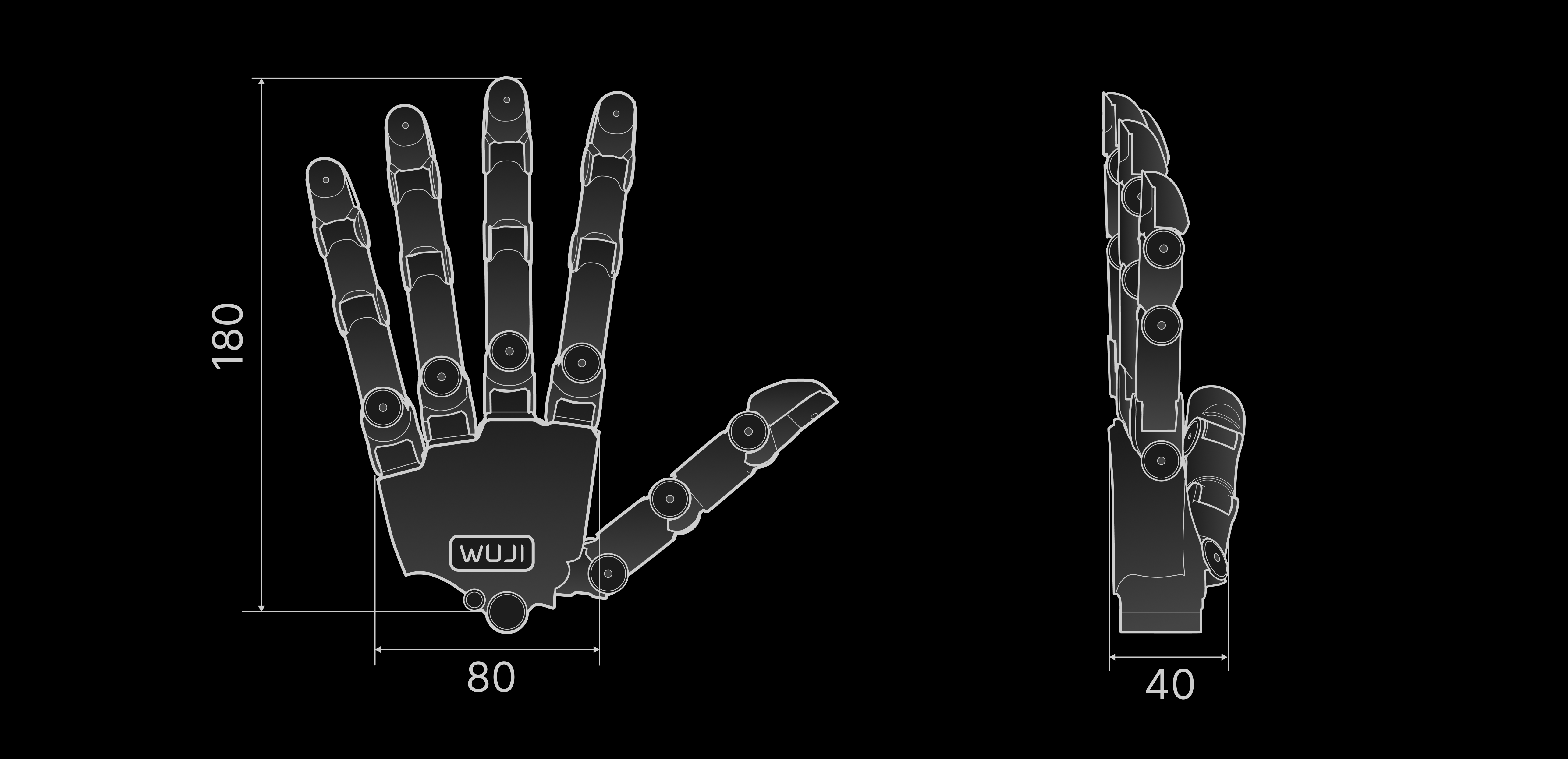
| Dimensions | 180 mm × 80 mm × 40 mm (varies with hand pose, reference value) | |
| Drive | Drive type | Back-drivable direct-drive rotary joints |
| Control algorithm | FOC vector control | |
| Control & Communication | Control frequency | 1000 Hz × 20 axes |
| Control mode | MIT force-position hybrid control | |
| Communication interface | RJ45 Ethernet, 100BASE-TX | |
| Electrical | Operating voltage | 11–13 V DC (12 V nominal) |
| Power adapter | 12 V 20 A included (rated power of at least 200 W) | |
| External interfaces | XT30 for power plus RJ45 for communication |
Mechanical Structure
This section describes the overall structure, the communication and power interface layout, and the naming and motion parameters of each degree of freedom, to help you understand the mechanical structure and how to use it.Overall Dimensions
The figure below shows the overall dimensions of Wuji Hand 2 with all five fingers fully extended and together, for workspace planning and mounting design.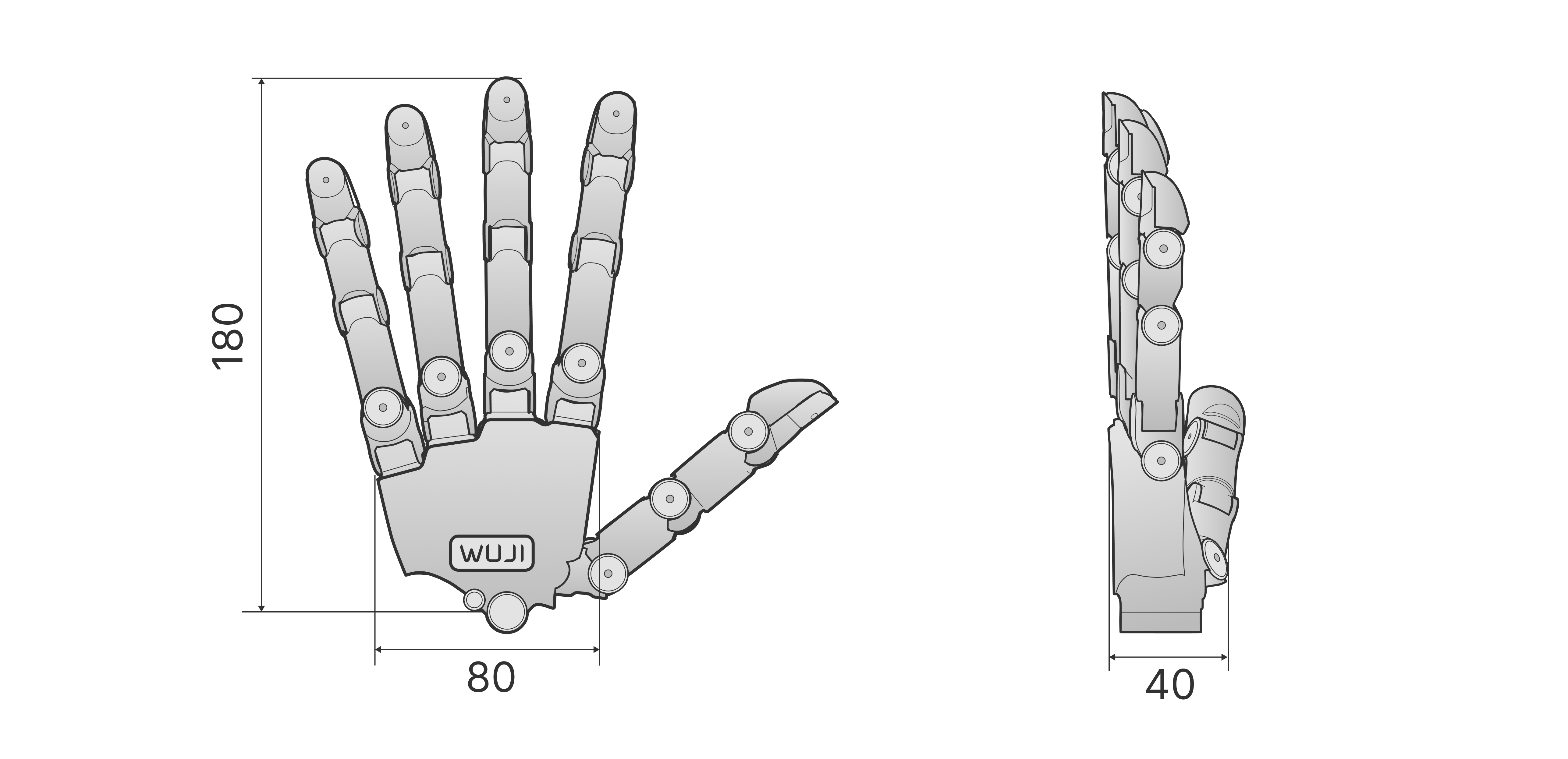
Structure Diagram
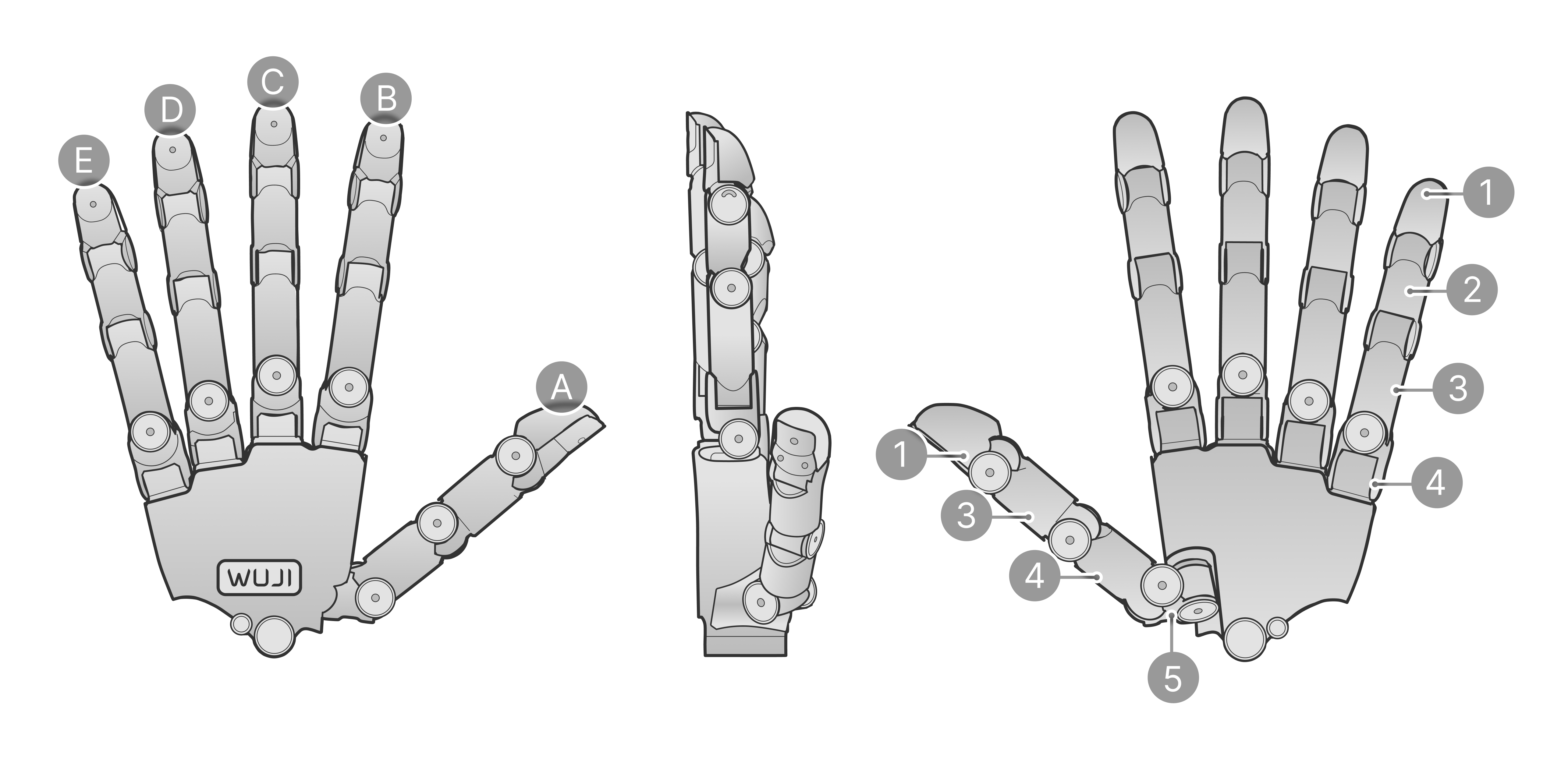
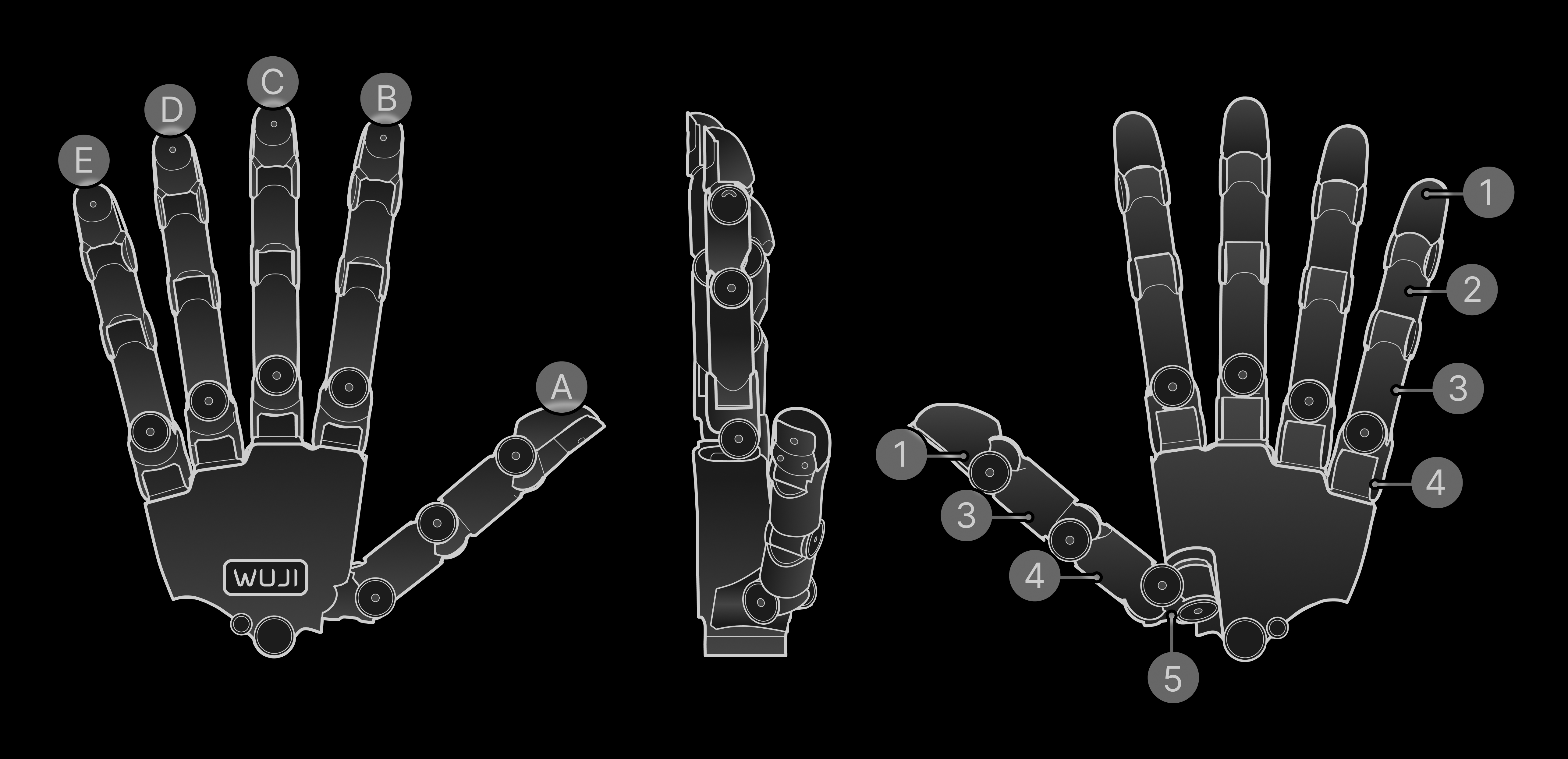
1–5 correspond to common anatomical regions of the hand:
Degree-of-Freedom Configuration
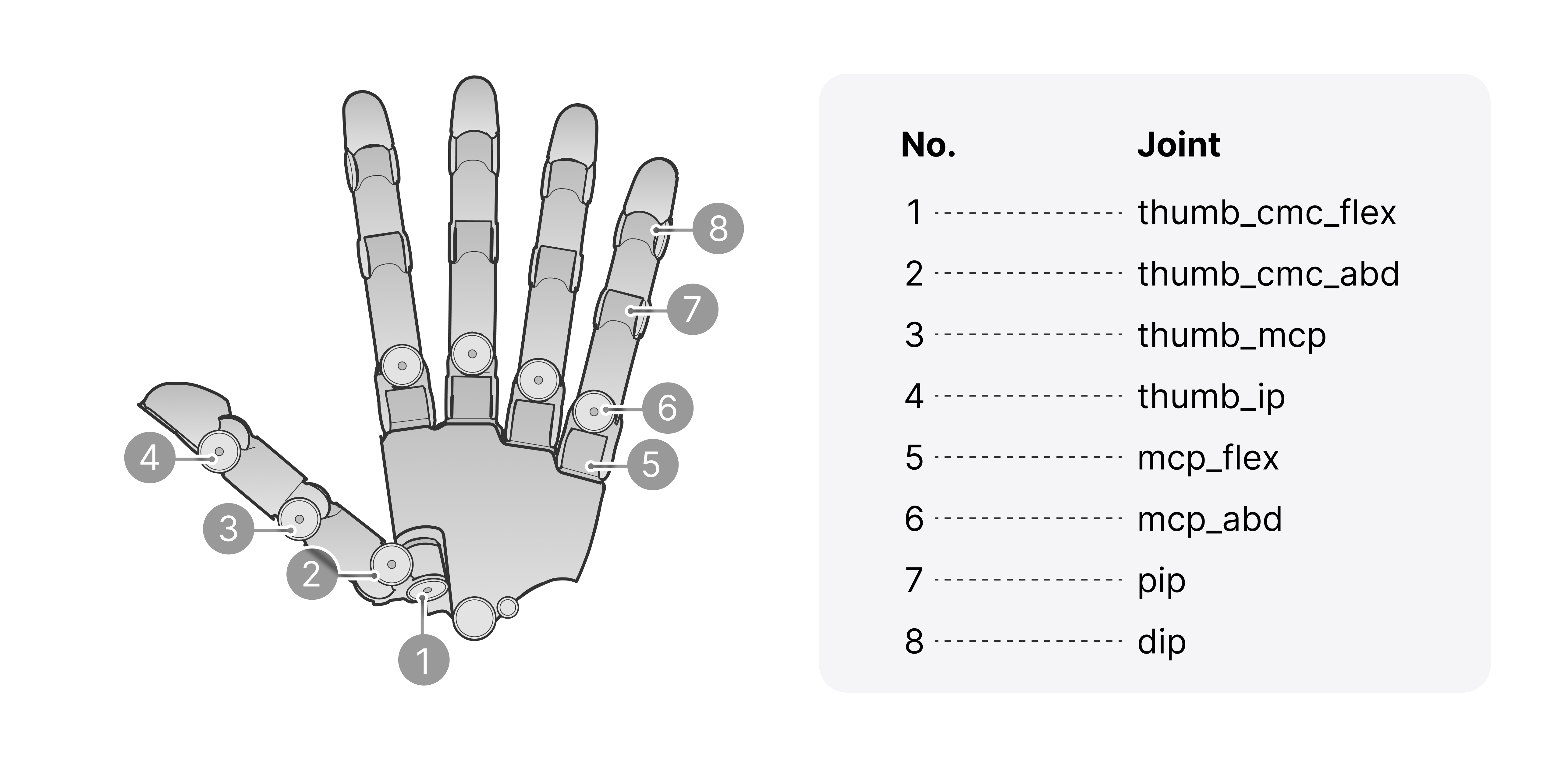
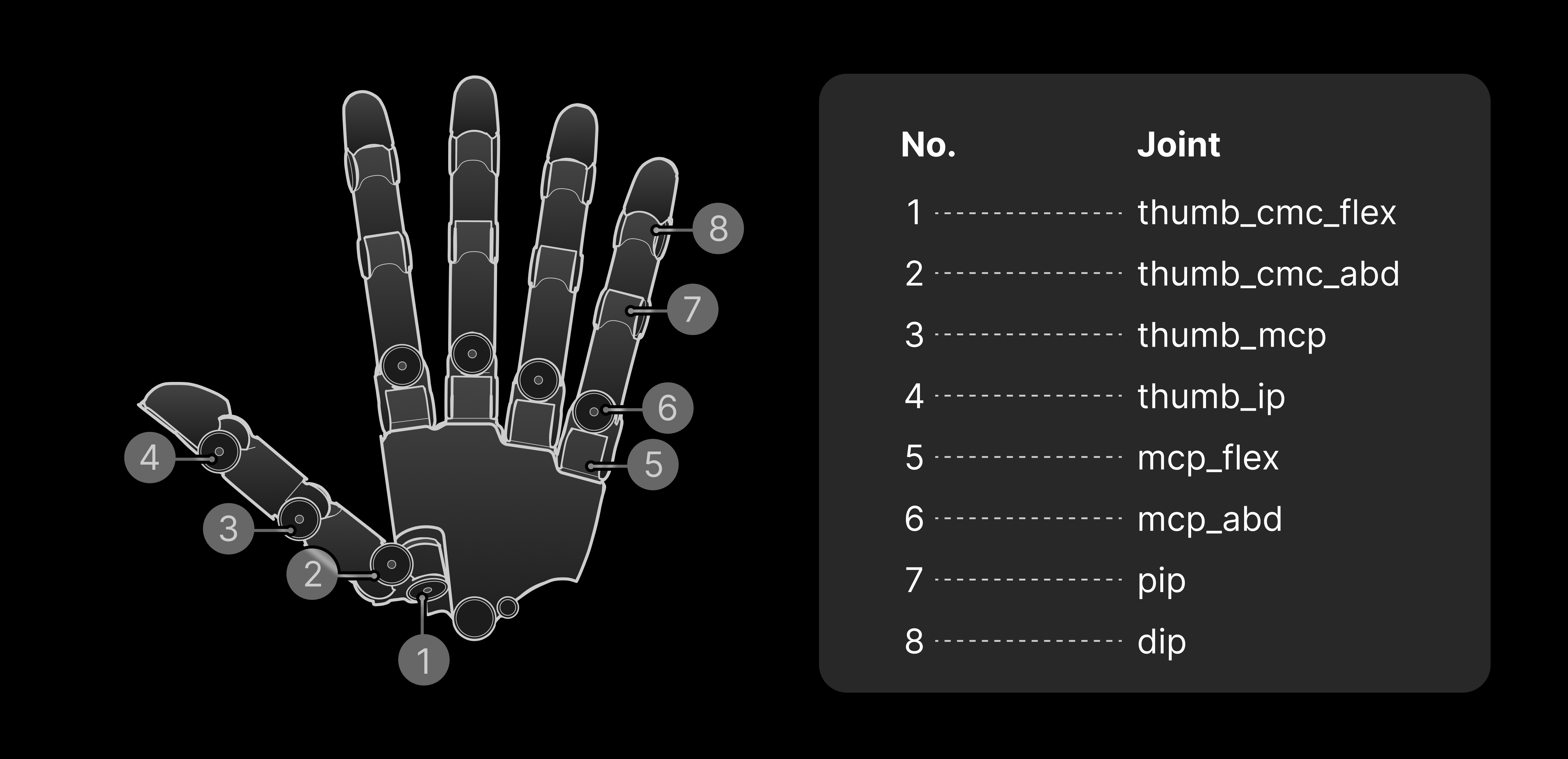
Joint Motion Direction and Range
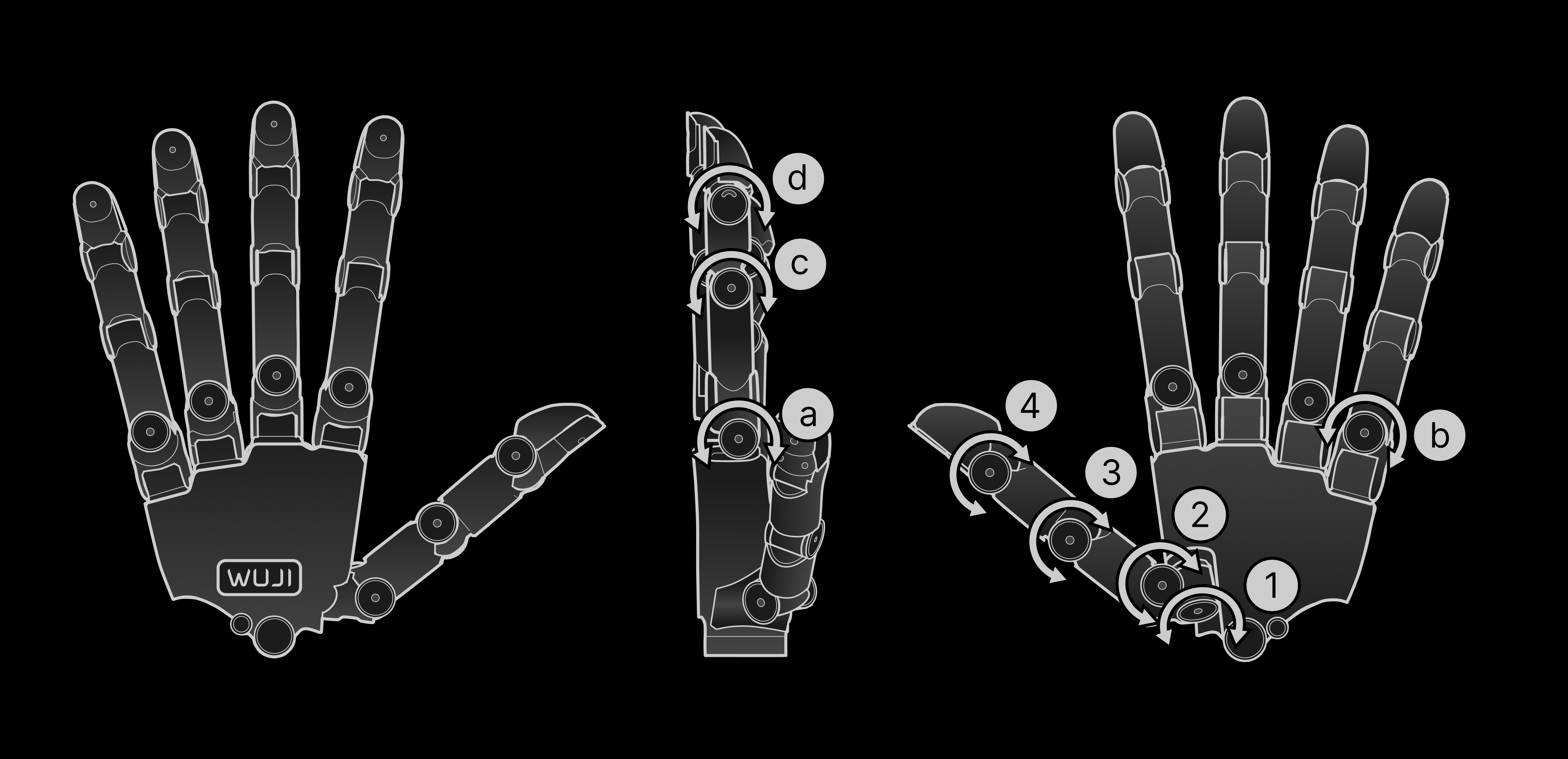
The index, middle, and ring fingers share the same structure, each about 137 mm long. The little finger is slightly shorter, about 134 mm. The thumb module differs slightly, about 140 mm. The figure below uses the thumb and little finger as examples to show each DoF’s motion direction and angle range: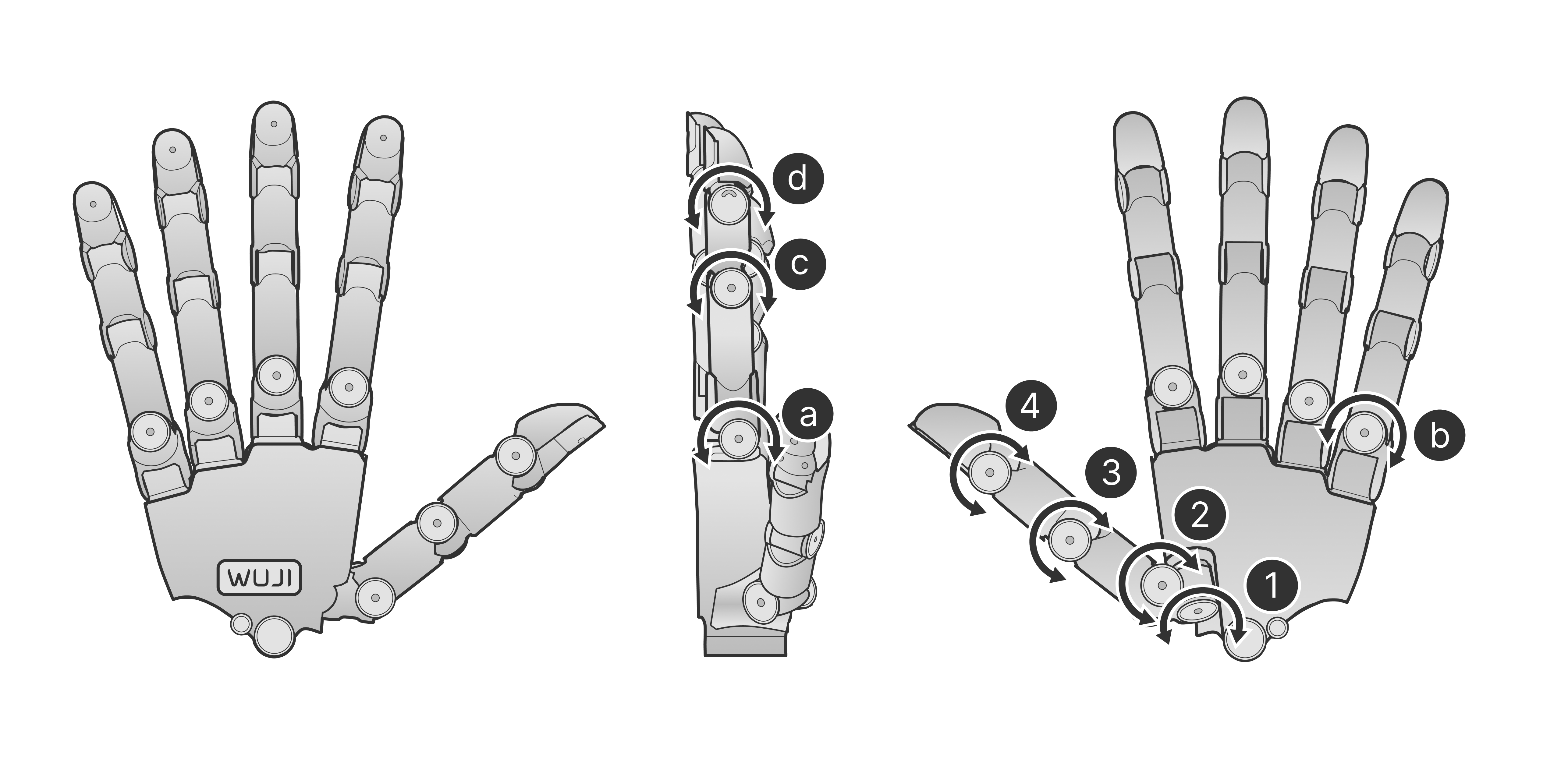
Four Fingers (Index, Middle, Ring, Little)
The four fingers share the same joint ranges, which match the joint limits in the model files (URDF / MJCF / USD) and are mirrored between the left and right hands.
Communication and Power Interface
Wuji Hand 2 communicates with the host over an RJ45 interface and supports external power. The figure below shows the location and connection of the communication and power interfaces: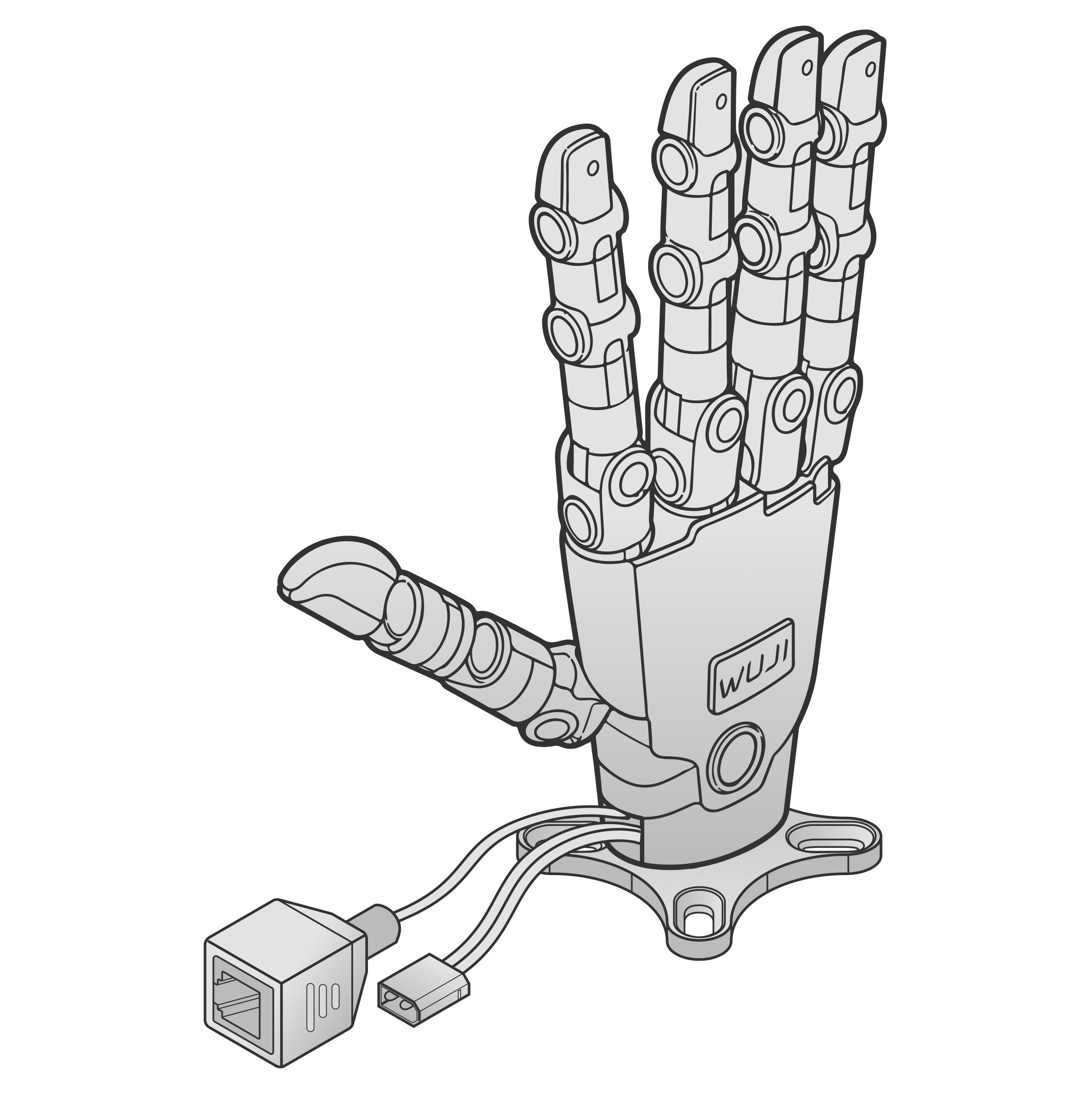
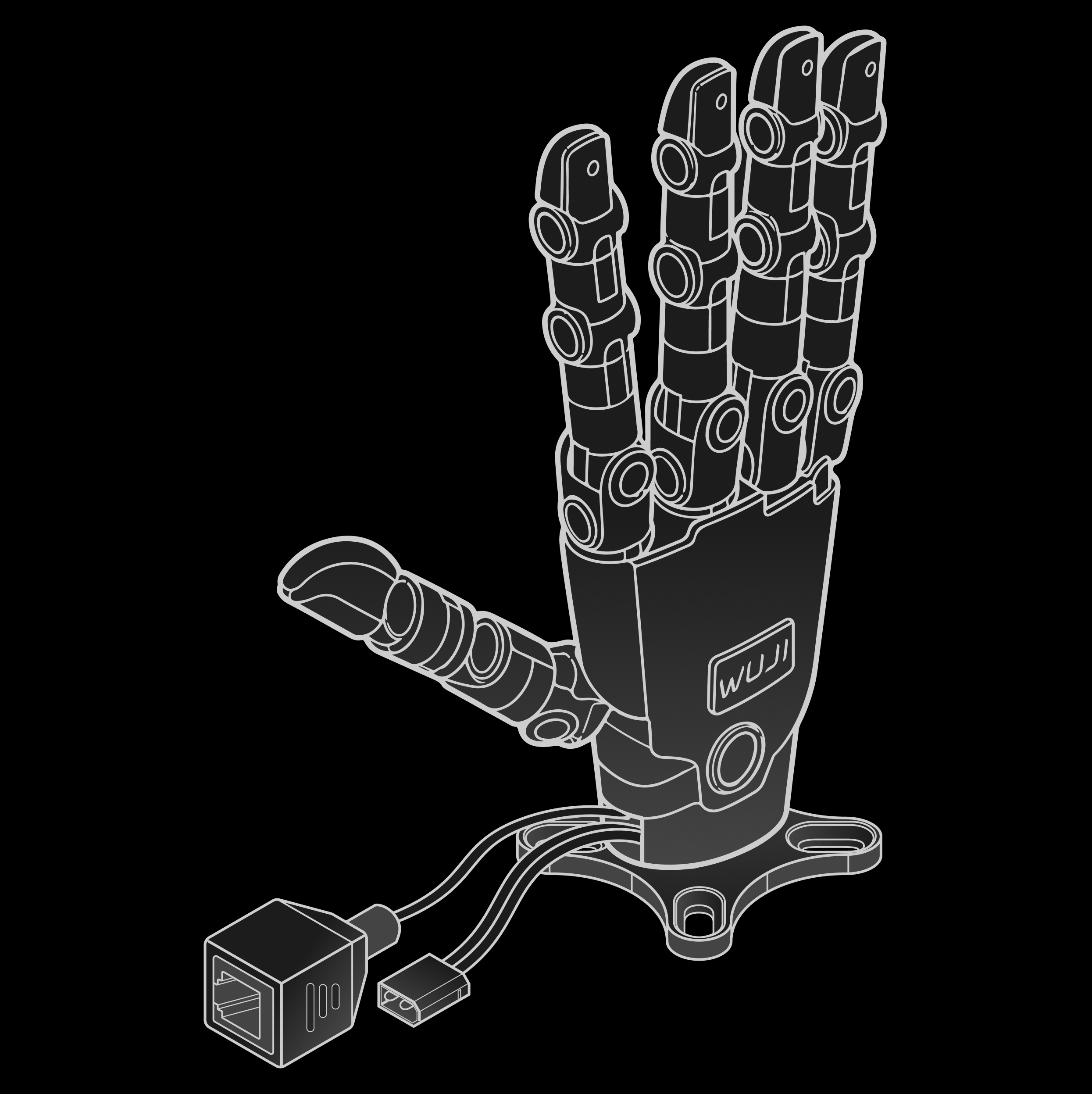
Use the original supplied cables to ensure communication stability and power safety.
Three-Layer Structure: Skeleton, Soft Pad, Skin
Wuji Hand 2 has three layers, each handling load-bearing, contact compliance, and surface protection:Back-of-Hand Status Light
The RGB logo light on the back of the hand is the only external status indicator. The green single-color light on the joint driver board is barely visible on a fully assembled hand and is meant only for repair or bare-unit debugging. The device drives the light itself—it works without a host connection.The status light requires a hardware batch equipped with the back-of-hand light, plus firmware v2.2.0 or later.
| Level | Indicator | Color | Pattern | Meaning |
|---|---|---|---|---|
| L0 |   | White | Breathing (1Hz) | Ready: all online joints ready and not enabled, or no host connected |
| L0 |   | Blue | Breathing (1Hz) | Powering up / self-check / pre-charge |
| L0 |   | White | Solid | Running: at least one joint enabled |
| L0 |   | Blue | Slow flash 1Hz | Firmware updating |
| L1 |   | Yellow | Slow flash 1Hz | Warning: non-critical issues such as a temperature warning, encoder calibration, degraded communication, or a dropped node |
| L2 |   | Red | Slow flash 1Hz | Fault: recoverable faults such as over-current, over-voltage or under-voltage, or a driver fault |
| L3 |   | Red | Solid | Critical: unrecoverable faults such as repeated over-current, hardware damage, or initialization failure, with the S digit of the error code set to 3 |
Difference from 2.1: in 2.1, the blue slow flash for a firmware update outranked the yellow slow flash for a warning, so the light stayed blue slow flash through the upgrade. In 2.2, a firmware update is L0, below an L1 warning, so the behavior reverses.
Electrical Characteristics
The pinout uses a standard RJ45 port and supports 100BASE-TX.Package Contents
For the hand body itself—its structure, specifications, and interfaces—see the earlier sections. Besides the hand, the package includes the following:| Image | Name | Qty | Description |
|---|---|---|---|
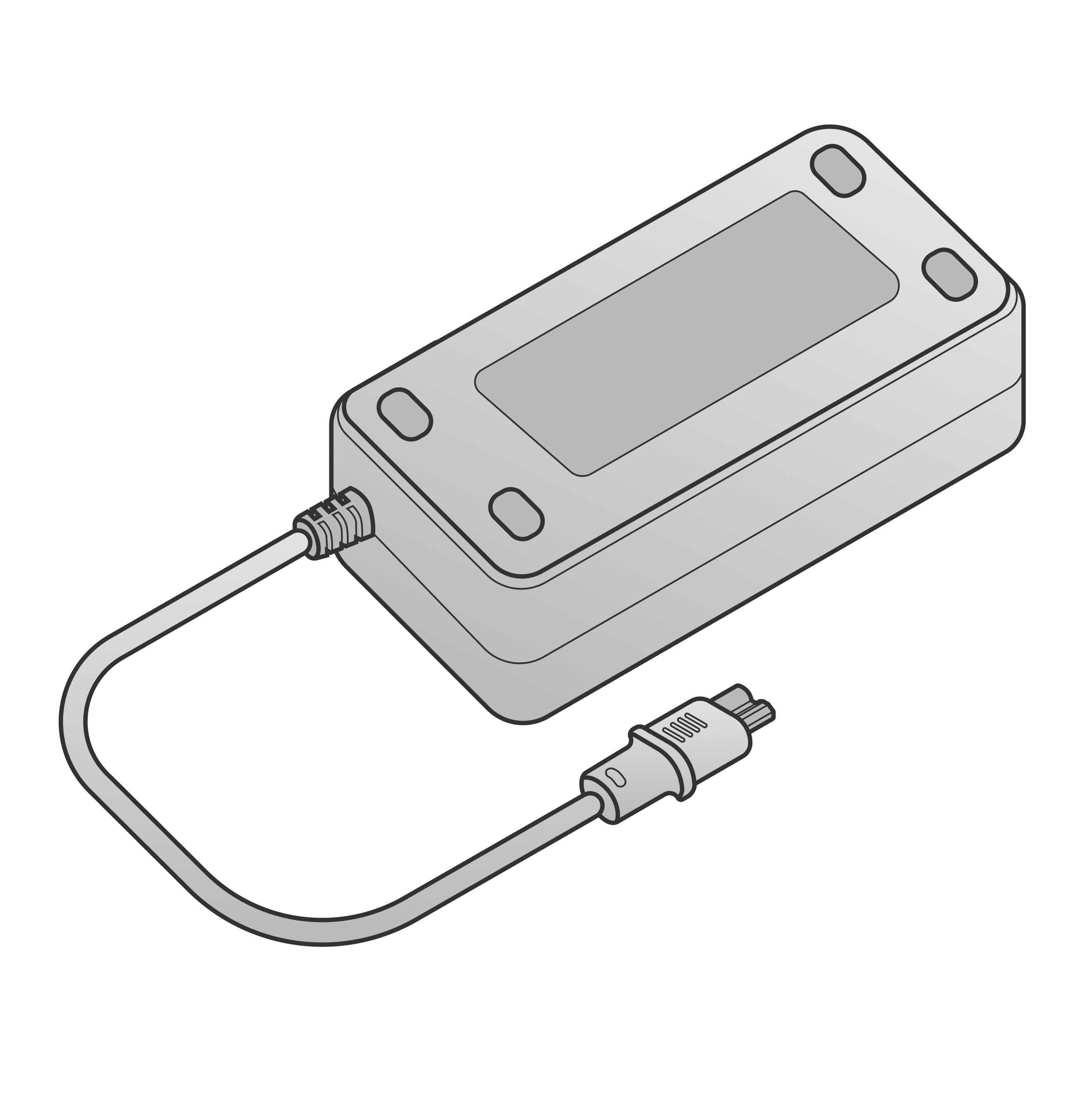 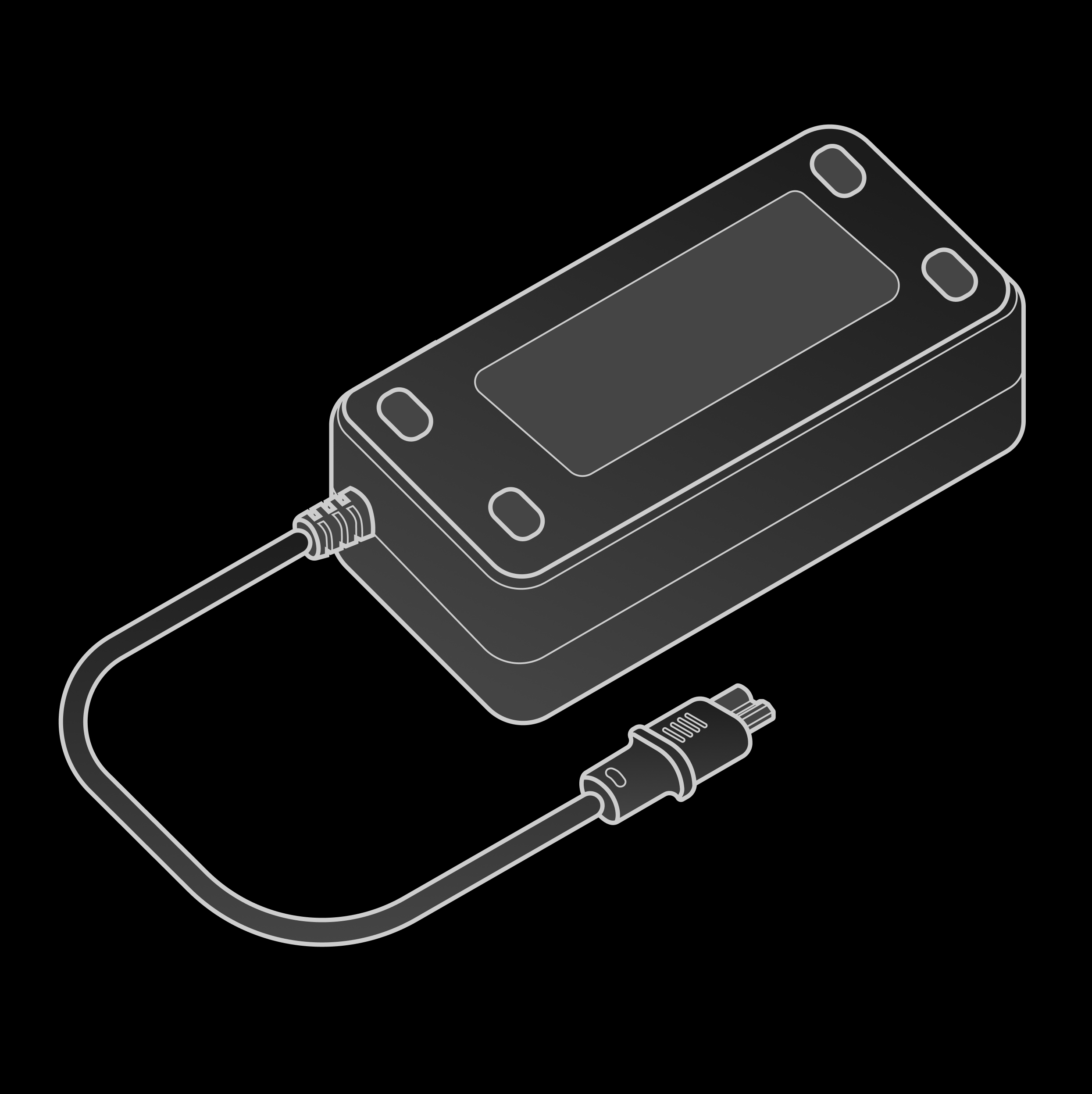 | Power adapter | 1 | Rated 12 V 20 A |
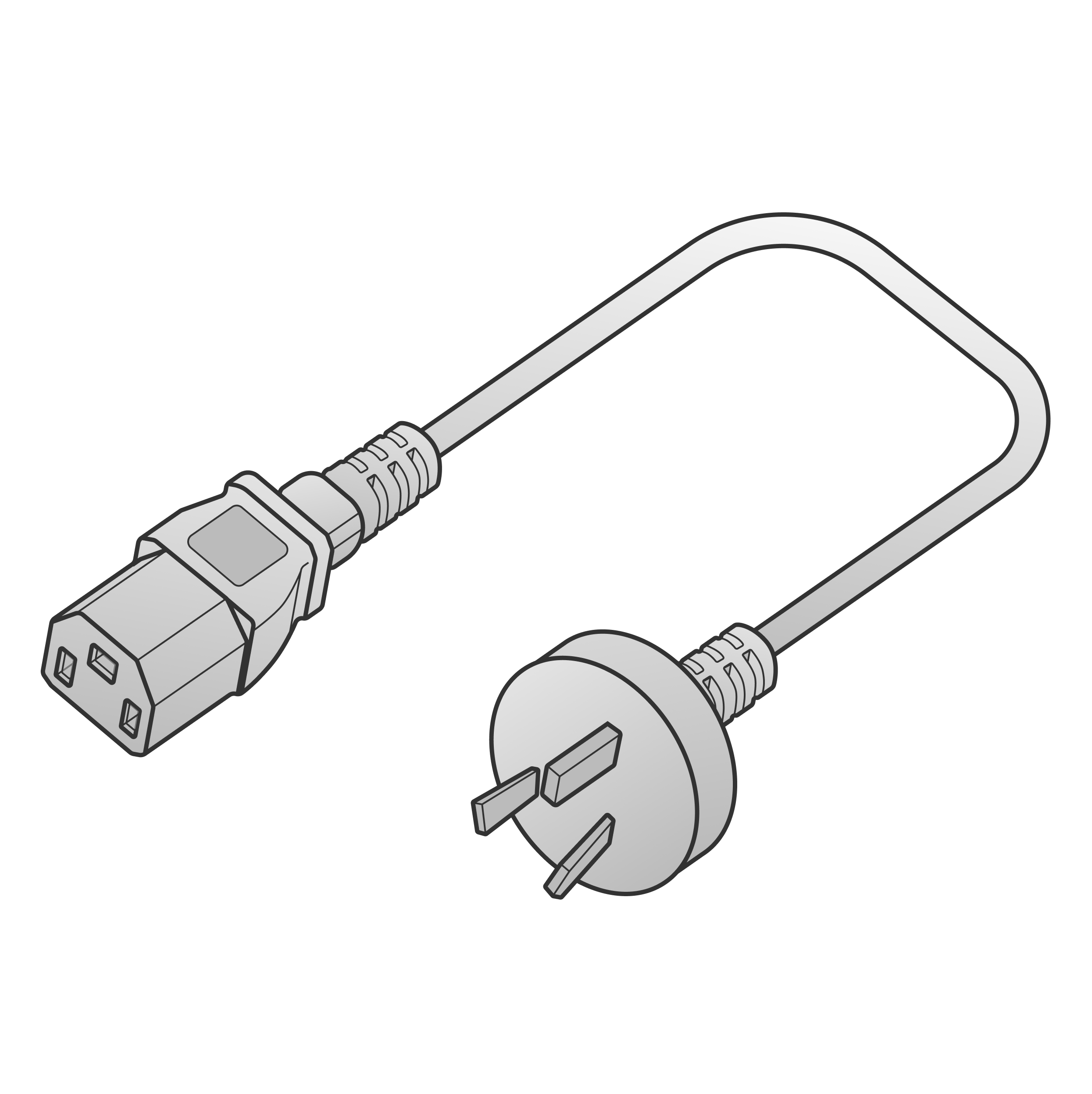  | Power adapter AC cable | 1 | China-standard 3-prong plug |
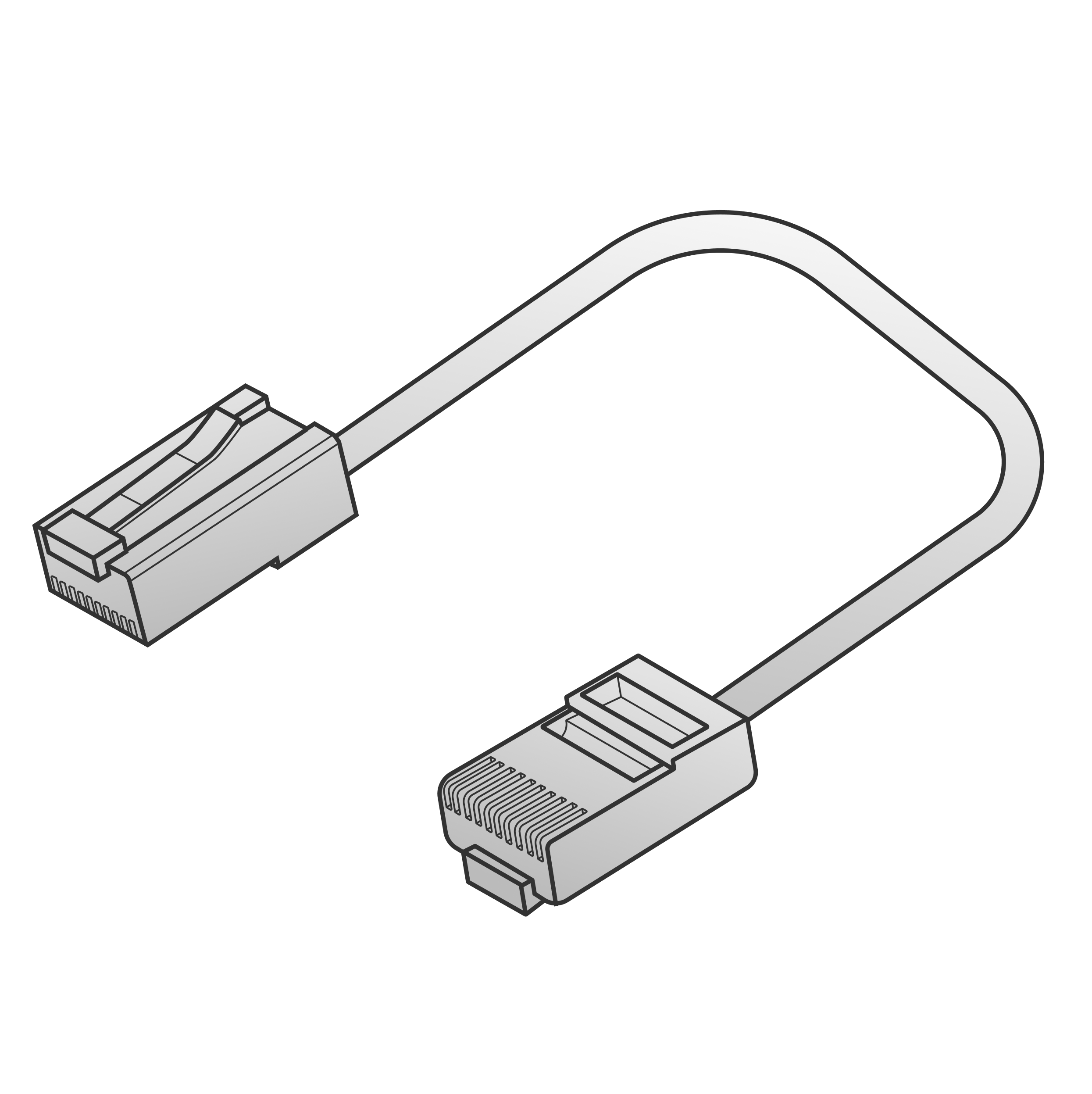  | RJ45 cable | 1 | Shielded Cat5e, 2 m |
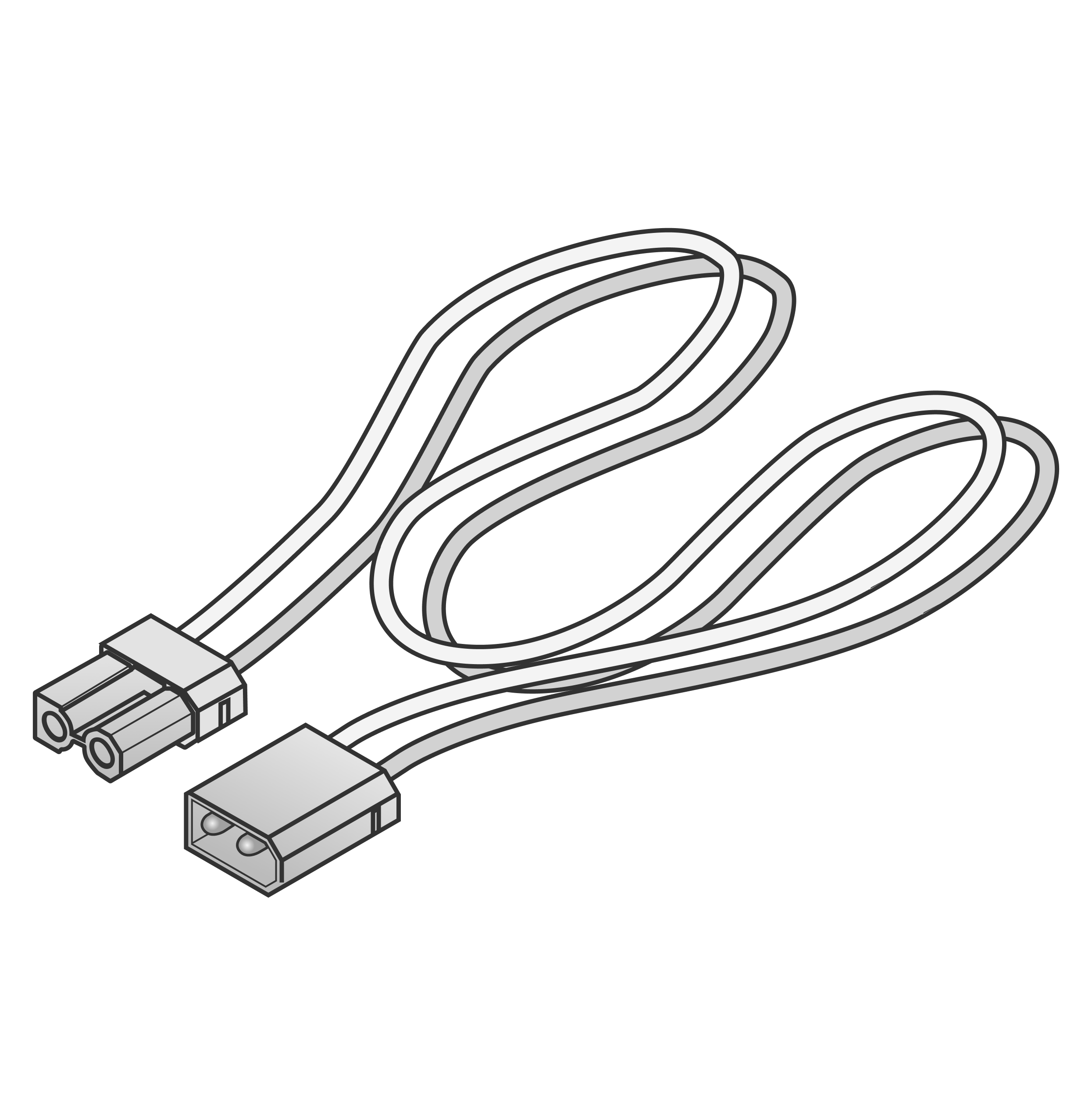 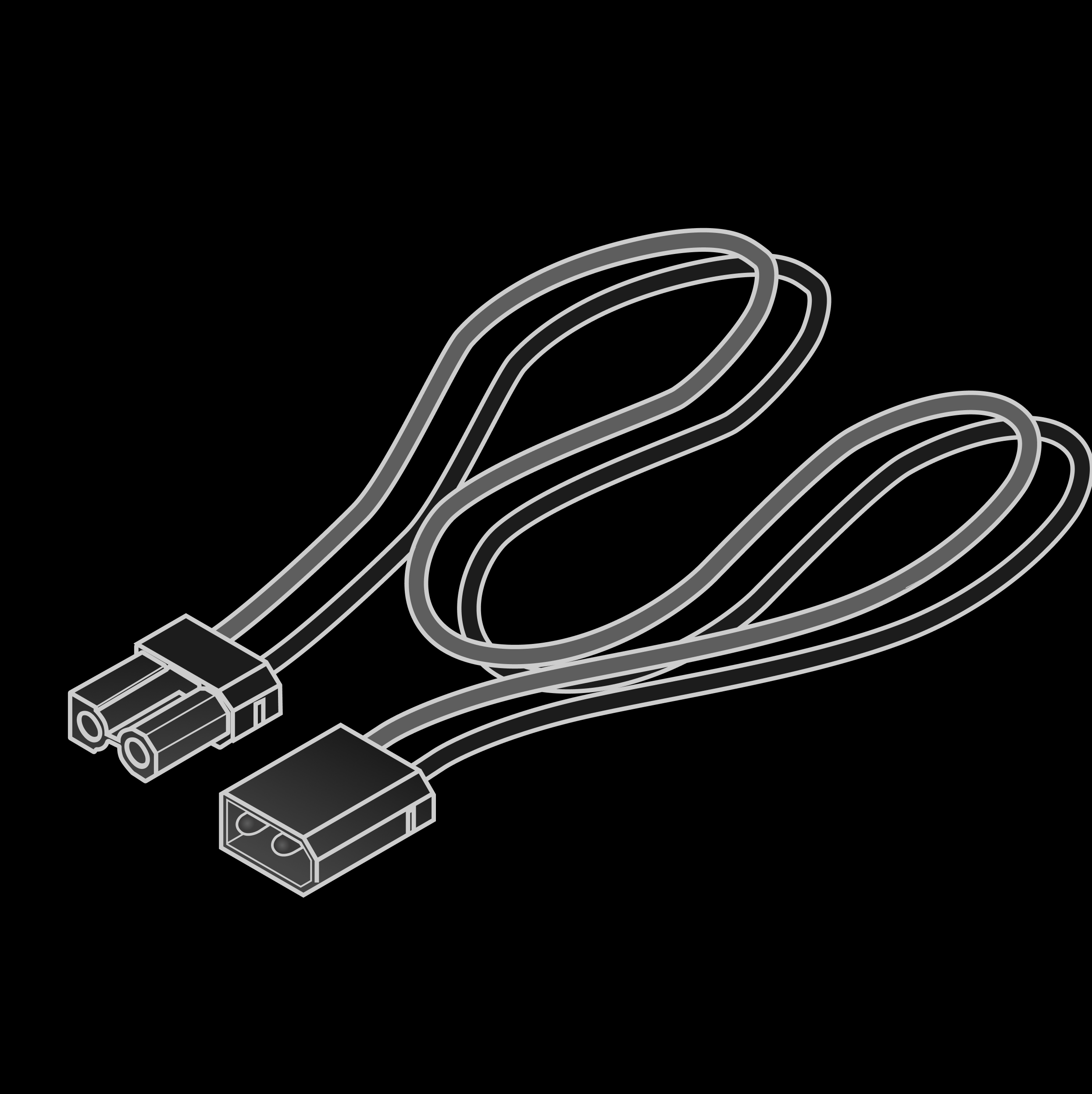 | XT30 male-to-female extension cable | 1 | 14 AWG, 2 m |
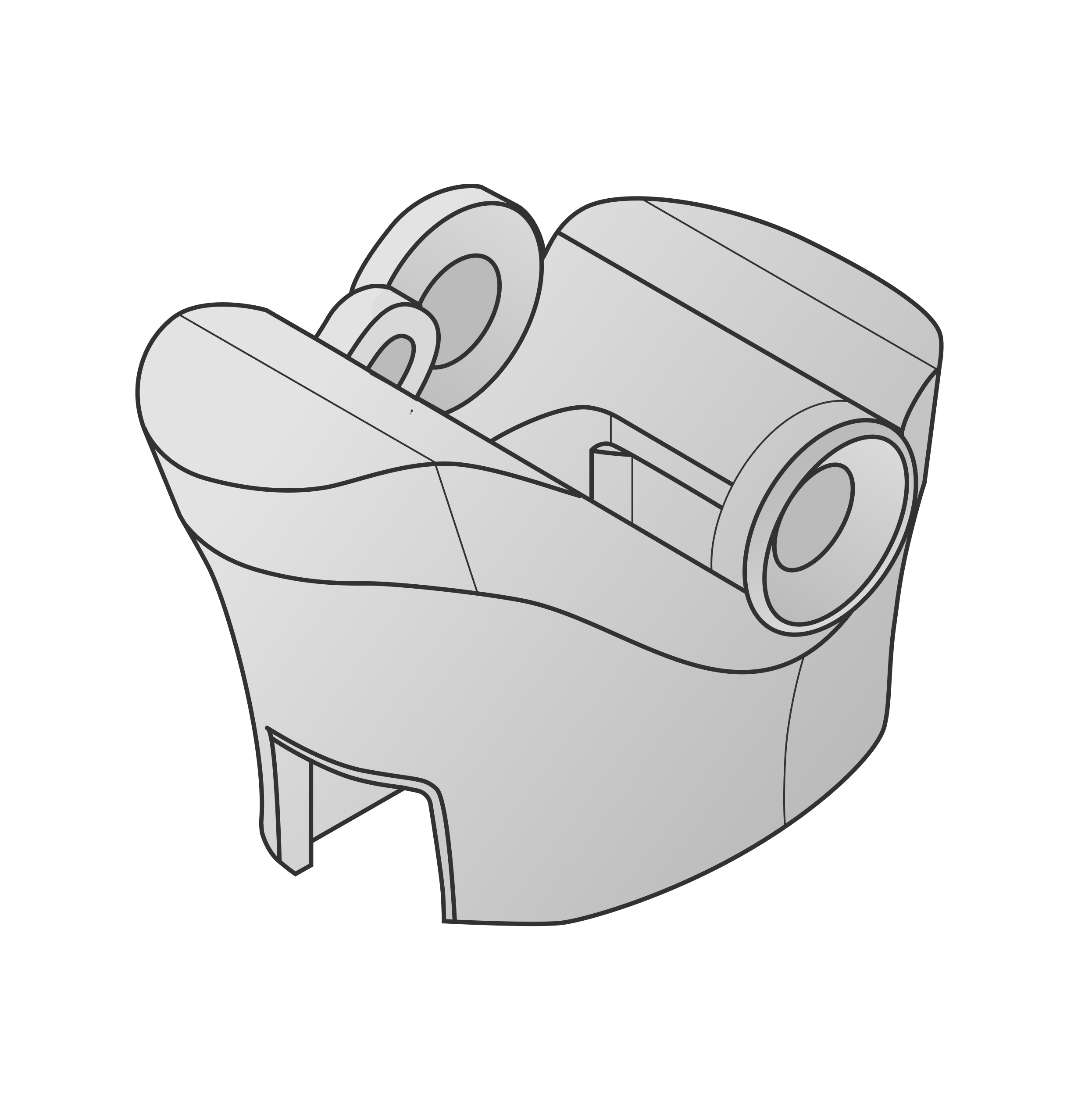 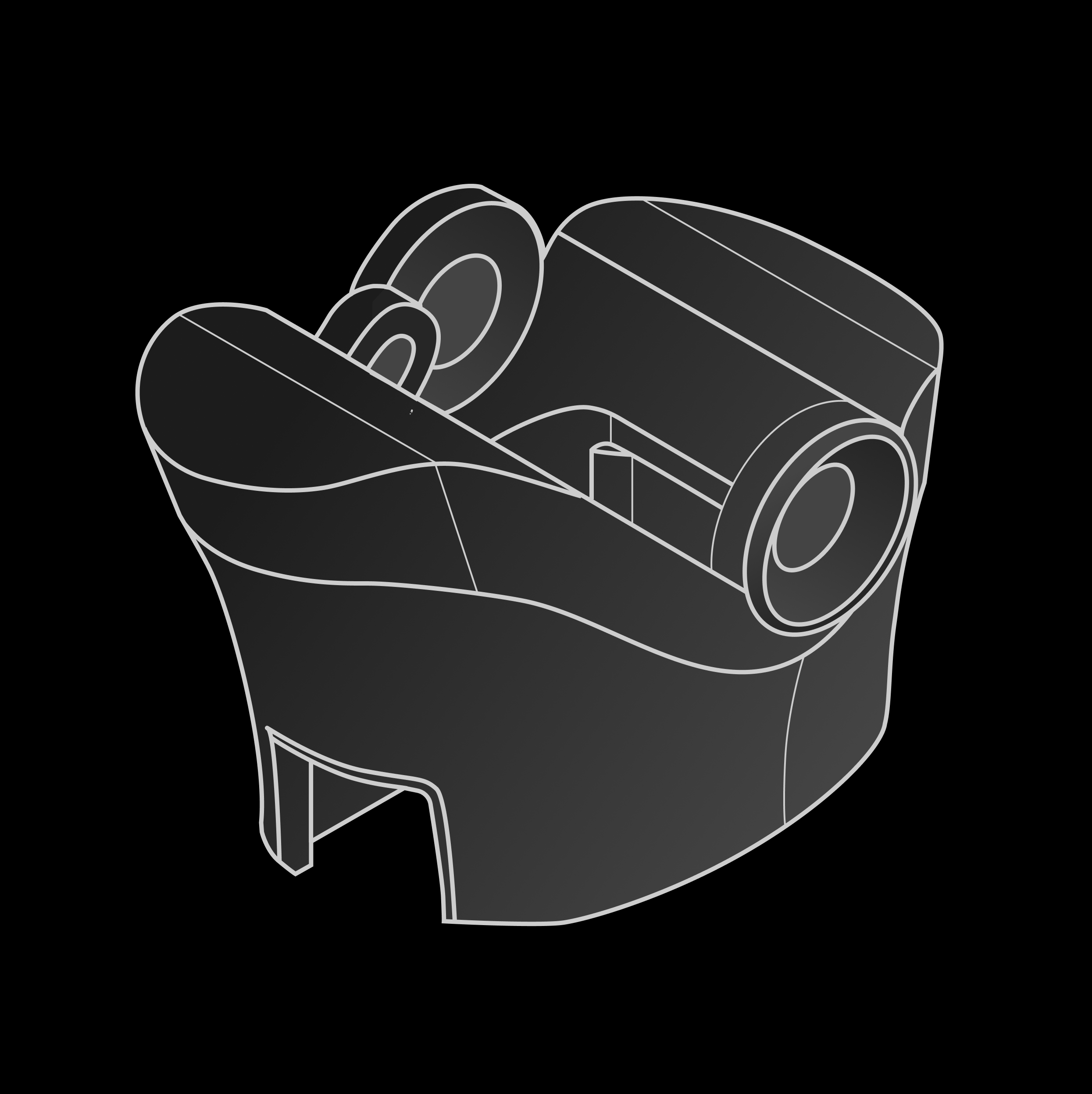 | Adapter mount | 1 | — |
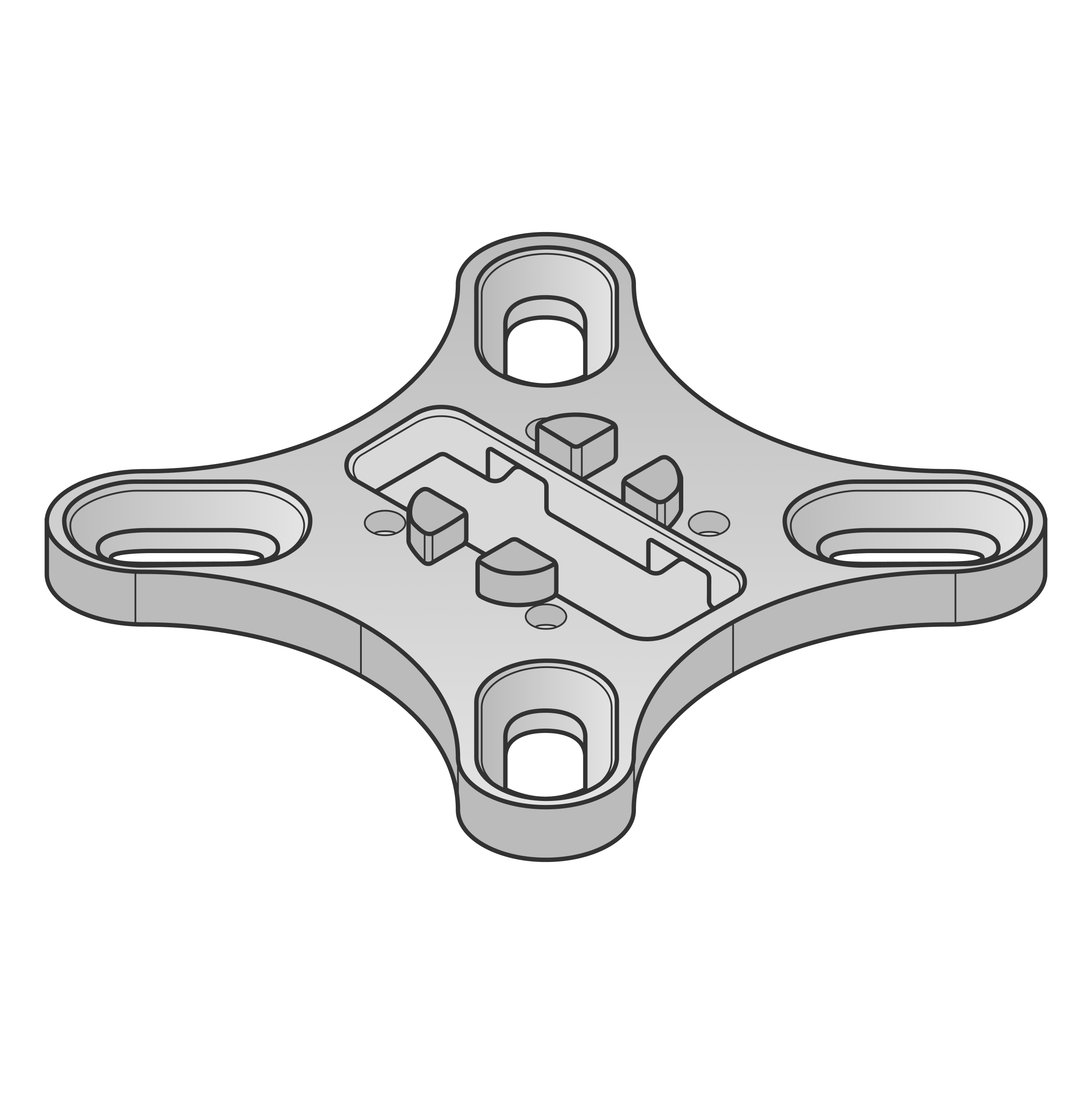  | Adapter flange | 1 | — |