Documentation IndexFetch the complete documentation index at: /llms.txtUse this file to discover all available pages before exploring further.
Fetch the complete documentation index at: /llms.txt
Use this file to discover all available pages before exploring further.
新 · 2026.10.12 · Python SDK、C SDK 与 Wuji CLI 的 Linux 产物支持 Ubuntu 20.04 LTS 及以上。查看详情
# 加载 ROS2 环境,替换 <distro> 为实际安装的 ROS2 发行版
source /opt/ros/<distro>/setup.bash
# 如使用源码编译,请叠加工作空间(Deb 包安装可跳过)
# 将 <workspace> 替换为实际工作空间路径,如 ~/wujihandros2
source <workspace>/install/setup.bash

# 启动驱动
ros2 launch wujihand_bringup wujihand.launch.py
[wujihand_driver]: Connected to WujiHand (right)
[wujihand_driver]: WujiHand driver started (state: 1000.0 Hz, diagnostics: 10.0 Hz)
# 加载 ROS2 环境,替换 <distro> 为实际安装的 ROS2 发行版
source /opt/ros/<distro>/setup.bash
# 如使用源码编译,请叠加工作空间(Deb 包安装可跳过)
# 将 <workspace> 替换为实际工作空间路径,如 ~/wujihandros2
source <workspace>/install/setup.bash

ros2 topic echo /hand_0/joint_states --once
# 波浪演示:手指依次弯曲伸展
ros2 run wujihand_bringup wave_demo.py
--ros-args -p hand_name:=<hand-name>
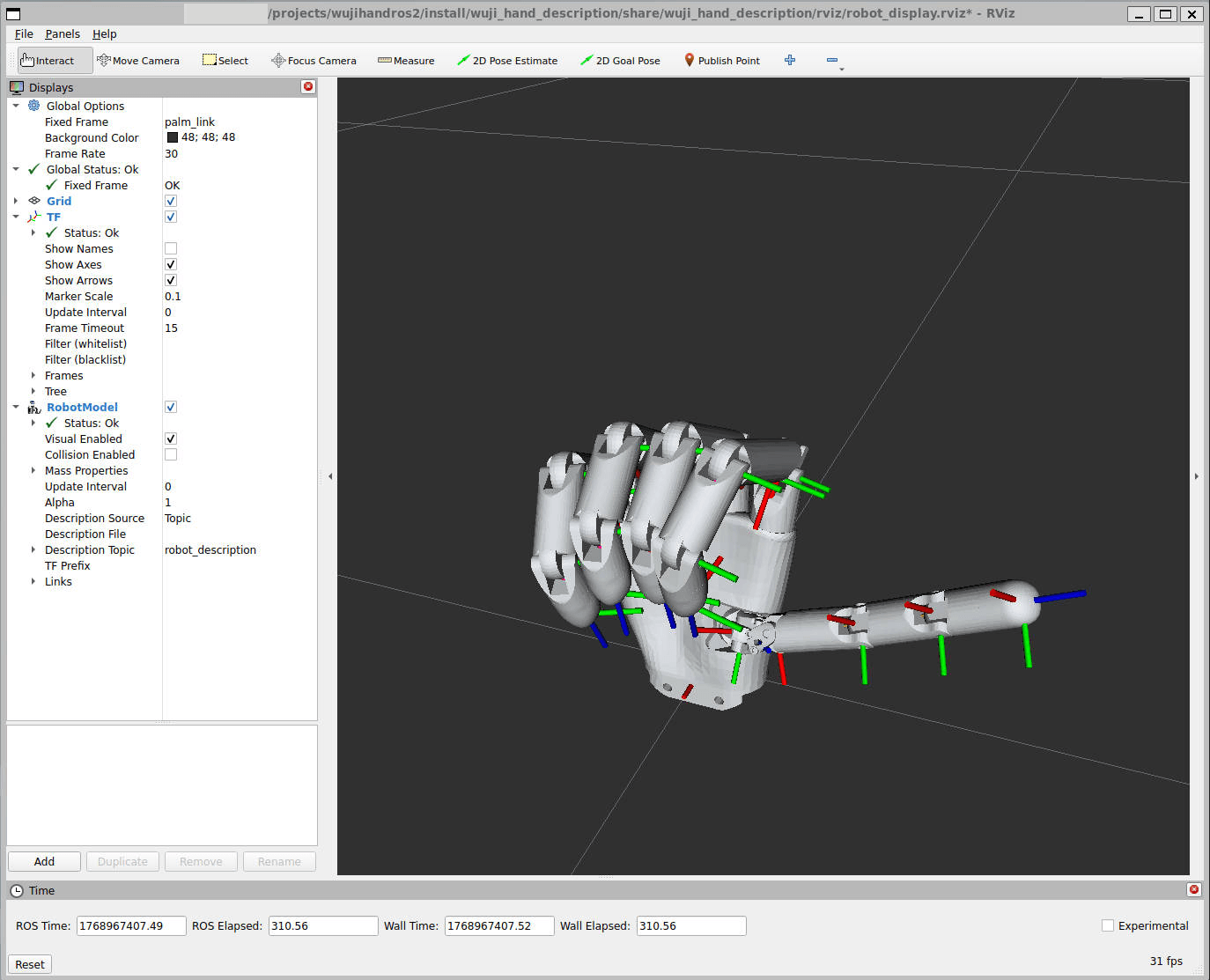
ros2 launch wujihand_bringup wujihand.launch.py rviz:=true