

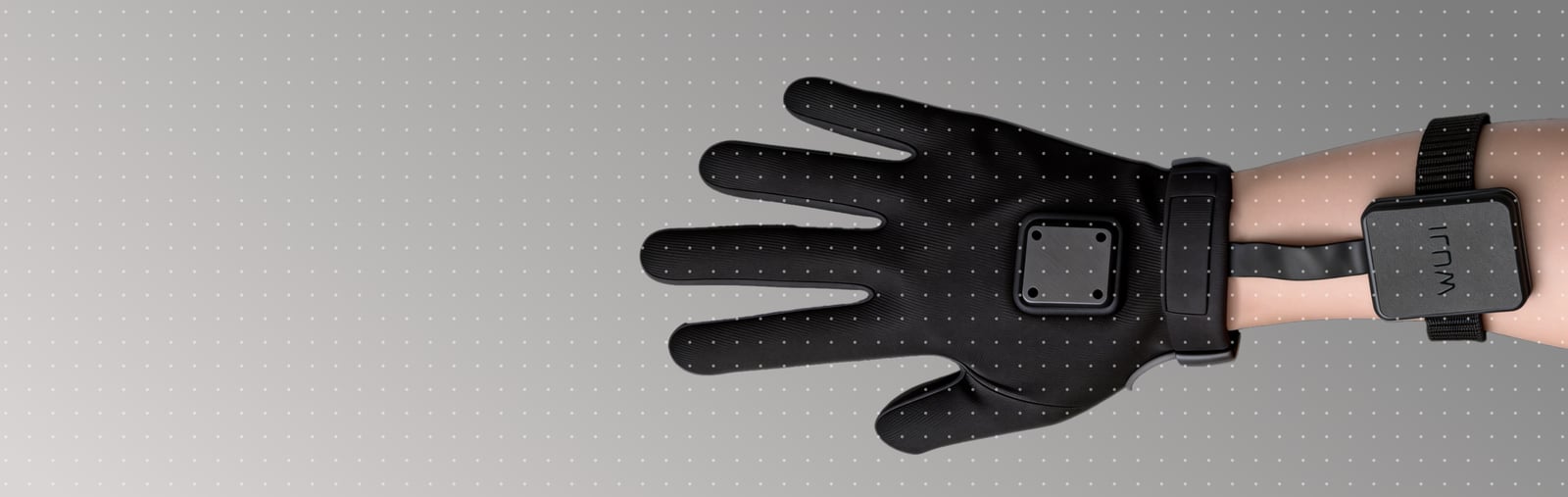
Hardware · Product DocumentationWuji Glove
Recommended reading path
Follow the stages from product setup and connection through calibration, system integration, data processing, and troubleshooting.1
Know the Product
Review the glove structure, output data, indicators, and software.
- Product Introduction — Overview, specifications, structure, package contents, and software
2
Connect and See Data
Connect the acquisition board, network, and glove, then read the first frame.
- Quick Start — Simulation, real-device run, and cross-product teleoperation
3
Calibrate the Data
Calibrate the hand model and tactile contact data, then check the results.
- Calibration and Configuration — Hand-model and tactile calibration, device operations, user data, and version requirements
- Wuji CLI Hand-Model Calibration — Run hand-model calibration from the command line
- Wuji CLI Tactile Calibration — Build and verify tactile contact calibration
4
Integration and Development
Mount the acquisition board and Tracker, then configure power and networking. Use the ROS 2 and model guides as needed.
- Mechanical Integration — Acquisition board, Tracker mount, and adapters
- Electrical and Network Integration — Power cabling, static IPs, and multiple-device connections
- ROS 2 Integration — Receive joint angles, poses, palm IMU, and tactile data through ROS 2
- Model Assets and Loading — Skeleton assets and URDF loading
5
Use the Data
Refer to the data structures, coordinate frames, device operations, and time synchronization rules.
- SDK Data Reference — Data streams, structures, device operations, and calibration
- Coordinate Frames — Right-handed axes and the Frame tree
- Wuji SDK Data Subscription — Subscribe, merge, and rate-limit streams
- Time Synchronization and Timestamps — Timestamp semantics and synchronization
6
Record and Process Offline
Record synchronized data, then recompute hand and IMU products from raw data when needed.
- Data Recording — MCAP recording, quality monitoring, and summaries
- Offline Solving — Recompute hand products and IMU fusion
- SDK Practice — Runnable subscription, recording, calibration, and visualization examples
7
Operate and Troubleshoot
Use maintenance for recovery and routine checks, then troubleshoot by symptom.
- Maintenance — Connection recovery, restart, serviceable boundaries, checks, and storage
- Troubleshooting — Network, tactile, EMF, and IMU diagnosis
- Appendix — EMF, calibration, and tactile-data terminology
All pages in this version
Changelog
Firmware, SDK, and CLI version updates
Product Introduction
Overview, specifications, structure, package contents, and software
User Notice
Wearing, environment, cable protection, and capability boundaries
Quick Start
Simulation, real-device run, first frame, and teleoperation
Calibration and Configuration
Hand-model, tactile, device, and post-calibration checks
Mechanical Integration
Acquisition board, Tracker mount, and adapters
Electrical and Network Integration
Power cabling, static IPs, and multiple-device connections
ROS 2 Integration
Receive joint angles, poses, palm IMU, and tactile data through ROS 2
Model Assets and Loading
Skeleton assets and URDF loading
Coordinate Frames
Coordinate conventions and Frame tree
Offline Pipeline
Recompute hand products and IMU fusion
SDK Data Reference
Data streams, device operations, and calibration
SDK Practice
Subscription, recording, offline, and calibration examples
Maintenance
Connection recovery, checks, and storage
Troubleshooting
Network, tactile, EMF, and IMU diagnosis
Appendix
EMF, calibration, and tactile-data terminology