

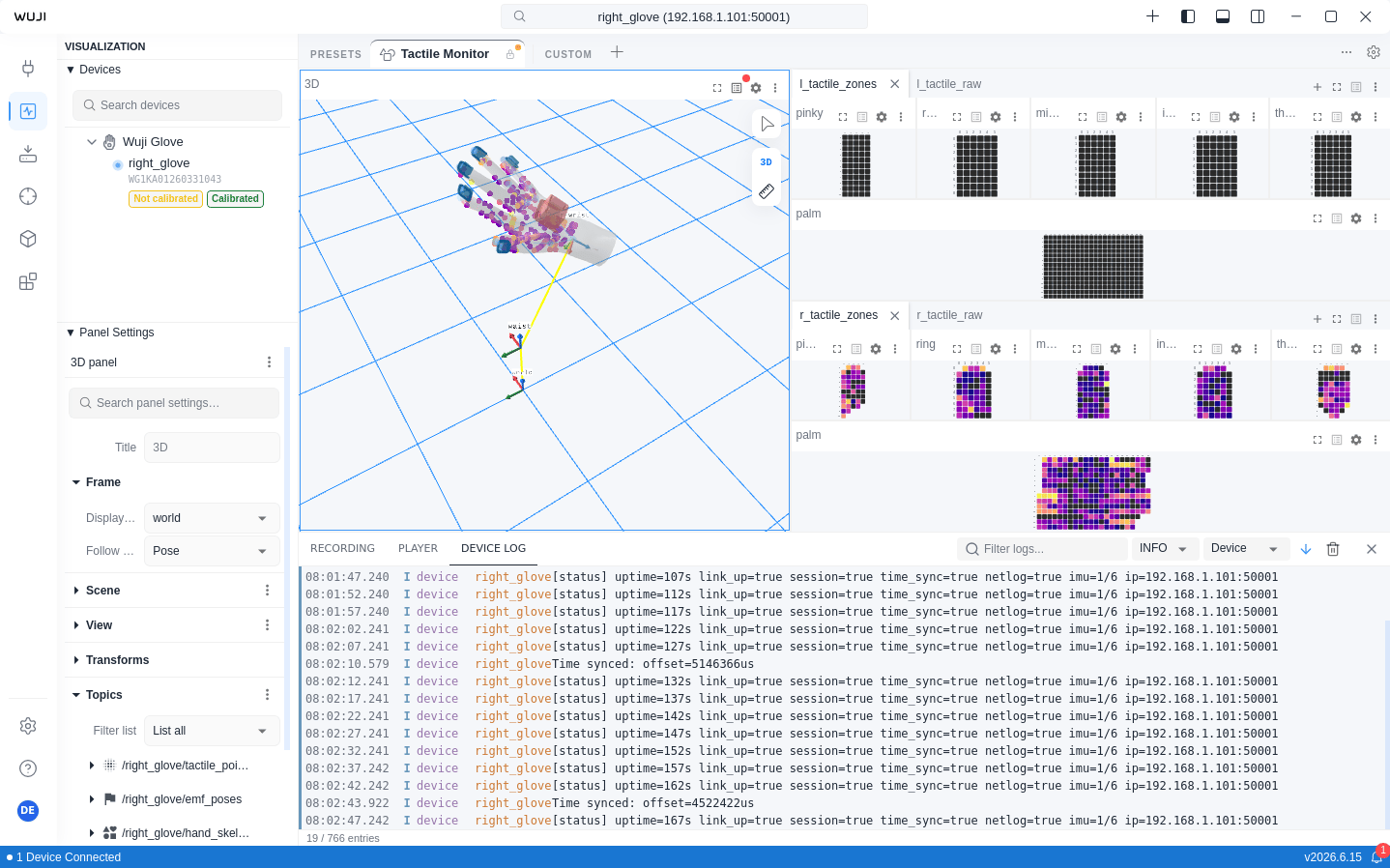
Toolbar
Local Log Files
The log panel does not provide an export button. All logs persist to~/.wuji/logs/ and roll over daily:
When no device logs are being produced, the panel shows a “Waiting for log messages…” status. Ensure the device is connected and running normally.