> ## Documentation Index
> Fetch the complete documentation index at: https://docs.wuji.tech/llms.txt
> Use this file to discover all available pages before exploring further.

# User Notice

<Info>
  Before using Wuji Hand 2, read these safety notices and the 2.2 capability boundaries carefully to ensure safe operation and personal safety.
</Info>

<Warning>
  Improper operation can damage the device or cause injury. Follow the safety rules below strictly.
</Warning>

## Power Safety

**Power requirement**: 11–13 V DC (12 V nominal)

**External harness**: the wrist directly leads out two cables—**XT30 + RJ45 network port**

<Warning>
  2.2 supports an input of 11–13 V DC, with a nominal voltage of 12 V. Don't connect a voltage outside this range. The external interface form and the supply voltage range will change in later versions, so leave room in your integration design.
</Warning>

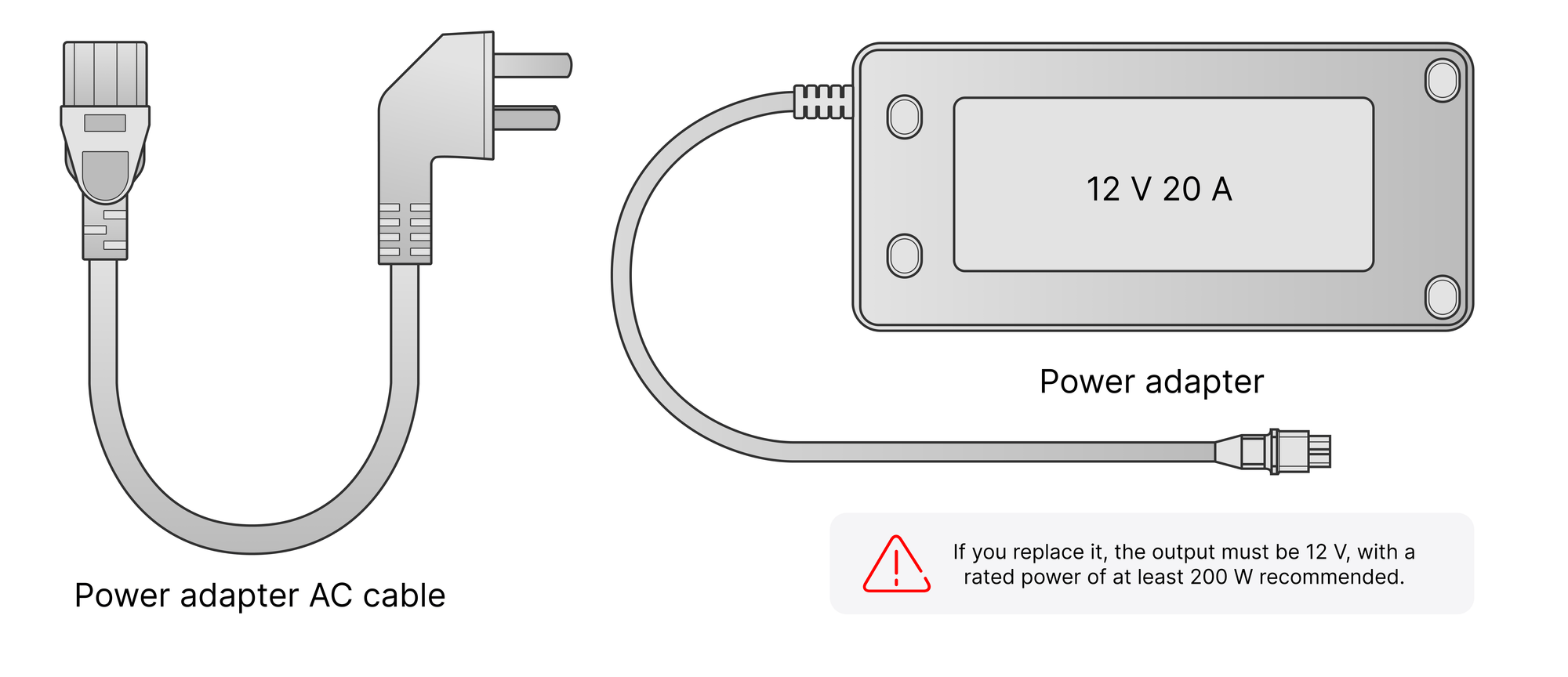
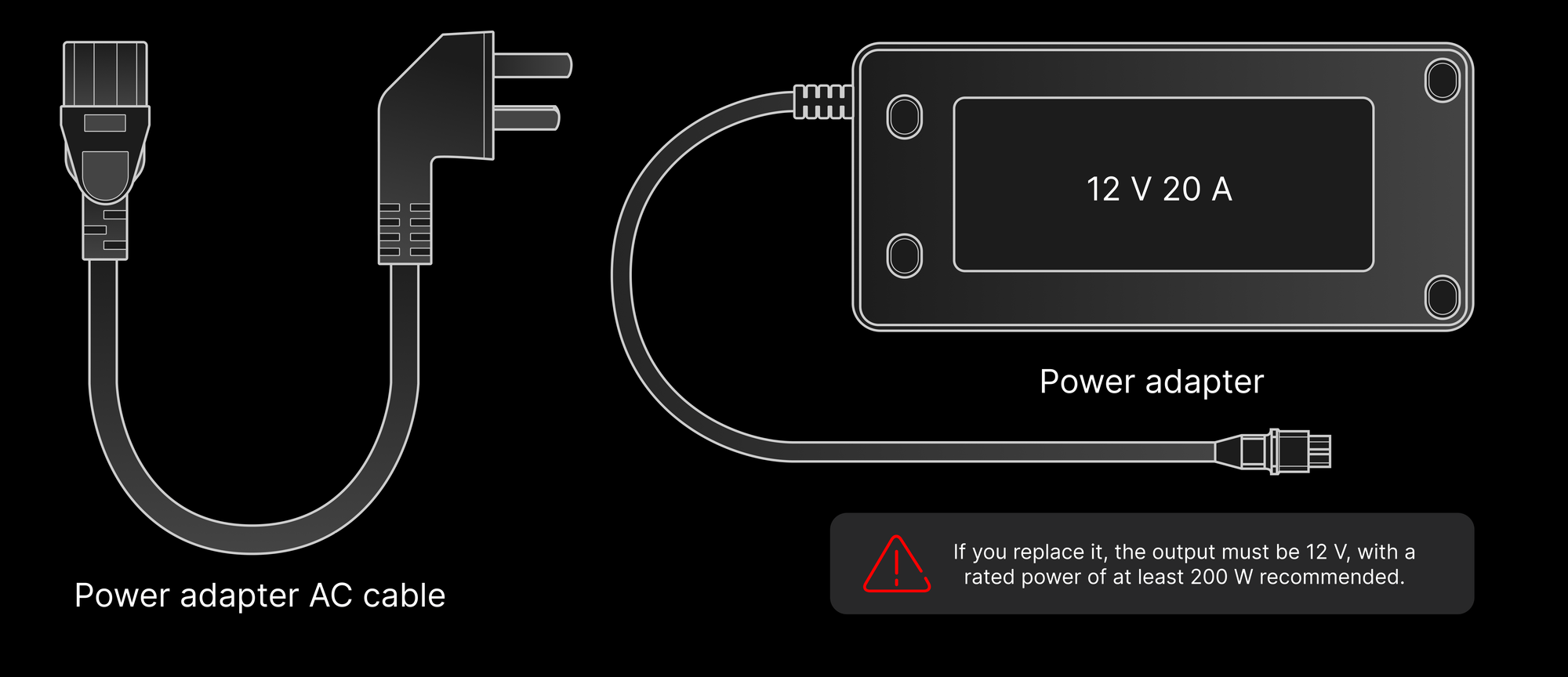
**Power adapter**:

* Use the official power adapter (12 V 20 A).
* If you replace it, use a supply with an output in the 11–13 V DC range. A nominal 12 V supply rated for at least 200 W is recommended.

<div className="dark:hidden">
  <img src="https://mintcdn.com/wuji-0bbde051/KO3tT6qNwl3EeRut/assets/source/images/en/wuji-hand/latest/user-notice/power-adapter.png?fit=max&auto=format&n=KO3tT6qNwl3EeRut&q=85&s=6caf4a1eed7406fd4ea738111ac87f0d" alt="Standard 12 V 20 A power adapter and its AC cable" width="2000" height="864" data-path="assets/source/images/en/wuji-hand/latest/user-notice/power-adapter.png" />
</div>

<div className="hidden dark:block">
  <img src="https://mintcdn.com/wuji-0bbde051/KO3tT6qNwl3EeRut/assets/source/images/en/wuji-hand/latest/user-notice/power-adapter-dark.png?fit=max&auto=format&n=KO3tT6qNwl3EeRut&q=85&s=62fbba2b811a4d37f82b17b031965b9a" alt="Standard 12 V 20 A power adapter and its AC cable" width="2000" height="864" data-path="assets/source/images/en/wuji-hand/latest/user-notice/power-adapter-dark.png" />
</div>

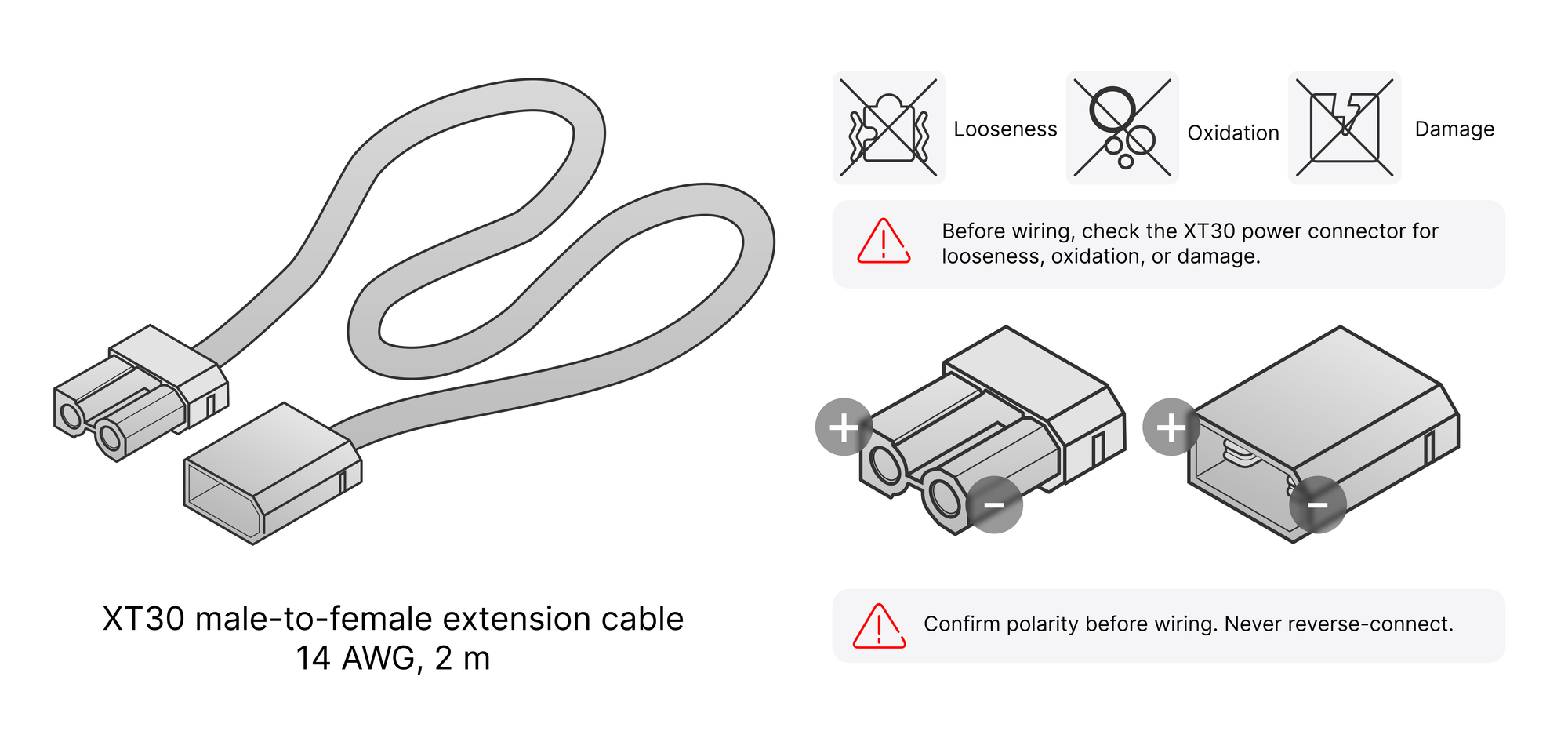
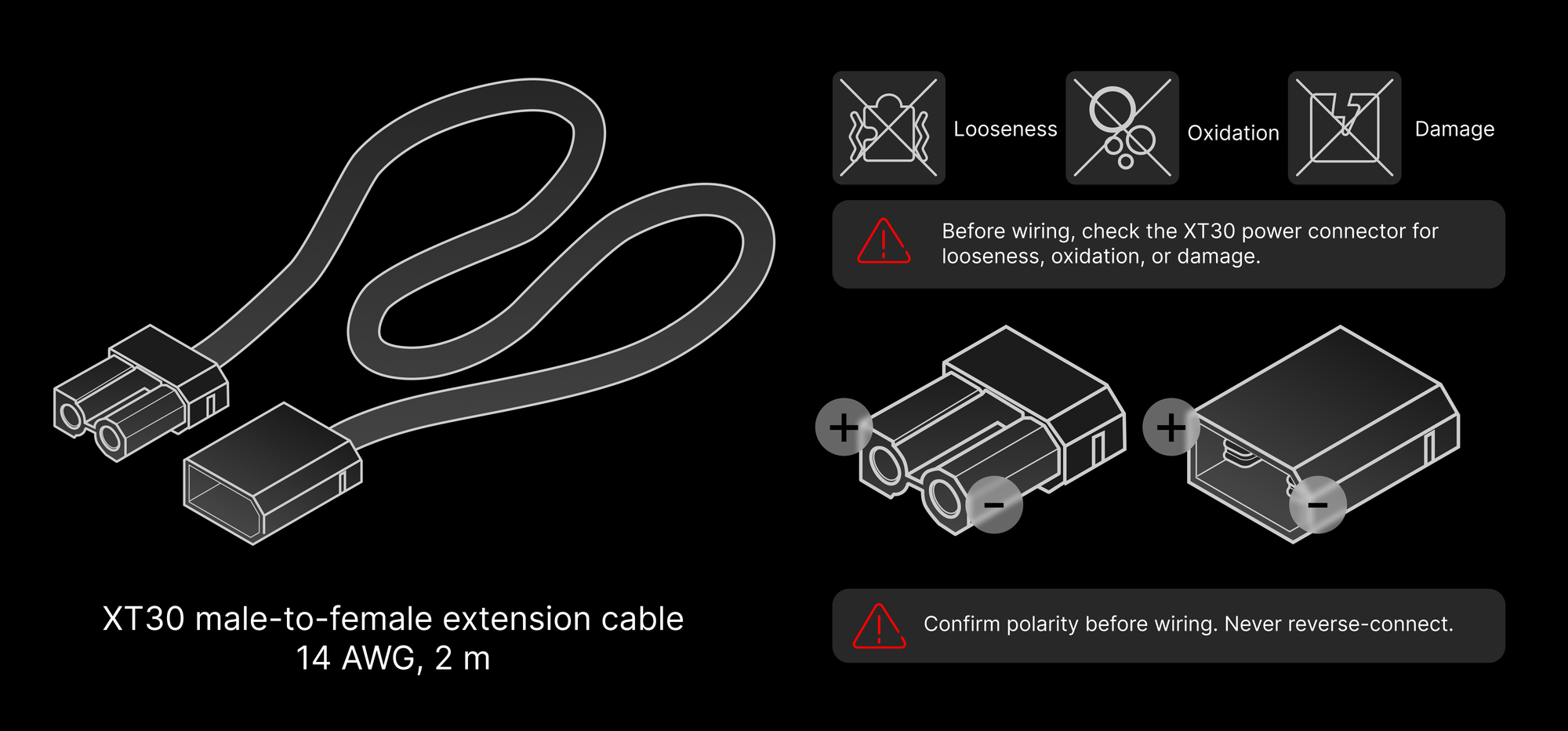
**Wiring rules**:

* Before wiring, check the XT30 power connector for looseness, oxidation, or damage.
* Confirm polarity before wiring. Never reverse-connect.
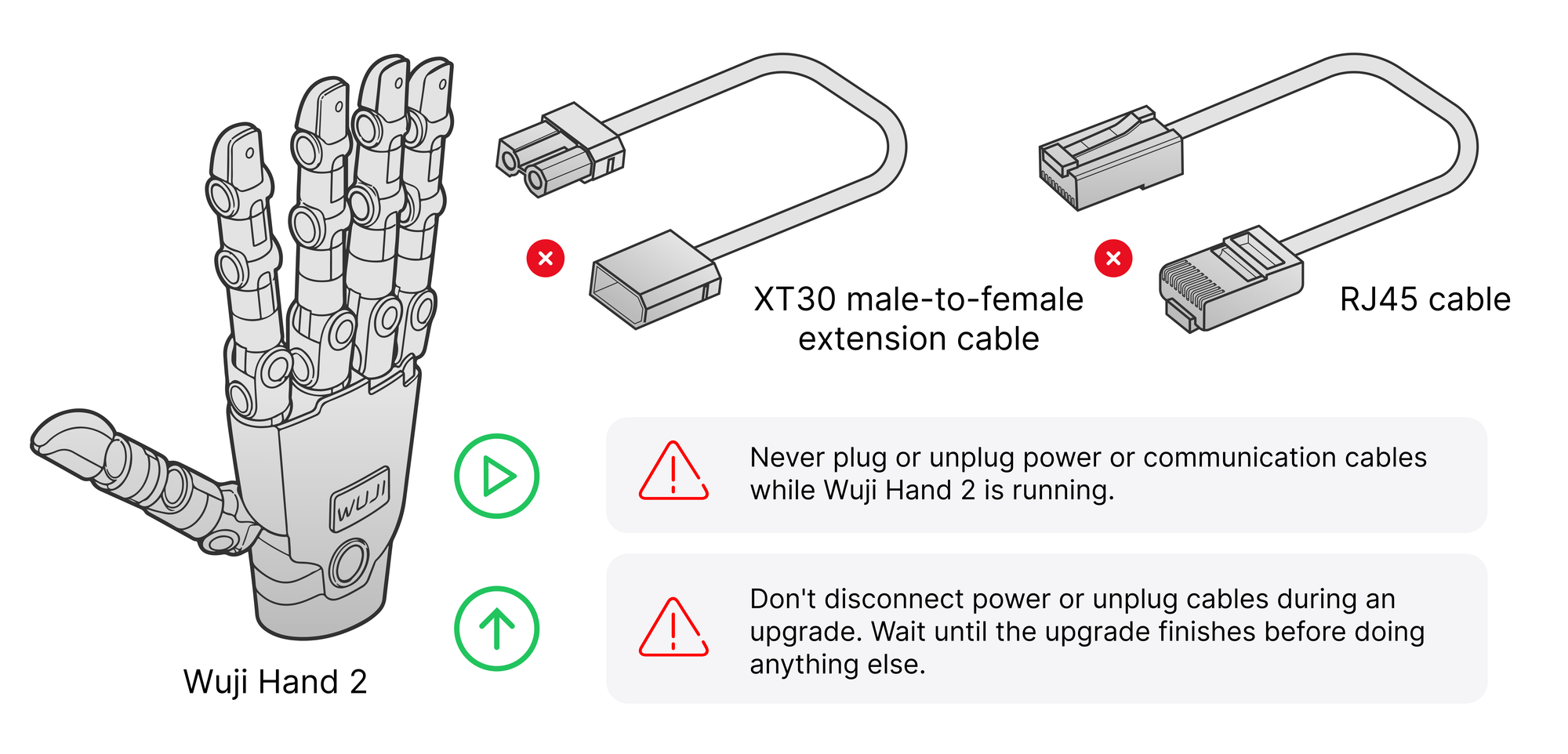
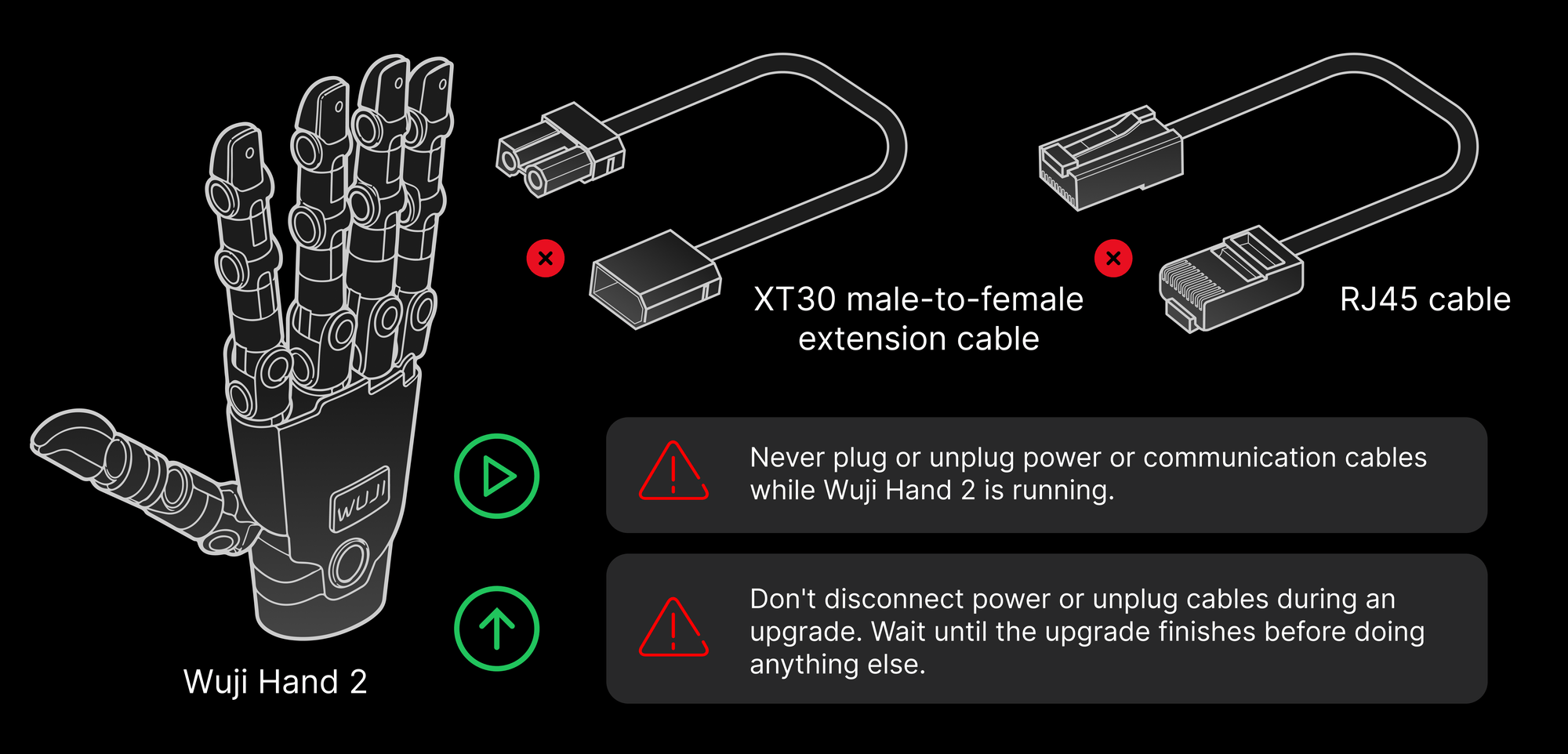
* Never plug or unplug power or communication cables while Wuji Hand 2 is running.

<div className="dark:hidden">
  <img src="https://mintcdn.com/wuji-0bbde051/KO3tT6qNwl3EeRut/assets/source/images/en/wuji-hand/latest/user-notice/power-wiring.png?fit=max&auto=format&n=KO3tT6qNwl3EeRut&q=85&s=dbb989d7e1a16909a1818a4bacfd1bd0" alt="XT30 extension cable with connector checks and polarity markings" width="2000" height="932" data-path="assets/source/images/en/wuji-hand/latest/user-notice/power-wiring.png" />
</div>

<div className="hidden dark:block">
  <img src="https://mintcdn.com/wuji-0bbde051/KO3tT6qNwl3EeRut/assets/source/images/en/wuji-hand/latest/user-notice/power-wiring-dark.png?fit=max&auto=format&n=KO3tT6qNwl3EeRut&q=85&s=b5eddd78896451d2085a9203953b3e9f" alt="XT30 extension cable with connector checks and polarity markings" width="2000" height="932" data-path="assets/source/images/en/wuji-hand/latest/user-notice/power-wiring-dark.png" />
</div>

**Power-down and storage**:

* Power off the device when it isn't in use.
* Before disconnecting power, stop motion and confirm the hand is at rest.

**During firmware upgrade**:

* Don't disconnect power or unplug cables during an upgrade. Wait until the upgrade finishes before doing anything else.

<div className="dark:hidden">
  <img src="https://mintcdn.com/wuji-0bbde051/KO3tT6qNwl3EeRut/assets/source/images/en/wuji-hand/latest/user-notice/hot-plug.png?fit=max&auto=format&n=KO3tT6qNwl3EeRut&q=85&s=fca2c49e22bd20de10f65d20a876266a" alt="XT30 power cable and RJ45 cable stay connected while Wuji Hand 2 runs or upgrades" width="2000" height="962" data-path="assets/source/images/en/wuji-hand/latest/user-notice/hot-plug.png" />
</div>

<div className="hidden dark:block">
  <img src="https://mintcdn.com/wuji-0bbde051/KO3tT6qNwl3EeRut/assets/source/images/en/wuji-hand/latest/user-notice/hot-plug-dark.png?fit=max&auto=format&n=KO3tT6qNwl3EeRut&q=85&s=f182e5c524976bfbf7b9ec385a0dadf1" alt="XT30 power cable and RJ45 cable stay connected while Wuji Hand 2 runs or upgrades" width="2000" height="962" data-path="assets/source/images/en/wuji-hand/latest/user-notice/hot-plug-dark.png" />
</div>

## Mechanical Operation Safety

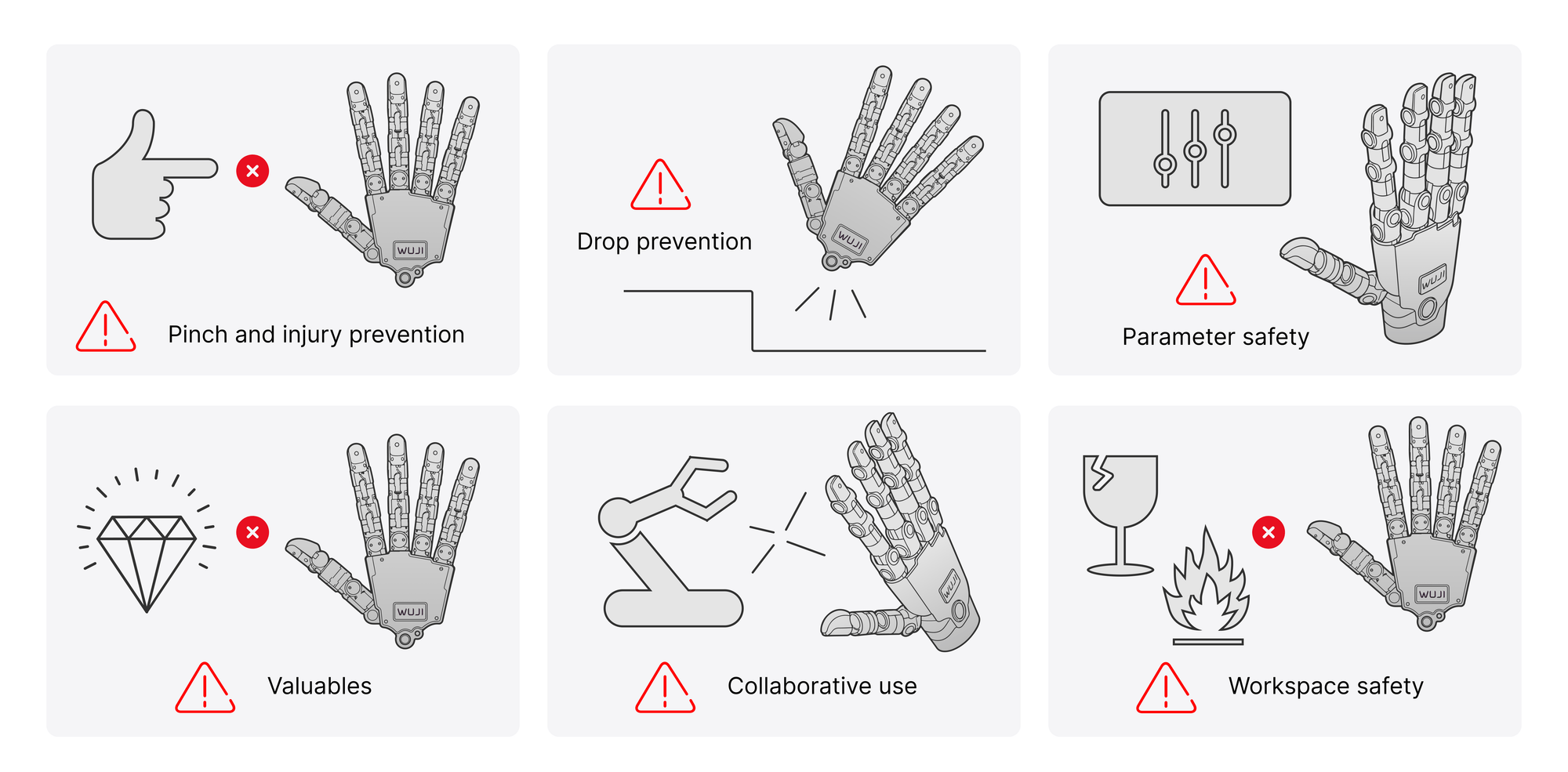
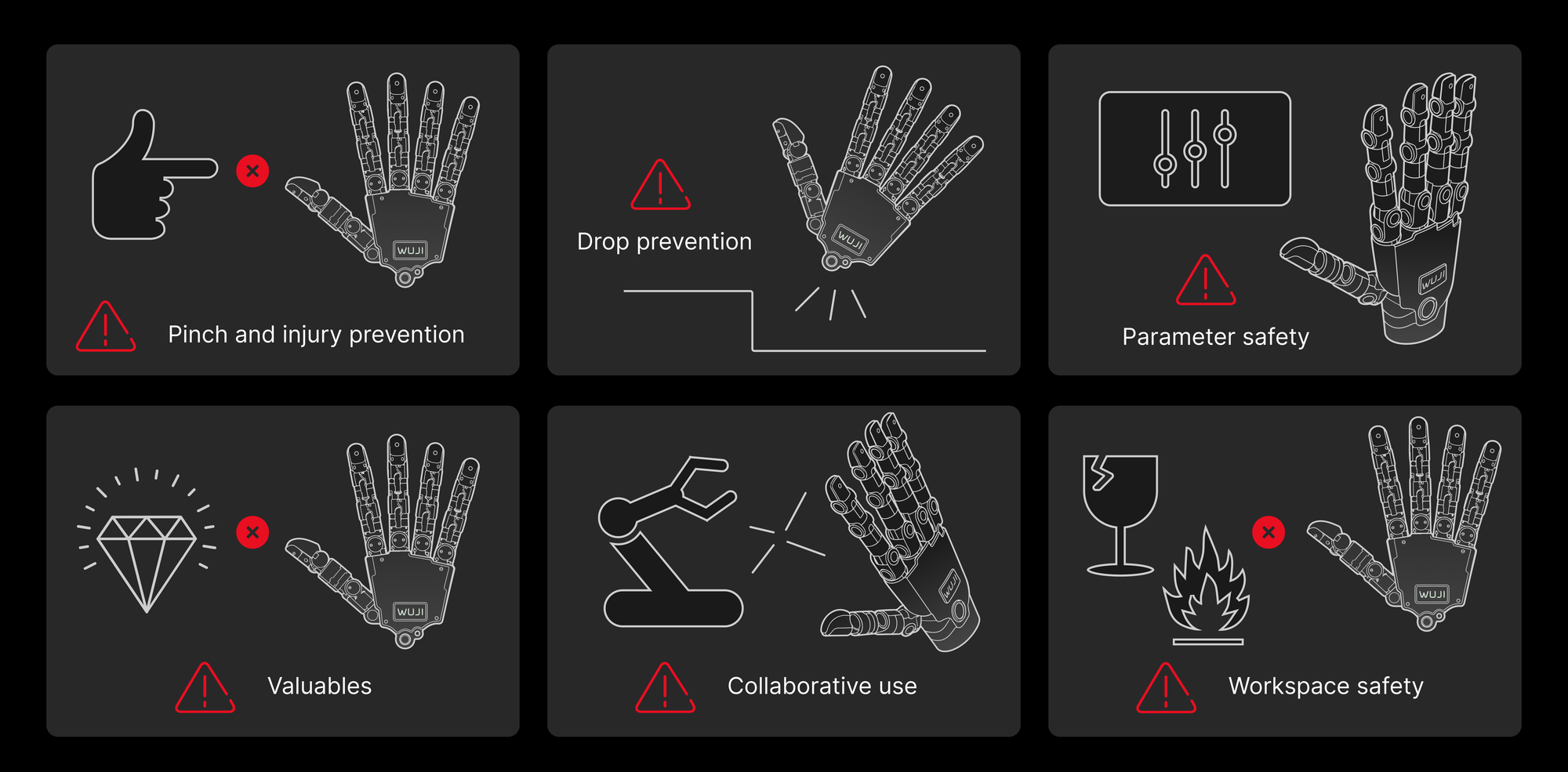
* **Pinch and injury prevention**: Never reach toward or bring your body near Wuji Hand 2 while it moves. Take care to avoid pinch injuries.
* **Drop prevention**: Prevent drops during handling, placement, or operation. A drop can damage structural parts, joints, and internal components.
* **Parameter safety**: Before changing default motion parameters, make sure it's safe, to avoid accidental injury.
* **Valuables**: Don't grasp fragile or high-value objects, to avoid losses.
* **Collaborative use**: Prevent collisions when working with robot arms or other equipment.
* **Workspace safety**: Keep the workspace clear of fragile, flammable, or other hazardous items.

<div className="dark:hidden">
  <img src="https://mintcdn.com/wuji-0bbde051/KO3tT6qNwl3EeRut/assets/source/images/en/wuji-hand/latest/user-notice/mechanical-safety.png?fit=max&auto=format&n=KO3tT6qNwl3EeRut&q=85&s=f42c79f8b6a34b62bc7cd56f3dce2987" alt="Six mechanical safety reminders: pinch prevention, drop prevention, parameter safety, valuables, collaborative use, and workspace safety" width="2000" height="985" data-path="assets/source/images/en/wuji-hand/latest/user-notice/mechanical-safety.png" />
</div>

<div className="hidden dark:block">
  <img src="https://mintcdn.com/wuji-0bbde051/KO3tT6qNwl3EeRut/assets/source/images/en/wuji-hand/latest/user-notice/mechanical-safety-dark.png?fit=max&auto=format&n=KO3tT6qNwl3EeRut&q=85&s=33d93e64f7359af4aa20549bb944d4e7" alt="Six mechanical safety reminders: pinch prevention, drop prevention, parameter safety, valuables, collaborative use, and workspace safety" width="2000" height="985" data-path="assets/source/images/en/wuji-hand/latest/user-notice/mechanical-safety-dark.png" />
</div>

## Environmental Requirements

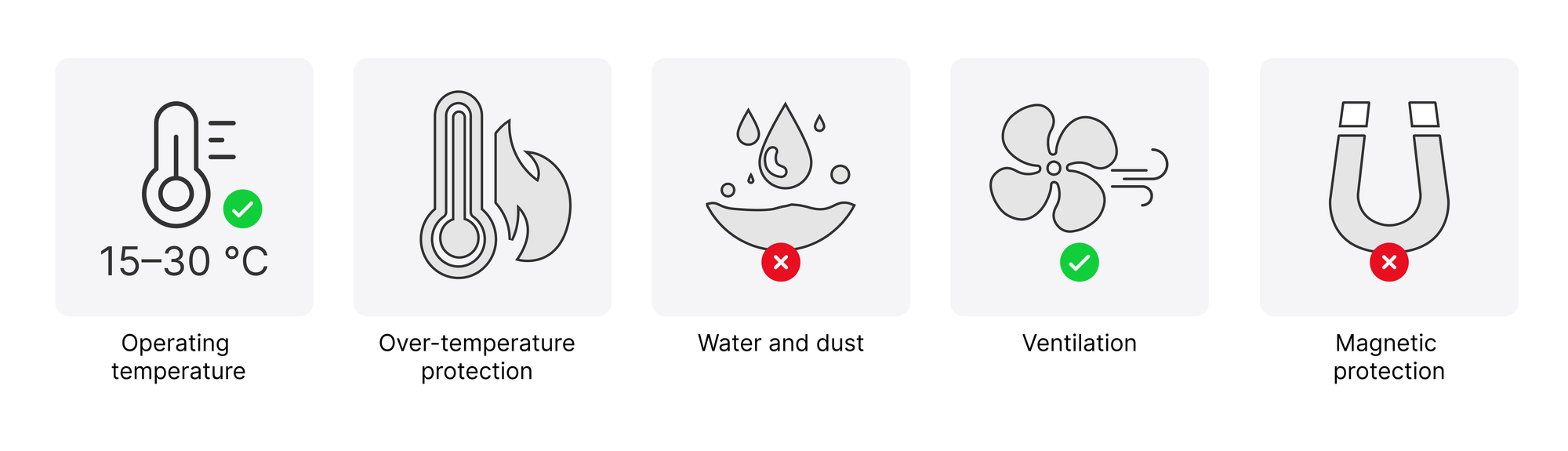
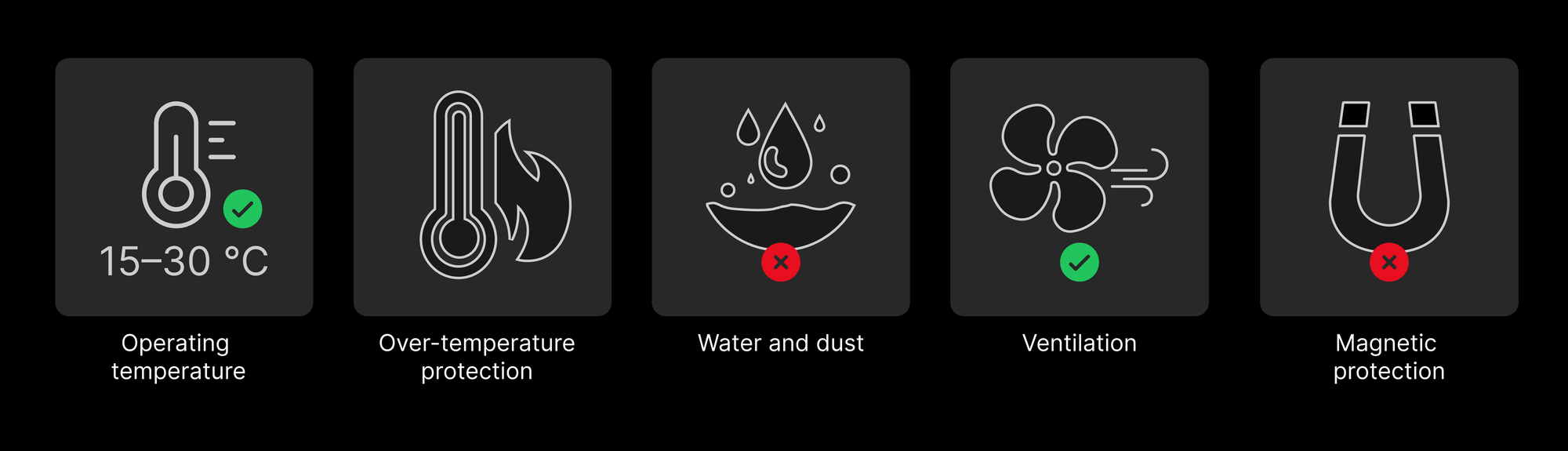
* **Operating temperature**: Use at room temperature (15–30 ℃).
* **Over-temperature protection**: Wuji Hand 2 has thermal protection.
* **Water and dust**: Use the hand only in a dry, clean environment. Keep out liquids, oil mist, and dust.
* **Ventilation**: Leave enough space around Wuji Hand 2 for heat dissipation.
* **Magnetic protection**: Keep the joint areas away from metal or magnetic objects to avoid encoder interference or magnet damage.

<div className="dark:hidden">
  <img src="https://mintcdn.com/wuji-0bbde051/KO3tT6qNwl3EeRut/assets/source/images/en/wuji-hand/latest/user-notice/environment.png?fit=max&auto=format&n=KO3tT6qNwl3EeRut&q=85&s=abf913821928850e6fd24999e57cd1a4" alt="Five environment conditions: operating temperature 15–30 ℃, over-temperature protection, water and dust, ventilation, and magnetic protection" width="2000" height="575" data-path="assets/source/images/en/wuji-hand/latest/user-notice/environment.png" />
</div>

<div className="hidden dark:block">
  <img src="https://mintcdn.com/wuji-0bbde051/KO3tT6qNwl3EeRut/assets/source/images/en/wuji-hand/latest/user-notice/environment-dark.png?fit=max&auto=format&n=KO3tT6qNwl3EeRut&q=85&s=962feba0626452a47226bb6e93e9f8fb" alt="Five environment conditions: operating temperature 15–30 ℃, over-temperature protection, water and dust, ventilation, and magnetic protection" width="2000" height="575" data-path="assets/source/images/en/wuji-hand/latest/user-notice/environment-dark.png" />
</div>

<Warning>
  The housing heats up at high temperatures. Don't touch it, to avoid burns.
</Warning>

## Cable and Flex-Cable Protection

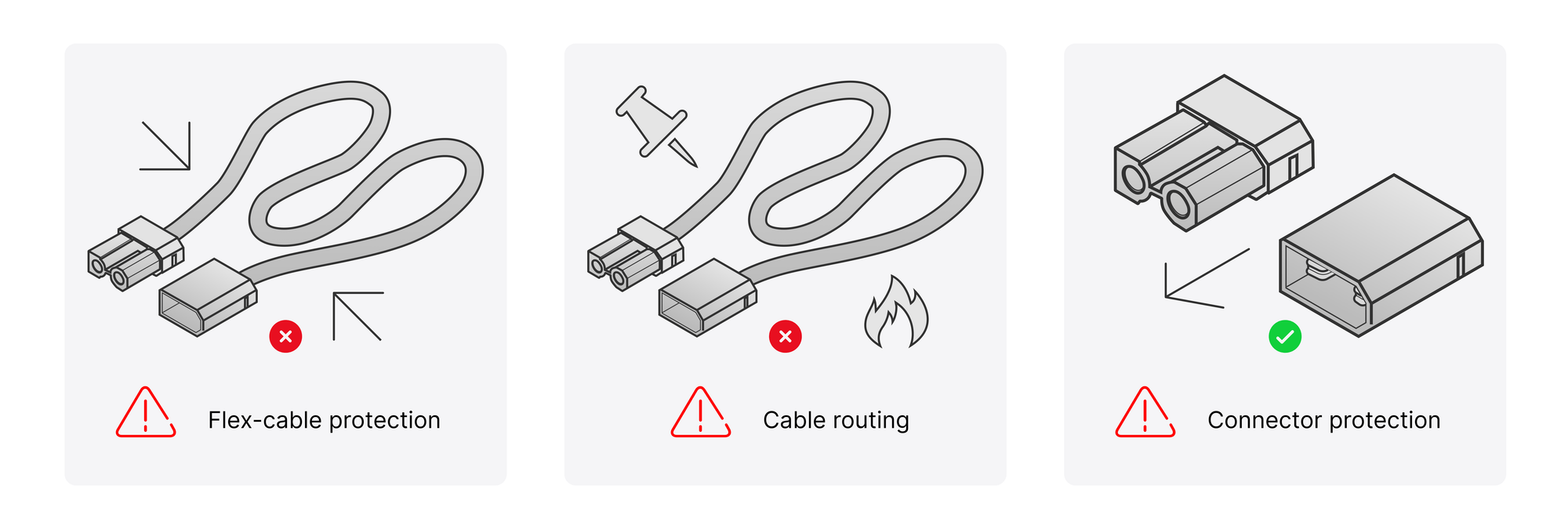
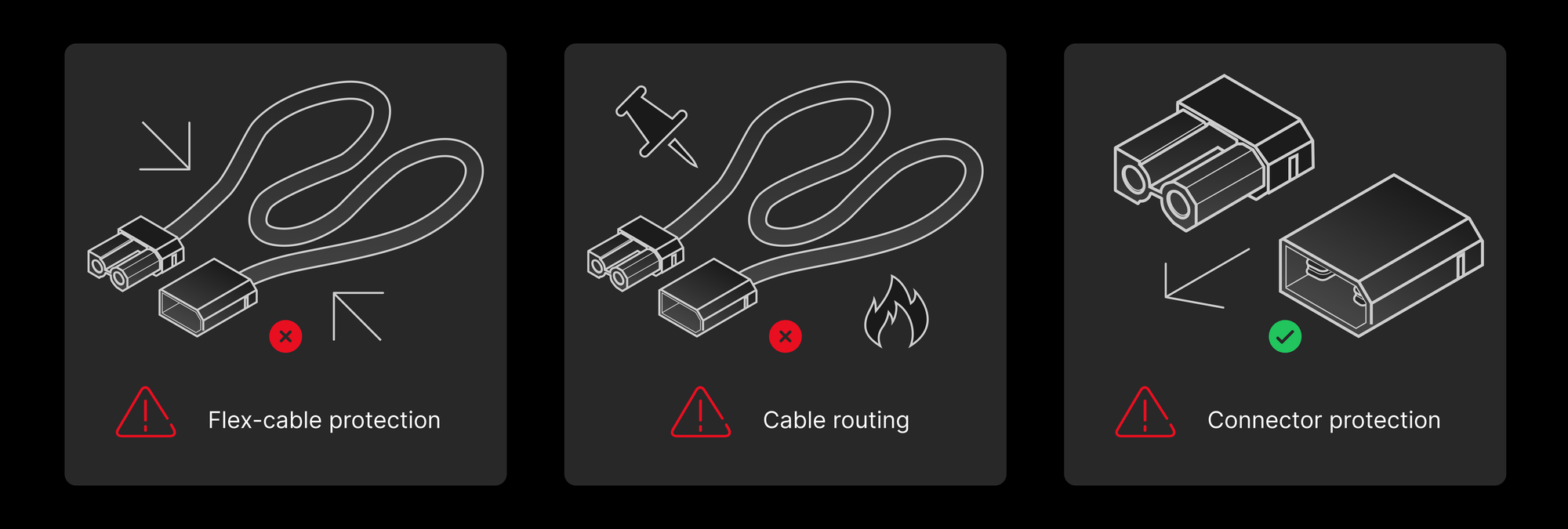
* **Flex-cable protection**: The flex cables on the finger surface are fragile. Keep the soft pad and skin fitted at all times to avoid scratching, squeezing, or impact.
* **Cable routing**: Avoid pulling and sharp bends. Leave slack and keep cables away from sharp edges, heat sources, and moving parts.
* **Connector protection**: Pull data cables along their axis. Don't lift or pull them sideways, to avoid connector damage.

<div className="dark:hidden">
  <img src="https://mintcdn.com/wuji-0bbde051/KO3tT6qNwl3EeRut/assets/source/images/en/wuji-hand/latest/user-notice/cable-protection.png?fit=max&auto=format&n=KO3tT6qNwl3EeRut&q=85&s=ca7dceebbe0aee0663160cbf04e59f88" alt="Three cable care points: flex-cable protection, cable routing, and connector protection" width="2000" height="675" data-path="assets/source/images/en/wuji-hand/latest/user-notice/cable-protection.png" />
</div>

<div className="hidden dark:block">
  <img src="https://mintcdn.com/wuji-0bbde051/KO3tT6qNwl3EeRut/assets/source/images/en/wuji-hand/latest/user-notice/cable-protection-dark.png?fit=max&auto=format&n=KO3tT6qNwl3EeRut&q=85&s=853e4fe6eec0c74c027a76fe55634965" alt="Three cable care points: flex-cable protection, cable routing, and connector protection" width="2000" height="675" data-path="assets/source/images/en/wuji-hand/latest/user-notice/cable-protection-dark.png" />
</div>

## Capability Boundaries and Items Not Yet Provided

<Warning>
  This part lists the capability boundaries and the items not yet provided for the 2.2 prototype. Confirm each one before use.
</Warning>

| Item | 2.2 status |
| - | - |
| Simulation model with soft pad | The simulation model includes fingertip soft pads (separate links that take part in contact). A whole-hand soft-pad model isn't provided |

## Soft Pad and Skin

* Always run the hand with the skin fitted. Never run it without the skin, which you can remove and replace yourself.
* Fingertip soft-pad hardness is still being tuned, and the skin design isn't finalized.
* Soft-pad contact properties, surface friction, appearance, and feel will keep evolving.
* Don't take the current prototype's feel, appearance, and soft-pad life as a reference for the final product.

## Thermal

* The thermal design is still iterating.
* Temperature rise, surface temperature, and throttling behavior under long continuous operation aren't verified yet.
* Don't run long full-load or high-load continuous tests on the 2.2 prototype.

## Reliability and Durability

* Whole-unit reliability testing is ongoing.
* 2.2 makes no guarantee on durability, life, drop, vibration, or shock.
* Contact your point of contact immediately if a prototype is damaged.

## Motor Load Capacity

* Whole-hand motor peak force, rated force, and load curves may change later.
* The prototype's measured load values aren't committed external values, and they aren't a basis for design or purchasing decisions.

## Joint Zero Calibration

* Joint zero-calibration accuracy is still being optimized. The prototype may show larger-than-expected zero errors.
* Don't take the prototype's zero accuracy as a reference for the final product.

## Joint Back-Drive and Torque Transparency

* Back-drive torque consistency across joints is still being tuned.
* Estimating external joint torque from joint current: the forward path exists in 2.2, but the hardware consistency and calibration accuracy it relies on haven't converged, and closed-loop performance isn't verified.
* In 2.2, don't use joint current readings to judge external contact force or torque. Don't take these values as a reference for the final product.


This documentation is built and hosted on [Mintlify](https://mintlify.com), a developer documentation platform.