> ## Documentation Index
> Fetch the complete documentation index at: https://docs.wuji.tech/llms.txt
> Use this file to discover all available pages before exploring further.

# Product Introduction

<Info>
  This manual covers a non-tactile Wuji Hand 2.1 (Beta) prototype. Its parameters and behavior don't represent the final product.
</Info>

## Overview

Wuji Hand 2 is WUJI TECH's biomimetic dexterous hand with 20 active degrees of freedom, built for research, robot integration, human-machine interaction, and other scenarios.

In Wuji Hand 2.1 (Beta), the product provides:

* A 20-DoF biomimetic five-finger body in which each active joint drives independently and the thumb supports opposition
* MIT force-position hybrid control with user-tunable parameters
* A factory-standard wrist flange with wrist mounting drawings included
* A joint-level Wuji SDK (Python) interface for device discovery, state reading, and command output

It also includes a Wuji Glove–based teleoperation (teleop) demo and simulation models (skeleton only, in URDF, MJCF, and USD formats). The models load in simulators such as MuJoCo and Isaac Sim without hardware—see the [Wuji Description model guide](https://docs.wuji.tech/docs/en/wuji-description/latest/integration/) for downloads and loading steps.

## Specifications

The core specifications below cover structure, dimensions and weight, drive and control, and electrical characteristics—for product selection, simulation modeling, and integration.

<table>
  <thead>
    <tr>
      <th>Category</th>
      <th>Parameter</th>
      <th>Typical value or description</th>
    </tr>
  </thead>

  <tbody>
    <tr><td rowSpan="5">Structure & DoF</td><td>Active DoF</td><td>20 (4 per finger)</td></tr>
    <tr><td>Joint count</td><td>20 (4 per finger)</td></tr>
    <tr><td>Grasp configuration</td><td>Full opposition, with lateral abduction supported</td></tr>
    <tr><td>Kinematic configuration</td><td>Serial direct-drive rotary joints, no nonlinear kinematic coupling</td></tr>
    <tr><td>Min grasp diameter</td><td>0 mm</td></tr>
    <tr><td rowSpan="2">Dimensions & Weight</td><td>Weight (with soft pad and output cable, excl. adapter mount and adapter flange)</td><td>800 g</td></tr>
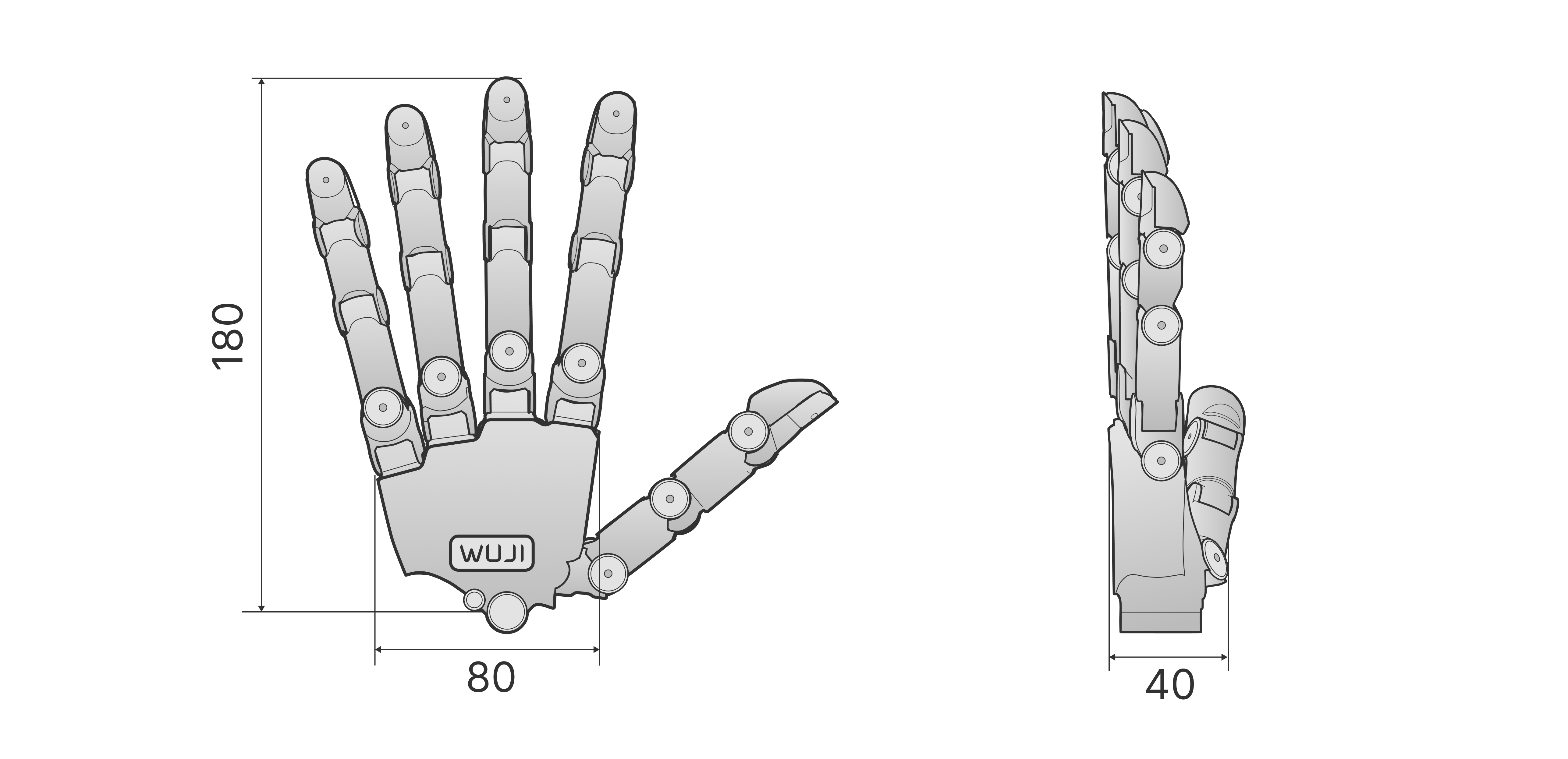
    <tr><td>Dimensions</td><td>180 mm × 80 mm × 40 mm</td></tr>
    <tr><td rowSpan="2">Drive</td><td>Drive type</td><td>Back-drivable direct-drive rotary joints</td></tr>
    <tr><td>Control algorithm</td><td>FOC vector control</td></tr>
    <tr><td rowSpan="4">Control & Communication</td><td>Control frequency</td><td>1000 Hz × 20 axes</td></tr>
    <tr><td>Communication interface</td><td>Ethernet</td></tr>
    <tr><td>Control mode</td><td>MIT force-position hybrid control</td></tr>
    <tr><td>Communication protocol</td><td>Ethernet</td></tr>
    <tr><td rowSpan="2">Electrical</td><td>Operating voltage</td><td>12 V DC</td></tr>
    <tr><td>Power adapter</td><td>12 V 20 A (included)</td></tr>
  </tbody>
</table>

## Mechanical Structure

This section describes the overall structure, the communication and power interface layout, and the naming and motion parameters of each degree of freedom, to help you understand the mechanical structure and how to use it.

### Overall Dimensions

The figure below shows the overall dimensions of Wuji Hand 2 with all five fingers fully extended and together, for workspace planning and mounting design.

<img src="https://mintcdn.com/wuji-0bbde051/KO3tT6qNwl3EeRut/assets/source/images/en/wuji-hand/latest/overview/dimensions-white.png?fit=max&auto=format&n=KO3tT6qNwl3EeRut&q=85&s=8b36c8d97fc094986d333a8129abb52a" alt="Wuji Hand 2 overall dimensions" width="5146" height="2492" data-path="assets/source/images/en/wuji-hand/latest/overview/dimensions-white.png" />

Dimensions in mm: length 180, width 80, thickness 40.

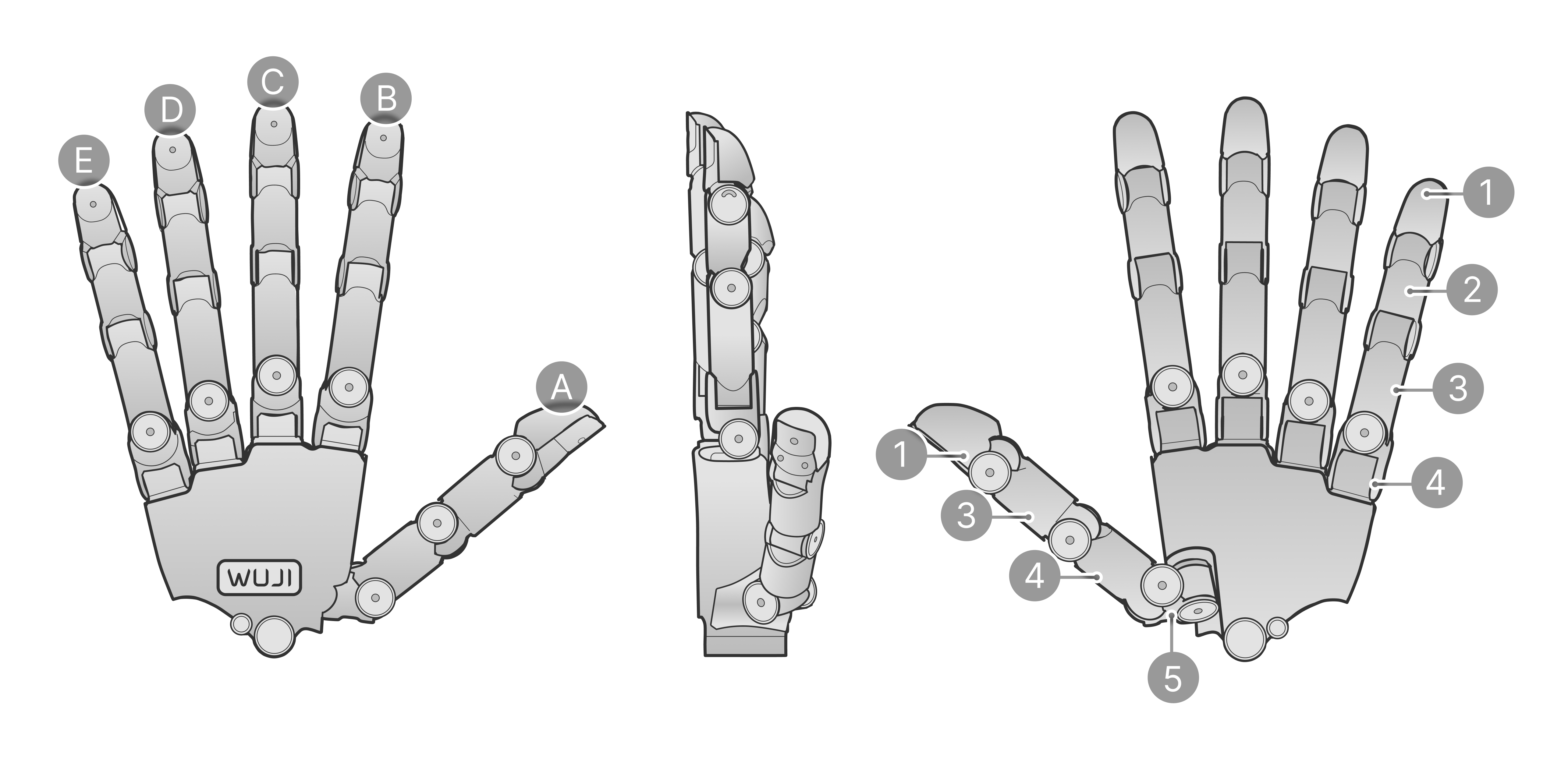
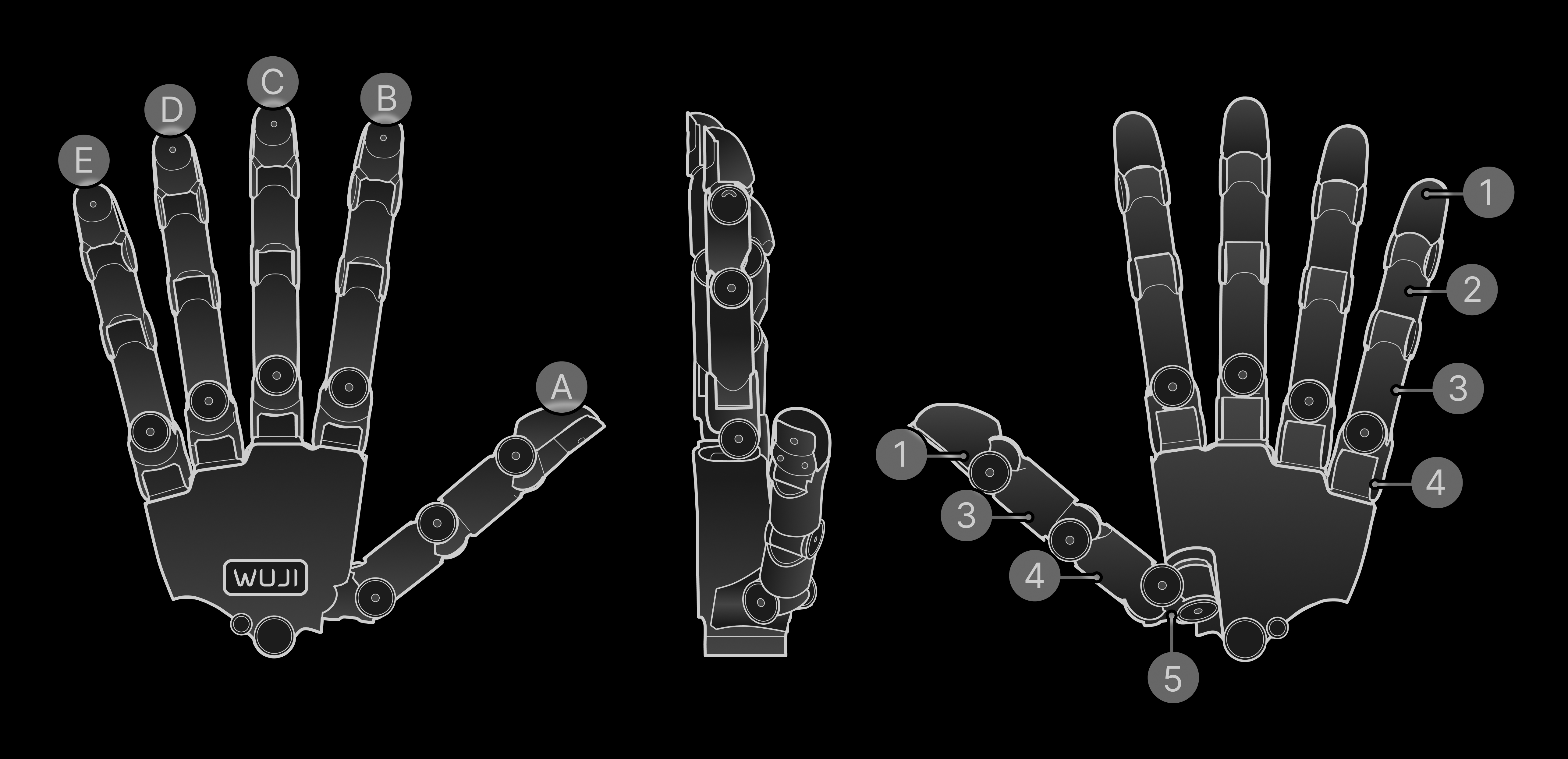
### Structure Diagram
<div className="dark:hidden">
  <img src="https://mintcdn.com/wuji-0bbde051/KO3tT6qNwl3EeRut/assets/source/images/en/wuji-hand/latest/overview/structure-white.png?fit=max&auto=format&n=KO3tT6qNwl3EeRut&q=85&s=bbc66775db5217bb8a99974569a744f6" alt="Structure diagram" width="5146" height="2492" data-path="assets/source/images/en/wuji-hand/latest/overview/structure-white.png" />
</div>

<div className="hidden dark:block">
  <img src="https://mintcdn.com/wuji-0bbde051/KO3tT6qNwl3EeRut/assets/source/images/en/wuji-hand/latest/overview/structure-white-dark.png?fit=max&auto=format&n=KO3tT6qNwl3EeRut&q=85&s=64807b1459d416bbb0a7b99766d9ba63" alt="Structure diagram" width="5146" height="2492" data-path="assets/source/images/en/wuji-hand/latest/overview/structure-white-dark.png" />
</div>

A–E correspond to the five fingers:

| No. | Finger |
| - | - |
| A | Thumb |
| B | Index |
| C | Middle |
| D | Ring |
| E | Little |

1–5 correspond to common anatomical regions of the hand:

| No. | Region |
| - | - |
| 1 | Distal phalanges |
| 2 | Intermediate phalanges |
| 3 | Proximal phalanges |
| 4 | Metacarpals |
| 5 | Carpals |

### Degree-of-Freedom Configuration

<div className="dark:hidden">
  <img src="https://mintcdn.com/wuji-0bbde051/KO3tT6qNwl3EeRut/assets/source/images/en/wuji-hand/latest/overview/dof-configuration-white.png?fit=max&auto=format&n=KO3tT6qNwl3EeRut&q=85&s=d6dfd4f3f7d6d16bdbf5beccc9388b94" alt="Wuji Hand 2 degree-of-freedom configuration" width="5146" height="2492" data-path="assets/source/images/en/wuji-hand/latest/overview/dof-configuration-white.png" />
</div>

<div className="hidden dark:block">
  <img src="https://mintcdn.com/wuji-0bbde051/KO3tT6qNwl3EeRut/assets/source/images/en/wuji-hand/latest/overview/dof-configuration-white-dark.png?fit=max&auto=format&n=KO3tT6qNwl3EeRut&q=85&s=66c80252c0332d323b050398f7a8c40e" alt="Wuji Hand 2 degree-of-freedom configuration" width="5146" height="2492" data-path="assets/source/images/en/wuji-hand/latest/overview/dof-configuration-white-dark.png" />
</div>

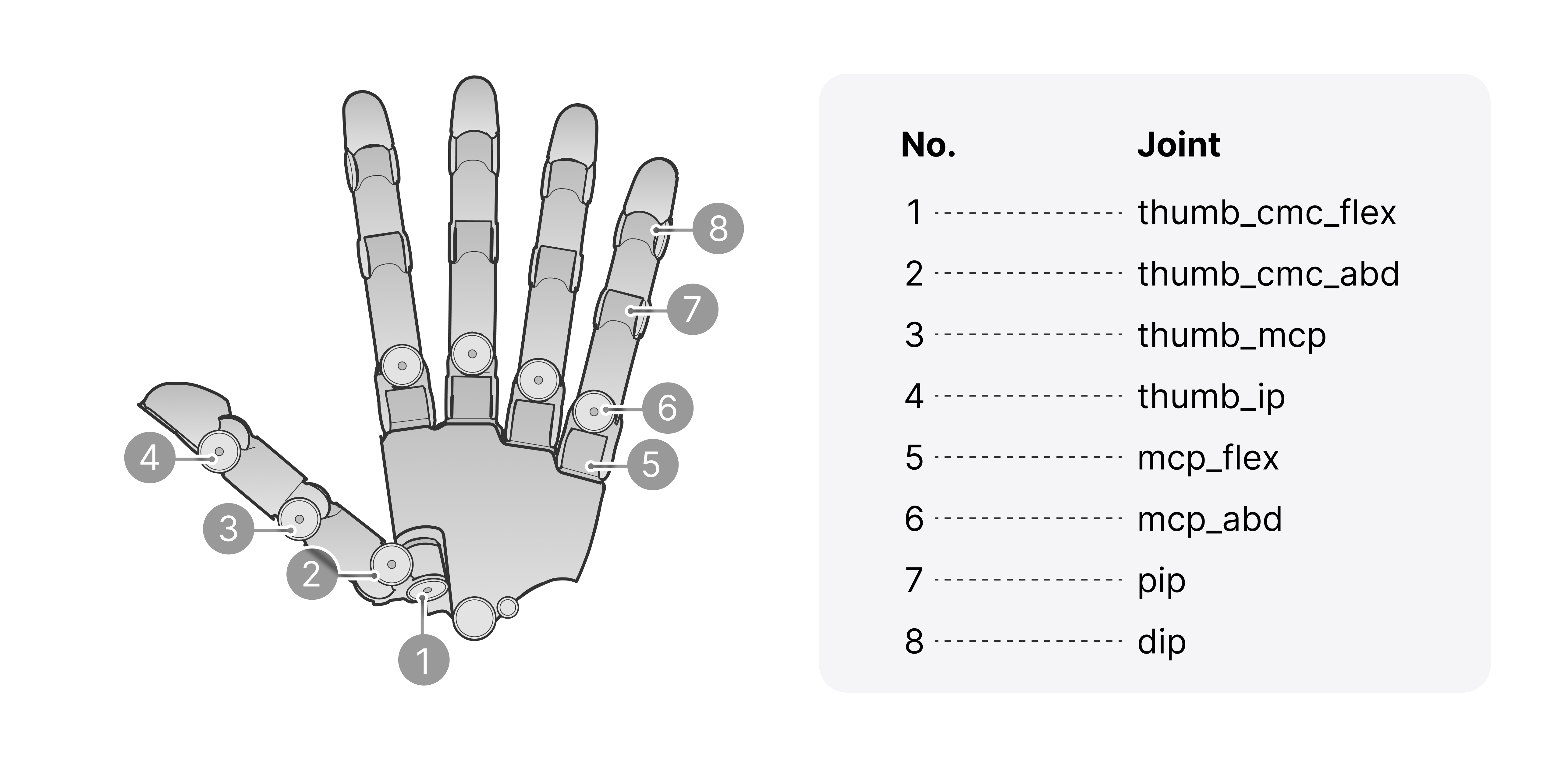
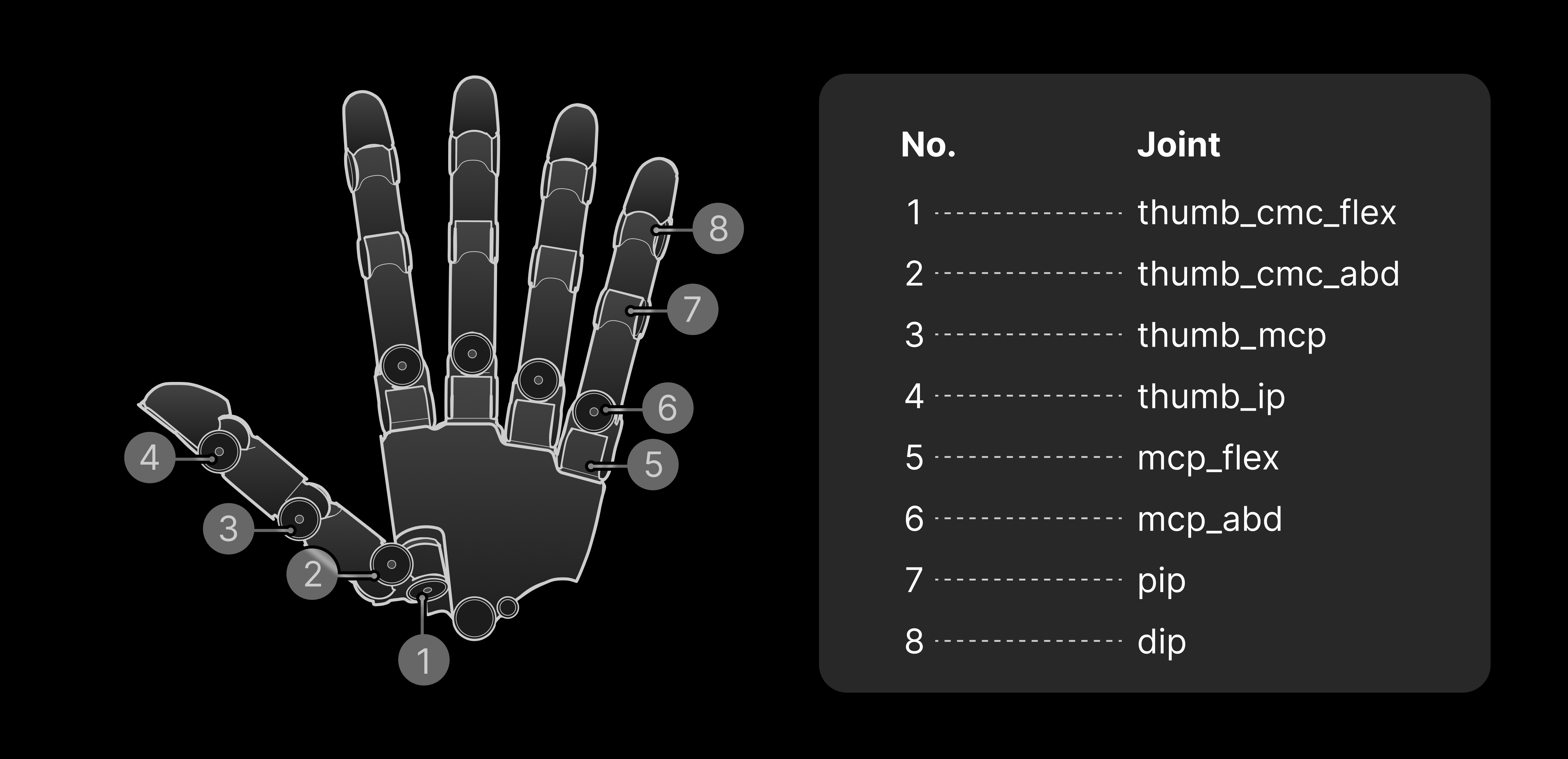
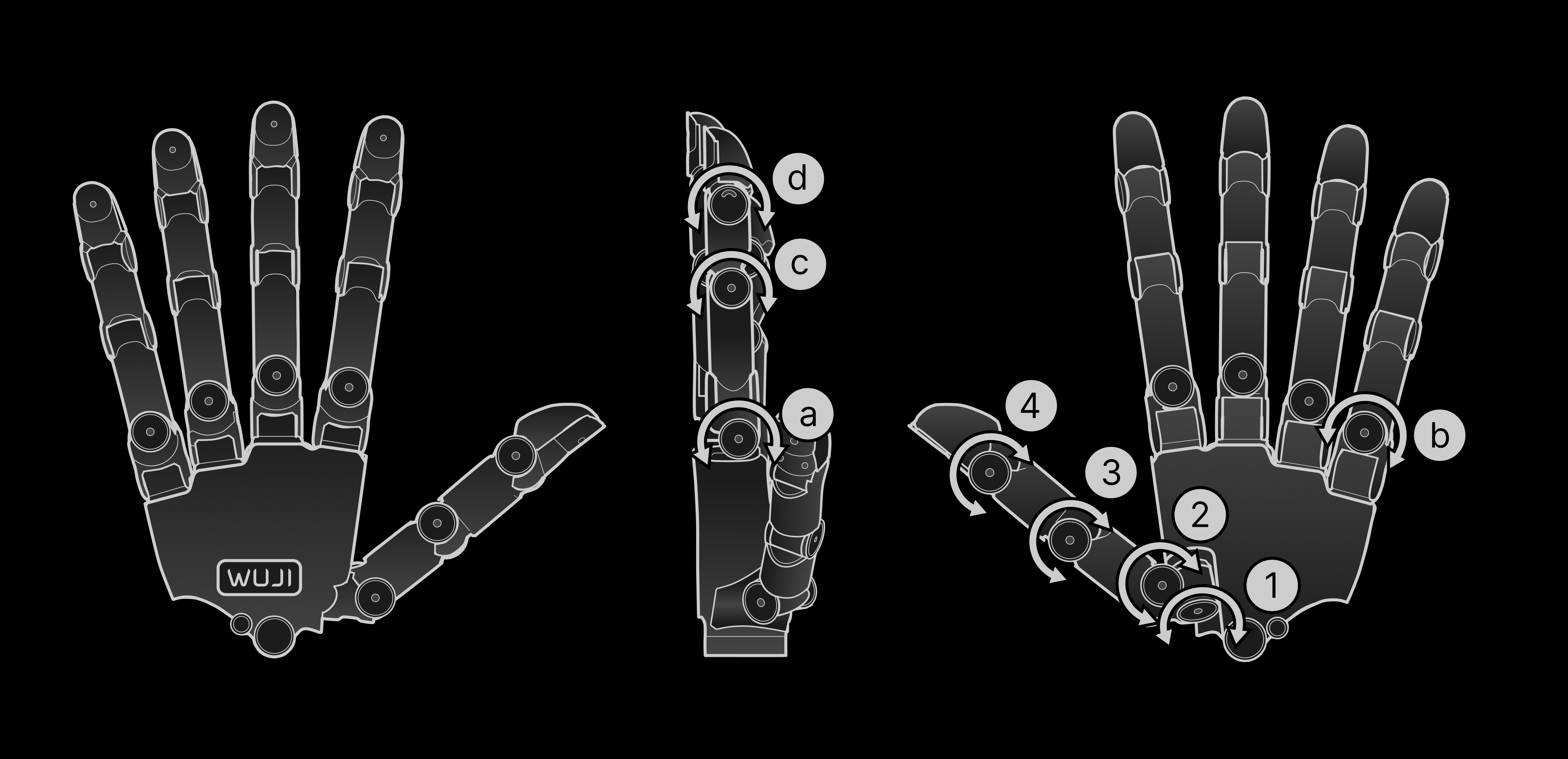
1–8 correspond to:

| No. | Joint |
| - | - |
| 1 | thumb\_cmc\_flex |
| 2 | thumb\_cmc\_abd |
| 3 | thumb\_mcp |
| 4 | thumb\_ip |
| 5 | mcp\_flex |
| 6 | mcp\_abd |
| 7 | pip |
| 8 | dip |

### Joint Motion Direction and Range

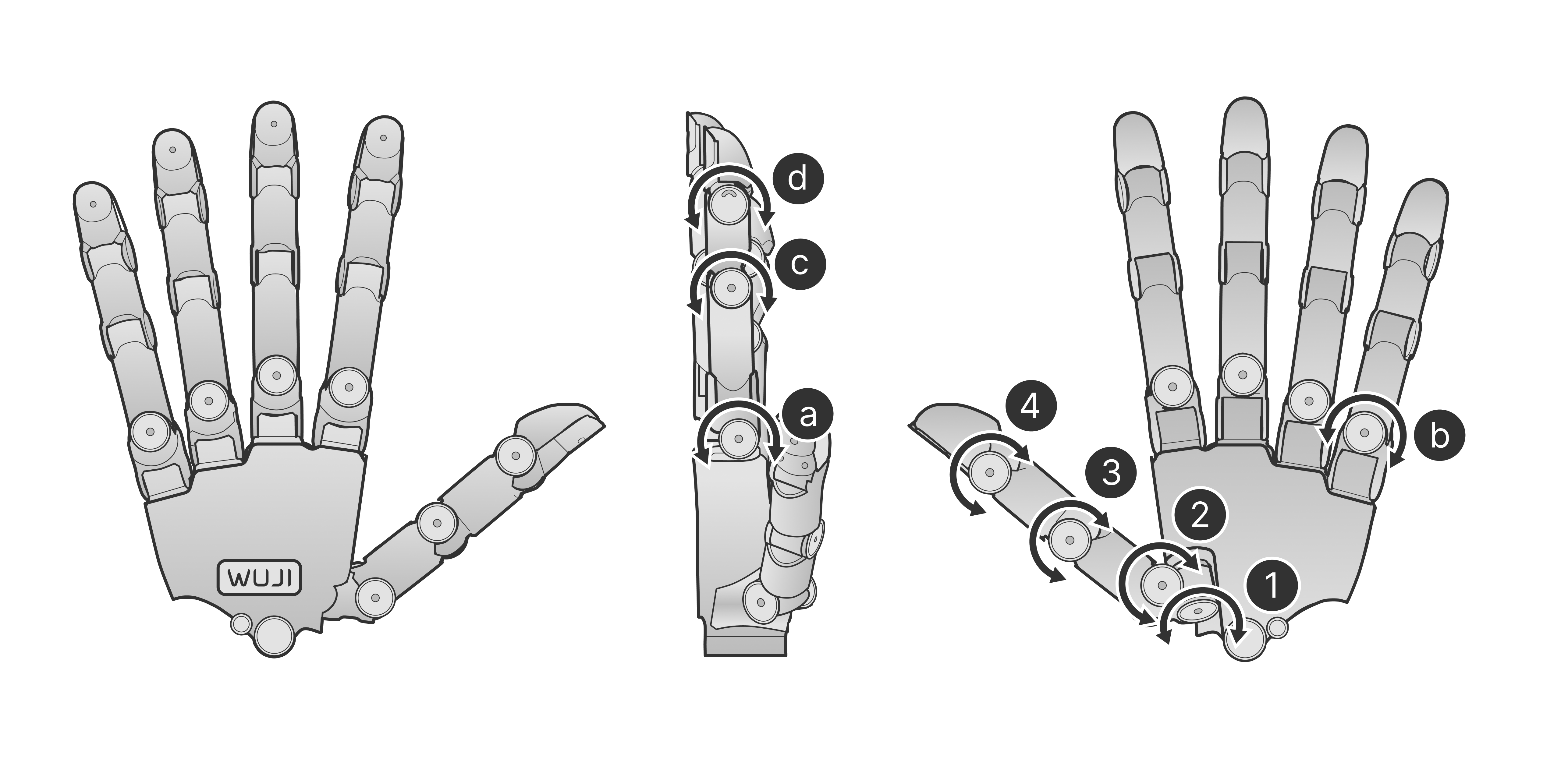
The index, middle, and ring fingers share the same structure, each about 137 mm long. The little finger is slightly shorter, about 134 mm. The thumb module differs slightly, about 140 mm. The figure below uses the thumb and little finger as examples to show each DoF's motion direction and angle range:

<div className="dark:hidden">
  <img src="https://mintcdn.com/wuji-0bbde051/KO3tT6qNwl3EeRut/assets/source/images/en/wuji-hand/latest/overview/joint-motion-range.png?fit=max&auto=format&n=KO3tT6qNwl3EeRut&q=85&s=d79bb8422954aa8c592fa39831108ba0" alt="Joint motion direction and range (thumb and little finger as examples)" width="5146" height="2492" data-path="assets/source/images/en/wuji-hand/latest/overview/joint-motion-range.png" />
</div>

<div className="hidden dark:block">
  <img src="https://mintcdn.com/wuji-0bbde051/KO3tT6qNwl3EeRut/assets/source/images/en/wuji-hand/latest/overview/joint-motion-range-dark.png?fit=max&auto=format&n=KO3tT6qNwl3EeRut&q=85&s=38b9dbed5608a7fc984bbc2497f6b119" alt="Joint motion direction and range (thumb and little finger as examples)" width="5146" height="2492" data-path="assets/source/images/en/wuji-hand/latest/overview/joint-motion-range-dark.png" />
</div>

**Thumb**

| Joint / Motion | Range |
| - | - |
| Base abduction/adduction (`thumb_cmc_flex`) | -68° \~ 74° |
| Base lateral swing (`thumb_cmc_abd`) | -85° \~ 40° |
| MCP flexion/extension (`thumb_mcp`) | -60° \~ 90° |
| IP flexion/extension (`thumb_ip`) | -60° \~ 90° |

**Four Fingers (Index / Middle / Ring / Little)**

| Joint / Motion | Range |
| - | - |
| MCP flexion/extension (`mcp_flex`) | -60° \~ 90° |
| MCP lateral swing (`mcp_abd`) | -40° \~ 40° |
| PIP flexion/extension (`pip`) | -60° \~ 120° |
| DIP flexion/extension (`dip`) | -60° \~ 90° |

### Communication and Power Interface

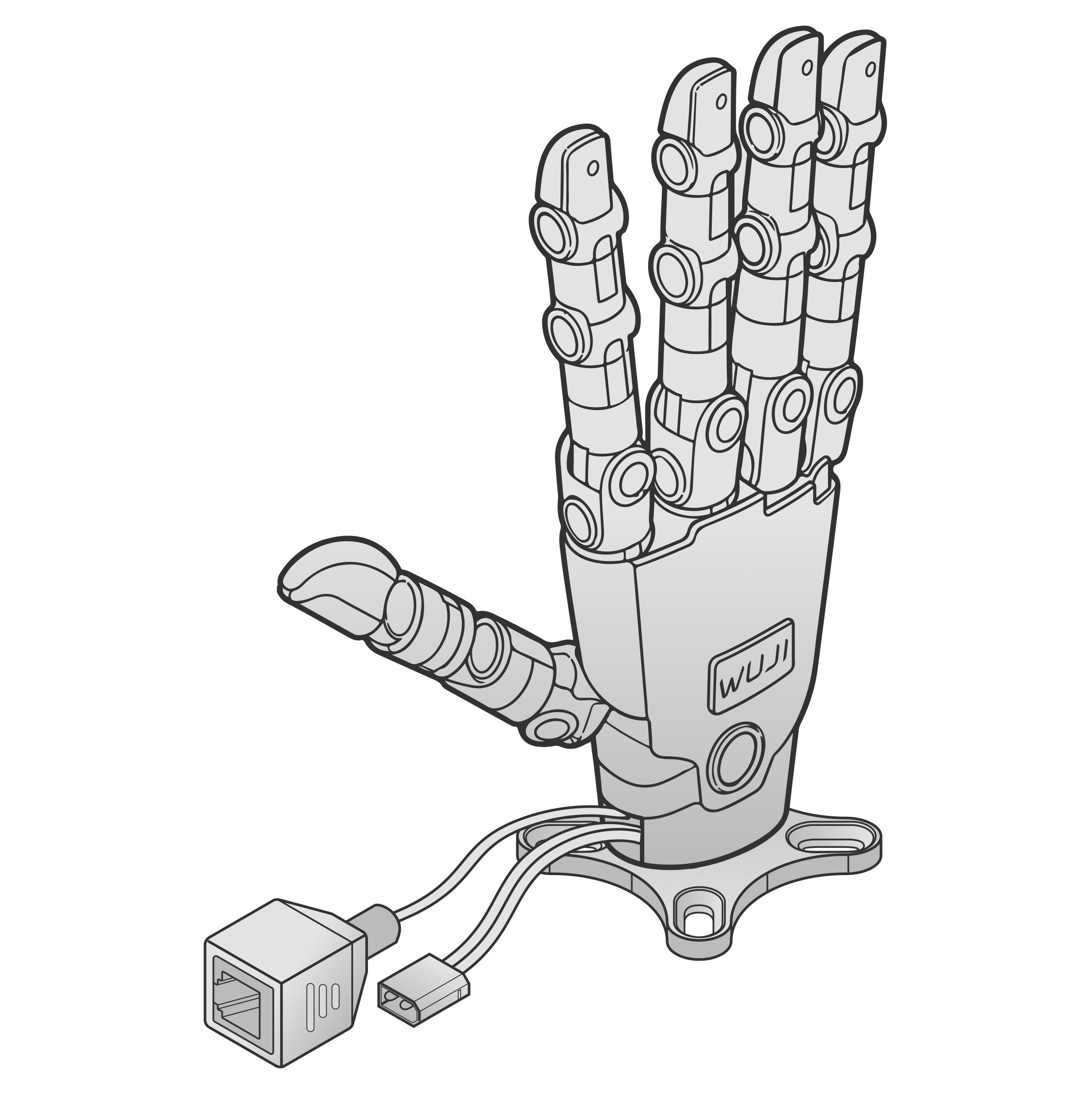
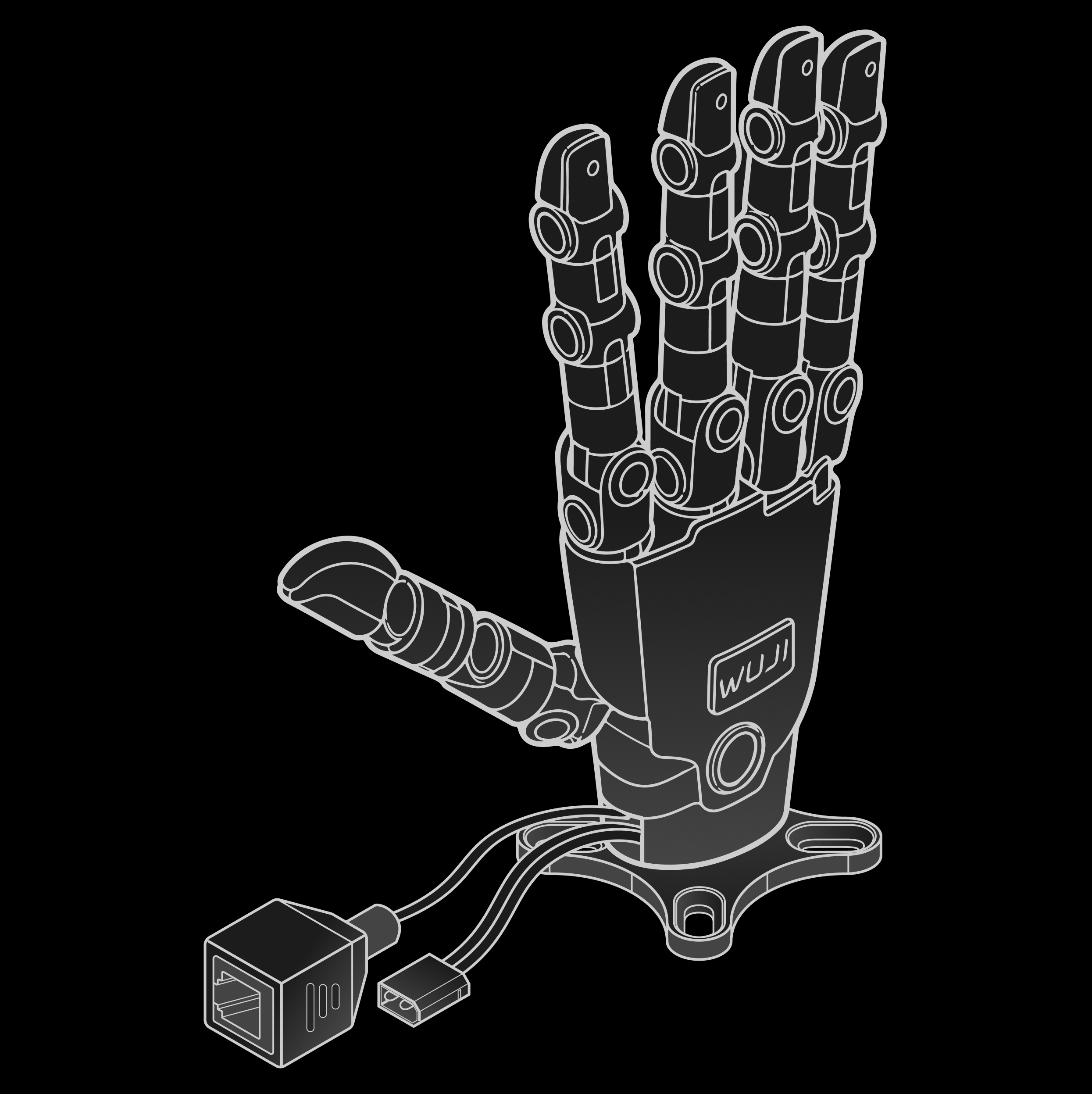
Wuji Hand 2 communicates with the host over an RJ45 interface and supports external power. The figure below shows the location and connection of the communication and power interfaces:

<img className="dark:hidden" src="https://mintcdn.com/wuji-0bbde051/KO3tT6qNwl3EeRut/assets/source/images/en/wuji-hand/latest/overview/connector-layout.png?fit=max&auto=format&n=KO3tT6qNwl3EeRut&q=85&s=294cf67eb9870b31c568b7a5642e6dfc" alt="Communication and power interface" width="240" data-path="assets/source/images/en/wuji-hand/latest/overview/connector-layout.png" />

<img className="hidden dark:block" src="https://mintcdn.com/wuji-0bbde051/KO3tT6qNwl3EeRut/assets/source/images/en/wuji-hand/latest/overview/connector-layout-dark.png?fit=max&auto=format&n=KO3tT6qNwl3EeRut&q=85&s=82f744ce06bdda45084e72593d6c98f2" alt="Communication and power interface" width="240" data-path="assets/source/images/en/wuji-hand/latest/overview/connector-layout-dark.png" />

<Info>
  Use the original supplied cables to ensure communication stability and power safety.
</Info>

<Warning>
  In Wuji Hand 2.1 (Beta), the external interface form will change in later versions (no longer the XT30 + RJ45 two-cable direct layout). Leave room in your integration design.
</Warning>

### Three-Layer Structure: Skeleton, Soft Pad, Skin

Wuji Hand 2 has three layers, each handling load-bearing, contact compliance, and surface protection:

| Layer | Name | Role |
| - | - | - |
| Inner | Skeleton | Core mechanical structure that carries the joints, transmission, and motors, and determines whole-hand kinematics and load capacity |
| Middle | Soft pad | Biomimetic soft tissue over the skeleton, mimicking the hardness and compression travel of human soft tissue for anthropomorphic contact and cushioning |
| Outer | Skin | Passive protective layer over the soft pad that provides surface friction, wear resistance, and appearance protection, with no sensing<br />user-removable and replaceable<br />Always run the hand with the skin fitted—don't operate it without the skin |

<Warning>
  In Wuji Hand 2.1 (Beta), fingertip soft-pad hardness is still being tuned and the skin design isn't finalized. The current prototype's feel, appearance, and soft-pad life don't represent the final product.
</Warning>

### Back-of-Hand Status Light

The logo light on the back of the hand shows the device state at a glance. The device drives the light itself — it works without a host connection.

<Info>
  The status light requires a hardware batch equipped with the back-of-hand light, plus firmware v2.2.0 or later.
</Info>

When multiple states are active, the status light uses this order from highest to lowest priority: fatal error, joint fault, firmware update, no joint detected, warning, running, powering up/self-check, and ready.

The table lists each visible light pattern and its meaning.

<table>
  <thead>
    <tr>
      <th>Indicator</th>
      <th>Color</th>
      <th>Pattern</th>
      <th>Meaning</th>
    </tr>
  </thead>

  <tbody>
    <tr>
      <td>
        <img src="https://mintcdn.com/wuji-0bbde051/KO3tT6qNwl3EeRut/assets/source/images/en/wuji-hand/latest/overview/indicator-white-breathing.svg?fit=max&auto=format&n=KO3tT6qNwl3EeRut&q=85&s=fb9218d5ea716cf98c7e3867db1af4f0" alt="White breathing" width="220" height="80" data-path="assets/source/images/en/wuji-hand/latest/overview/indicator-white-breathing.svg" />
      </td>

      <td>White</td>
      <td>Breathing (1Hz)</td>
      <td>Ready: all online joints ready, none enabled</td>
    </tr>

    <tr>
      <td>
        <img src="https://mintcdn.com/wuji-0bbde051/KO3tT6qNwl3EeRut/assets/source/images/en/wuji-hand/latest/overview/indicator-blue-breathing.svg?fit=max&auto=format&n=KO3tT6qNwl3EeRut&q=85&s=e685d2df383cc6660c0d105c15fcdca5" alt="Blue breathing" width="220" height="80" data-path="assets/source/images/en/wuji-hand/latest/overview/indicator-blue-breathing.svg" />
      </td>

      <td>Blue</td>
      <td>Breathing (1Hz)</td>
      <td>Powering up / self-check</td>
    </tr>

    <tr>
      <td>
        <img src="https://mintcdn.com/wuji-0bbde051/KO3tT6qNwl3EeRut/assets/source/images/en/wuji-hand/latest/overview/indicator-white-solid.svg?fit=max&auto=format&n=KO3tT6qNwl3EeRut&q=85&s=3f041b3dc503d928f5734ce707d5e1a5" alt="White solid" width="220" height="80" data-path="assets/source/images/en/wuji-hand/latest/overview/indicator-white-solid.svg" />
      </td>

      <td>White</td>
      <td>Solid</td>
      <td>Running: at least one joint enabled</td>
    </tr>

    <tr>
      <td>
        <img src="https://mintcdn.com/wuji-0bbde051/KO3tT6qNwl3EeRut/assets/source/images/en/wuji-hand/latest/overview/indicator-yellow-slow-flash.svg?fit=max&auto=format&n=KO3tT6qNwl3EeRut&q=85&s=7da93d12b88a8d70067155ce0ea79753" alt="Yellow slow flash" width="220" height="80" data-path="assets/source/images/en/wuji-hand/latest/overview/indicator-yellow-slow-flash.svg" />
      </td>

      <td>Yellow</td>
      <td>Slow flash 1Hz</td>
      <td>Warning: a non-critical issue is present</td>
    </tr>

    <tr>
      <td>
        <img src="https://mintcdn.com/wuji-0bbde051/KO3tT6qNwl3EeRut/assets/source/images/en/wuji-hand/latest/overview/indicator-blue-slow-flash.svg?fit=max&auto=format&n=KO3tT6qNwl3EeRut&q=85&s=7dfcac7273486fb06beecda5afc87fc5" alt="Blue slow flash" width="220" height="80" data-path="assets/source/images/en/wuji-hand/latest/overview/indicator-blue-slow-flash.svg" />
      </td>

      <td>Blue</td>
      <td>Slow flash 1Hz</td>
      <td>Firmware updating</td>
    </tr>

    <tr>
      <td>
        <img src="https://mintcdn.com/wuji-0bbde051/KO3tT6qNwl3EeRut/assets/source/images/en/wuji-hand/latest/overview/indicator-red-slow-flash.svg?fit=max&auto=format&n=KO3tT6qNwl3EeRut&q=85&s=e2fedac93b9edf5d4a0e1329a7750d13" alt="Red slow flash" width="220" height="80" data-path="assets/source/images/en/wuji-hand/latest/overview/indicator-red-slow-flash.svg" />
      </td>

      <td>Red</td>
      <td>Slow flash 1Hz</td>
      <td>Fault: a joint fault is present</td>
    </tr>

    <tr>
      <td>
        <img src="https://mintcdn.com/wuji-0bbde051/KO3tT6qNwl3EeRut/assets/source/images/en/wuji-hand/latest/overview/indicator-red-solid.svg?fit=max&auto=format&n=KO3tT6qNwl3EeRut&q=85&s=22ec2e08258b77d1daaca6ae6cd3d44d" alt="Red solid" width="220" height="80" data-path="assets/source/images/en/wuji-hand/latest/overview/indicator-red-solid.svg" />
      </td>

      <td>Red</td>
      <td>Solid</td>
      <td>The startup check did not detect a joint, or a detected joint reported a fatal error</td>
    </tr>
  </tbody>
</table>

<Info>
  During a firmware update, the status light continues to flash blue slowly. Joint restarts during the update don't trigger the warning pattern.
</Info>

## Electrical Characteristics

The pinout uses a standard RJ45 port and supports 100BASE-TX.

## Package Contents

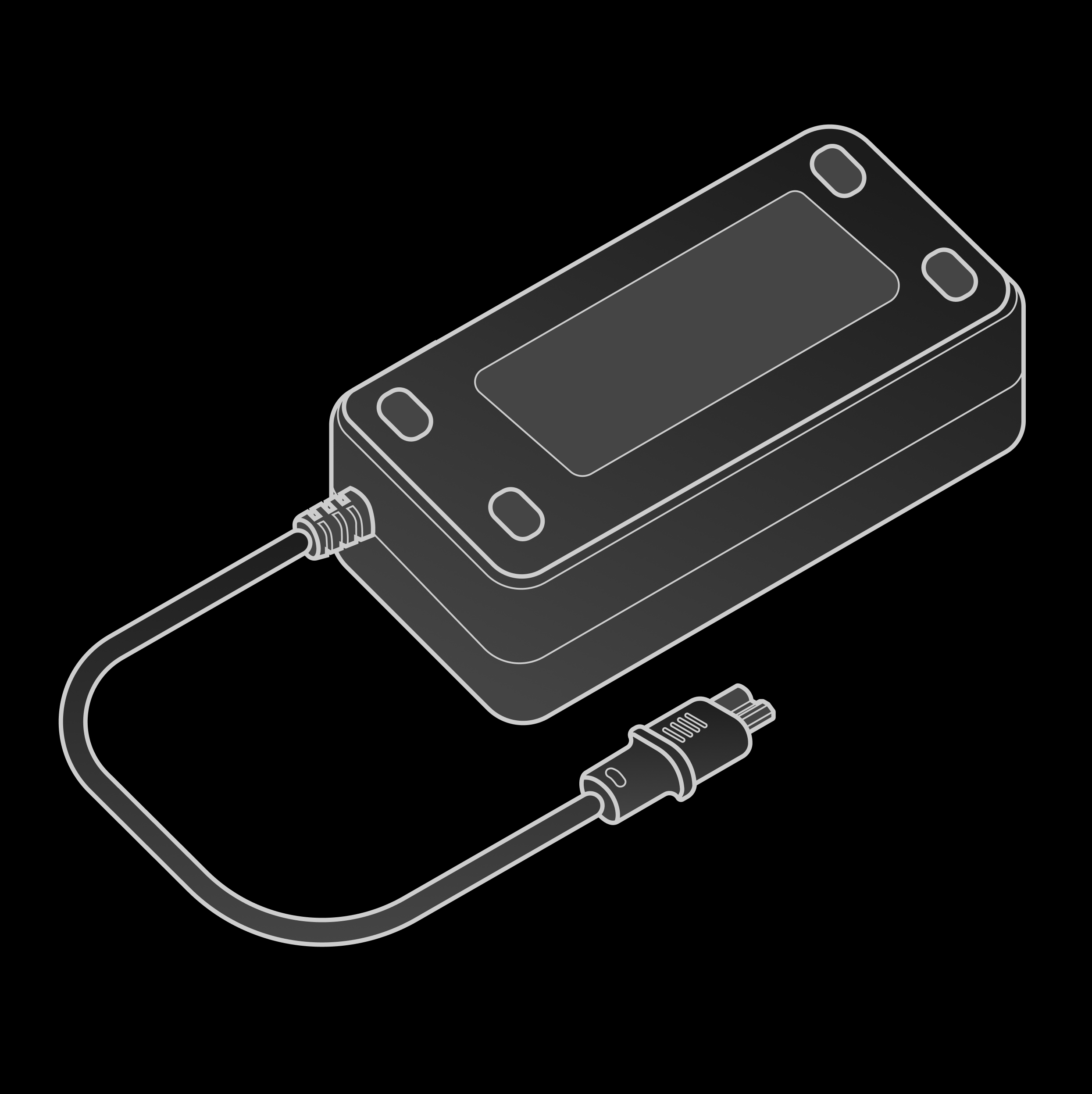
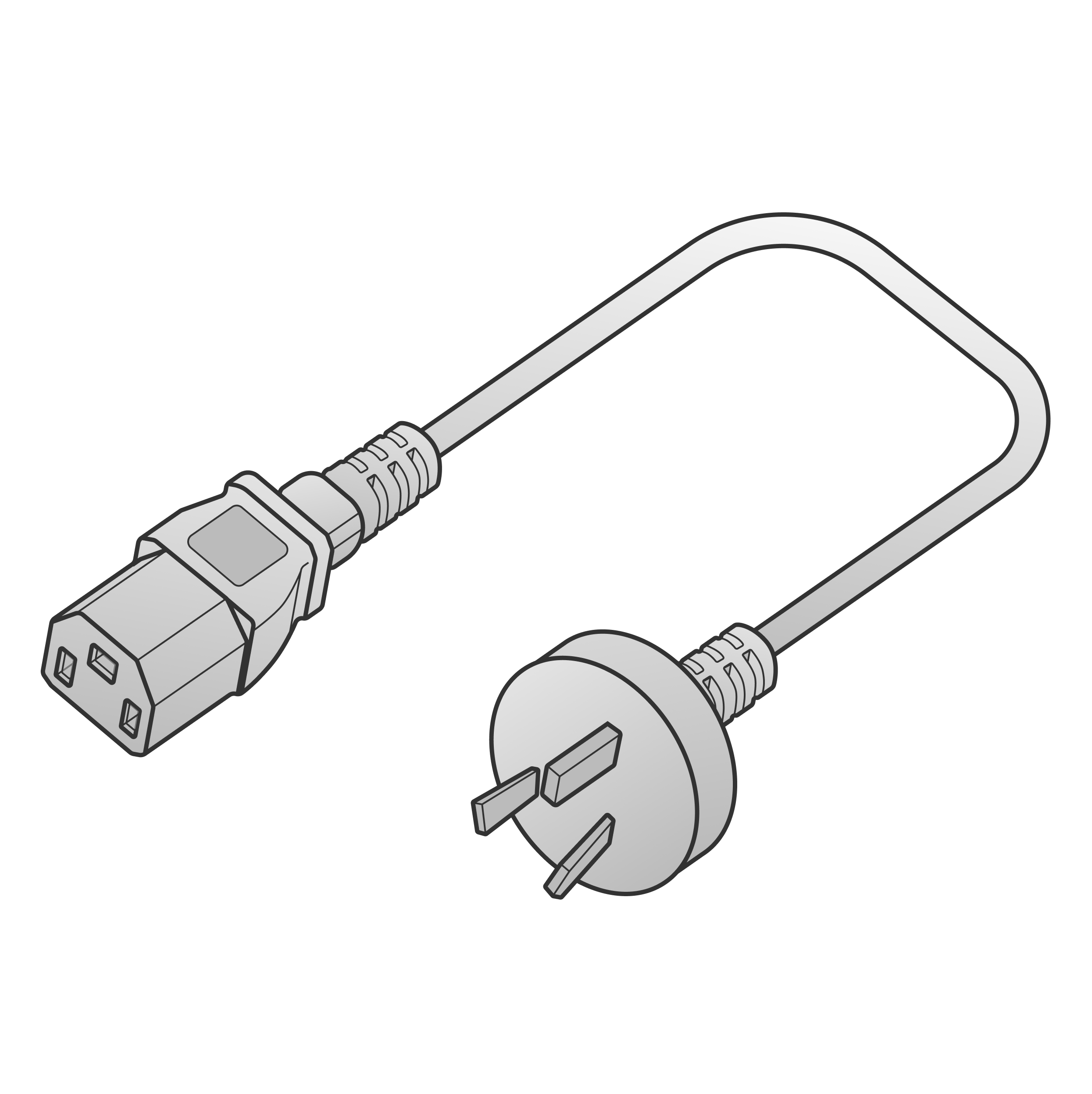
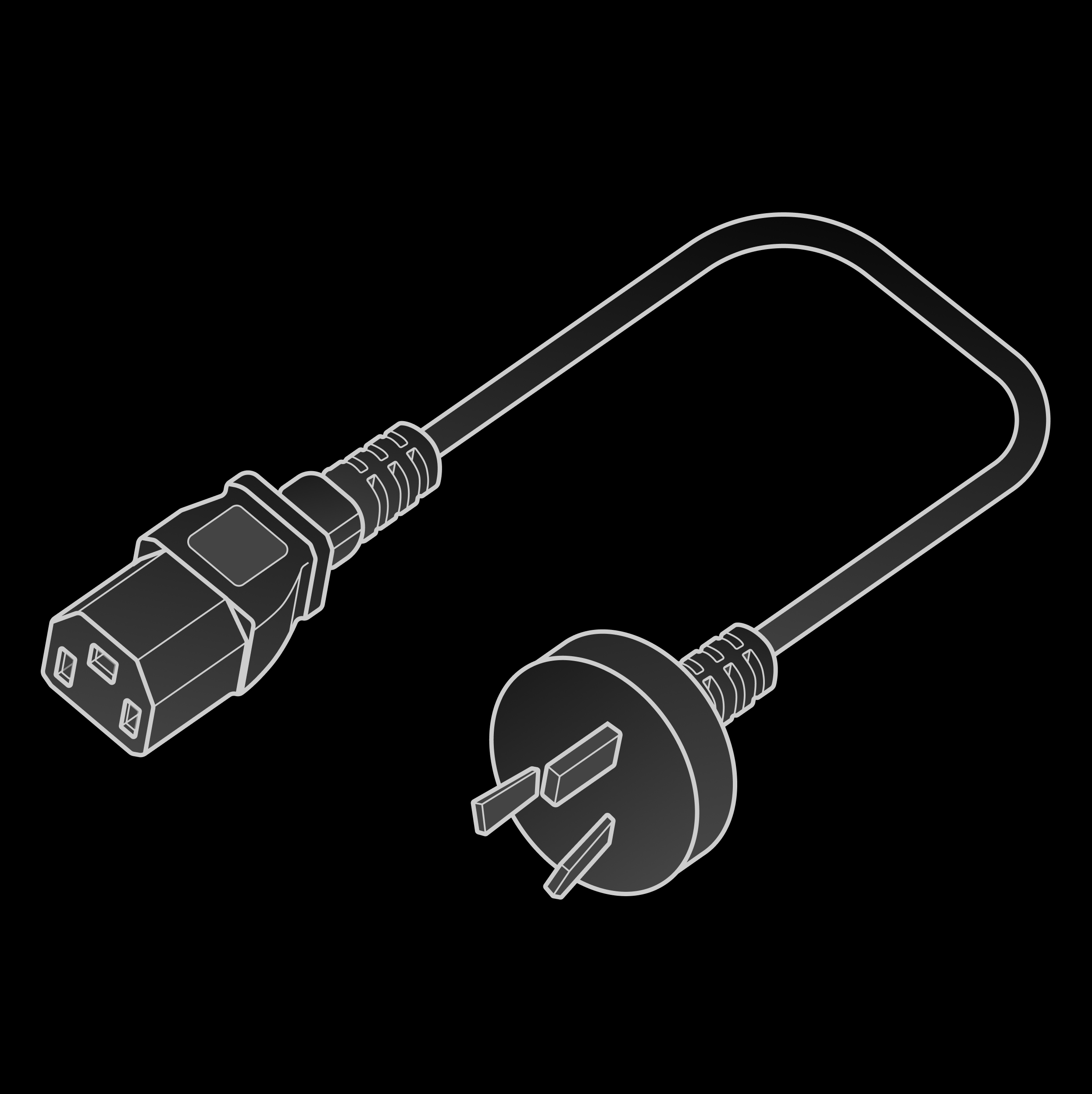
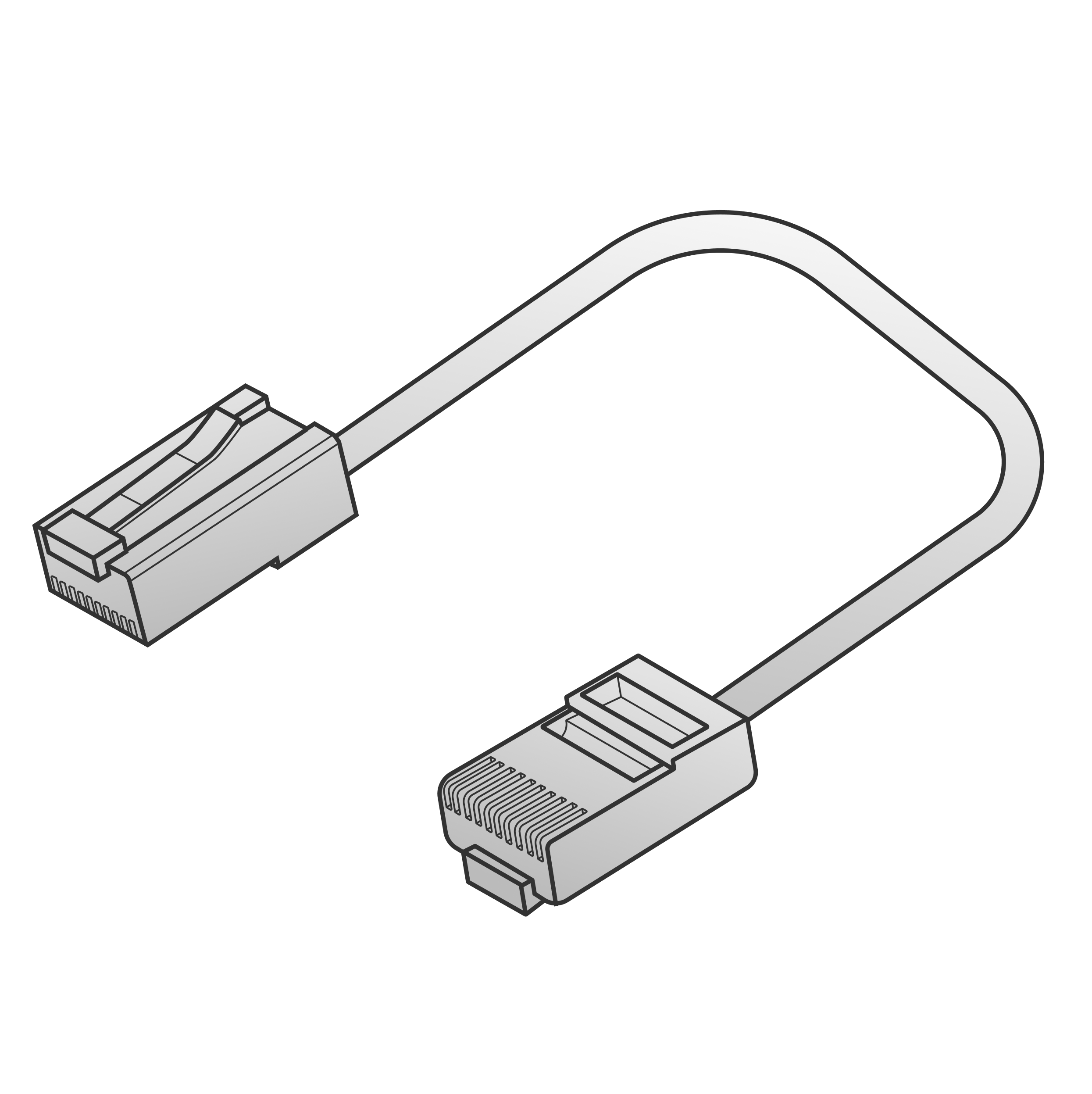
For the hand body itself—its structure, specifications, and interfaces—see the earlier sections. Besides the hand, the package includes the following:

<table>
  <thead>
    <tr>
      <th>Image</th>
      <th>Name</th>
      <th>Qty</th>
      <th>Description</th>
    </tr>
  </thead>

  <tbody>
    <tr>
      <td>
        <img className="dark:hidden" src="https://mintcdn.com/wuji-0bbde051/KO3tT6qNwl3EeRut/assets/source/images/en/wuji-hand/latest/overview/power-adapter.png?fit=max&auto=format&n=KO3tT6qNwl3EeRut&q=85&s=da5e85e2da83ff564da1120662fddcc1" alt="Power adapter" width="110" data-path="assets/source/images/en/wuji-hand/latest/overview/power-adapter.png" />

        <img className="hidden dark:block" src="https://mintcdn.com/wuji-0bbde051/KO3tT6qNwl3EeRut/assets/source/images/en/wuji-hand/latest/overview/power-adapter-dark.png?fit=max&auto=format&n=KO3tT6qNwl3EeRut&q=85&s=fc352845e79483cb3a51c6bbbf9e1056" alt="Power adapter" width="110" data-path="assets/source/images/en/wuji-hand/latest/overview/power-adapter-dark.png" />
      </td>

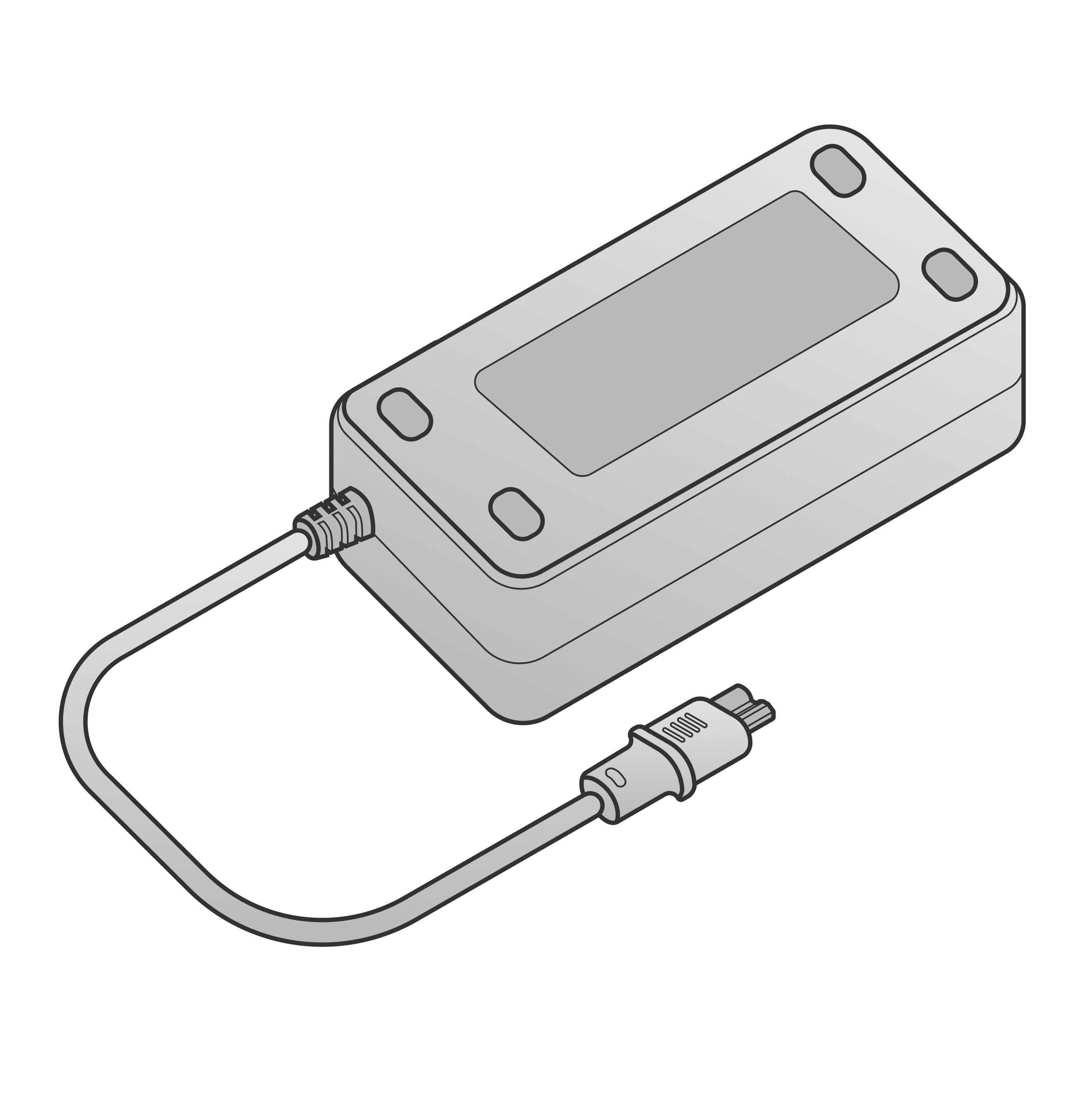
      <td>Power adapter</td><td>1</td><td>Rated 12 V 20 A</td>
    </tr>

    <tr>
      <td>
        <img className="dark:hidden" src="https://mintcdn.com/wuji-0bbde051/KO3tT6qNwl3EeRut/assets/source/images/en/wuji-hand/latest/overview/power-adapter-ac-cable.png?fit=max&auto=format&n=KO3tT6qNwl3EeRut&q=85&s=90015f05eae78810b467d50cc775b3f3" alt="Power adapter AC cable" width="110" data-path="assets/source/images/en/wuji-hand/latest/overview/power-adapter-ac-cable.png" />

        <img className="hidden dark:block" src="https://mintcdn.com/wuji-0bbde051/KO3tT6qNwl3EeRut/assets/source/images/en/wuji-hand/latest/overview/power-adapter-ac-cable-dark.png?fit=max&auto=format&n=KO3tT6qNwl3EeRut&q=85&s=63776176e22956f2329b3fb019c2b4d7" alt="Power adapter AC cable" width="110" data-path="assets/source/images/en/wuji-hand/latest/overview/power-adapter-ac-cable-dark.png" />
      </td>

      <td>Power adapter AC cable</td><td>1</td><td>China-standard 3-prong plug</td>
    </tr>

    <tr>
      <td>
        <img className="dark:hidden" src="https://mintcdn.com/wuji-0bbde051/KO3tT6qNwl3EeRut/assets/source/images/en/wuji-hand/latest/overview/rj45-cable.png?fit=max&auto=format&n=KO3tT6qNwl3EeRut&q=85&s=c6664aeae2c084bdf7aa826d443e8572" alt="RJ45 cable" width="110" data-path="assets/source/images/en/wuji-hand/latest/overview/rj45-cable.png" />

        <img className="hidden dark:block" src="https://mintcdn.com/wuji-0bbde051/KO3tT6qNwl3EeRut/assets/source/images/en/wuji-hand/latest/overview/rj45-cable-dark.png?fit=max&auto=format&n=KO3tT6qNwl3EeRut&q=85&s=668f8524ea45bace33f0b50f7a50a755" alt="RJ45 cable" width="110" data-path="assets/source/images/en/wuji-hand/latest/overview/rj45-cable-dark.png" />
      </td>

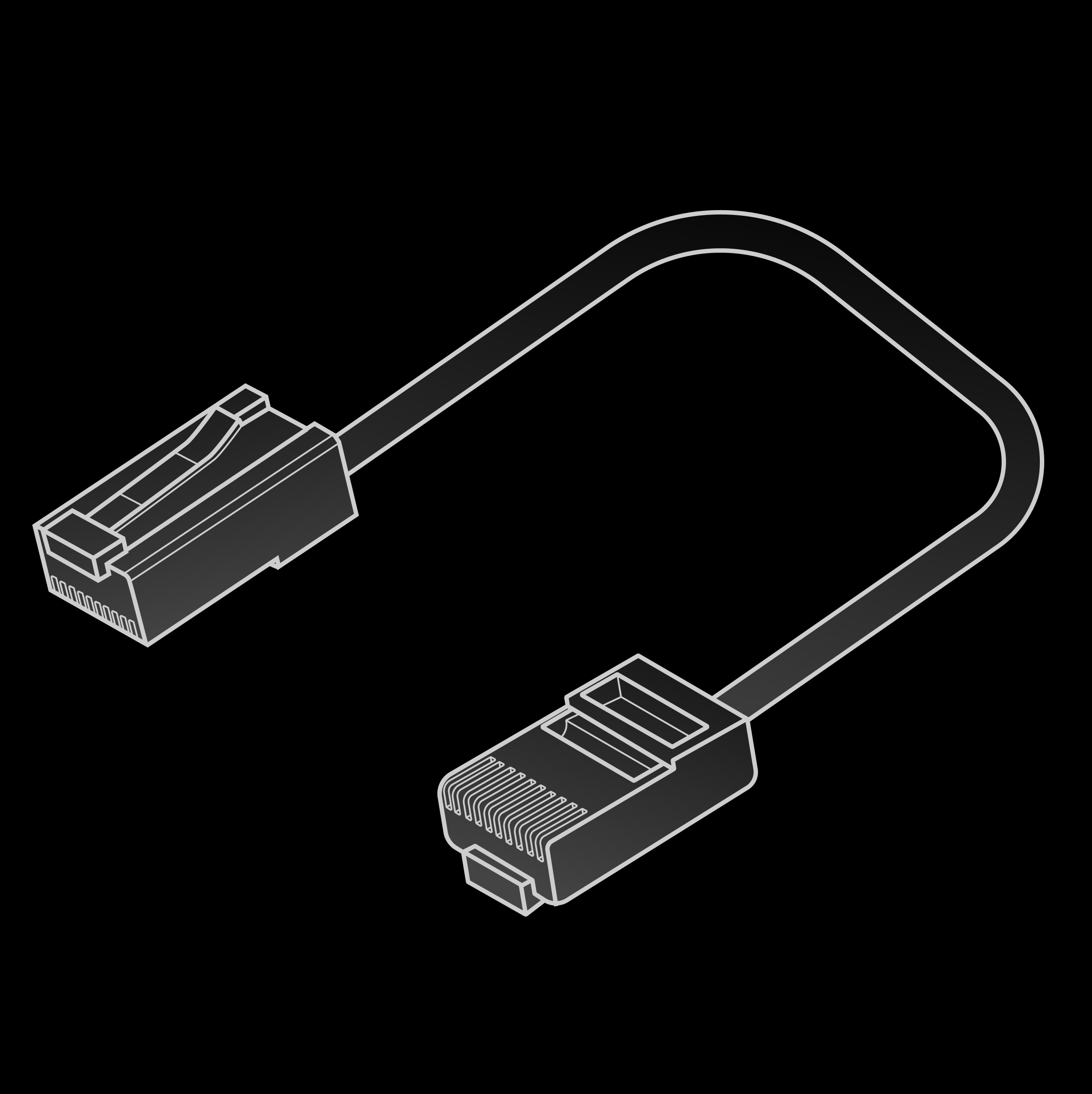
      <td>RJ45 cable</td><td>1</td><td>Shielded Cat5e, 2 m</td>
    </tr>

    <tr>
      <td>
        <img src="https://mintcdn.com/wuji-0bbde051/KO3tT6qNwl3EeRut/assets/source/images/en/wuji-hand/latest/overview/xt30-extension-cable.png?fit=max&auto=format&n=KO3tT6qNwl3EeRut&q=85&s=698ab1e305b0d4a1d5235e3fca3594ff" alt="XT30 male-to-female extension cable" width="110" data-path="assets/source/images/en/wuji-hand/latest/overview/xt30-extension-cable.png" />
      </td>

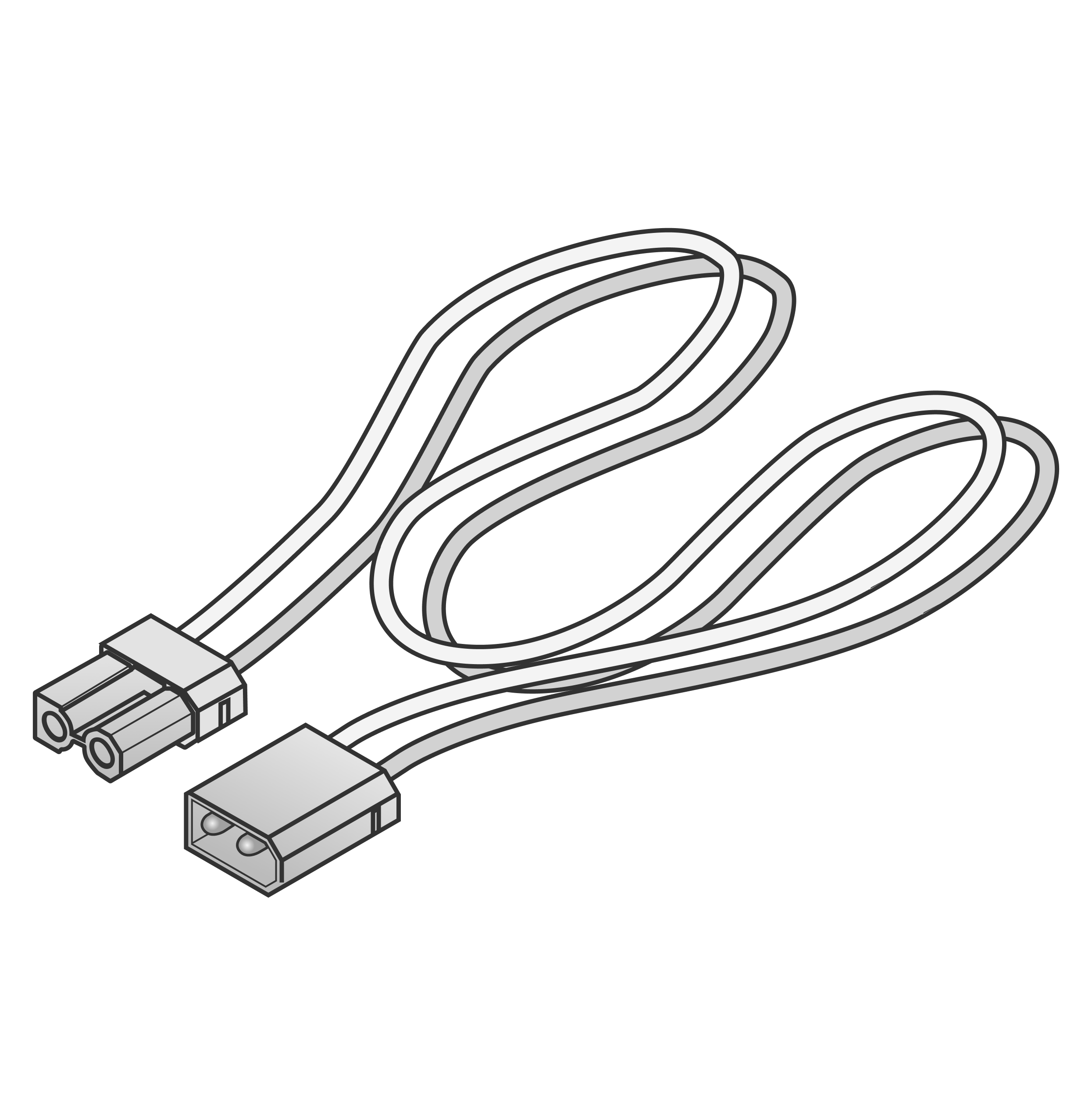
      <td>XT30 male-to-female extension cable</td><td>1</td><td>14 AWG, 2 m</td>
    </tr>

    <tr>
      <td>
        <img className="dark:hidden" src="https://mintcdn.com/wuji-0bbde051/KO3tT6qNwl3EeRut/assets/source/images/en/wuji-hand/latest/overview/adapter-mount.png?fit=max&auto=format&n=KO3tT6qNwl3EeRut&q=85&s=3c2e3e5a6979e029ee4589d1ecf67d11" alt="Adapter mount" width="110" data-path="assets/source/images/en/wuji-hand/latest/overview/adapter-mount.png" />

        <img className="hidden dark:block" src="https://mintcdn.com/wuji-0bbde051/KO3tT6qNwl3EeRut/assets/source/images/en/wuji-hand/latest/overview/adapter-mount-dark.png?fit=max&auto=format&n=KO3tT6qNwl3EeRut&q=85&s=5dba72b489d3f4593a28a919c1c7363c" alt="Adapter mount" width="110" data-path="assets/source/images/en/wuji-hand/latest/overview/adapter-mount-dark.png" />
      </td>

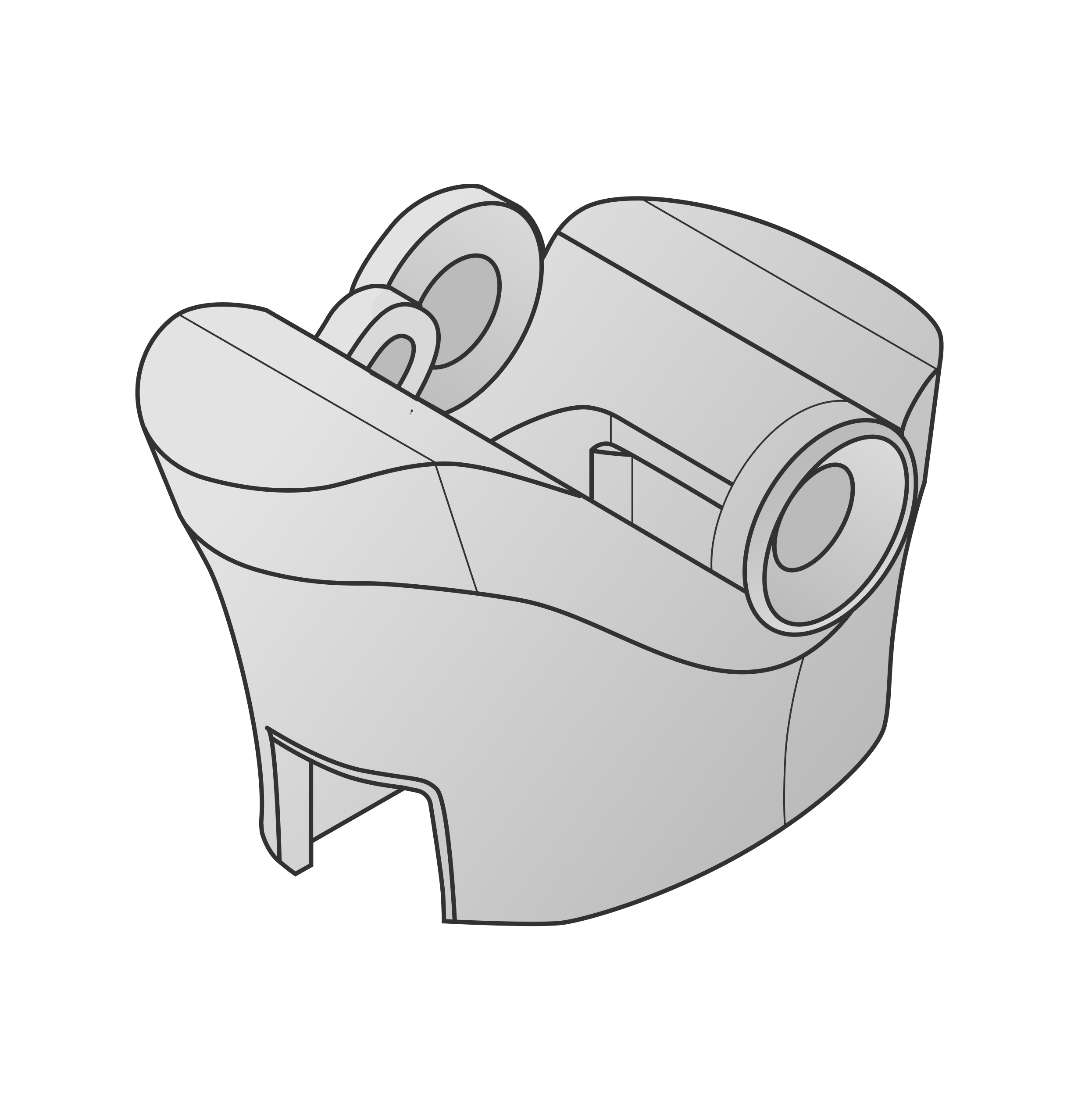
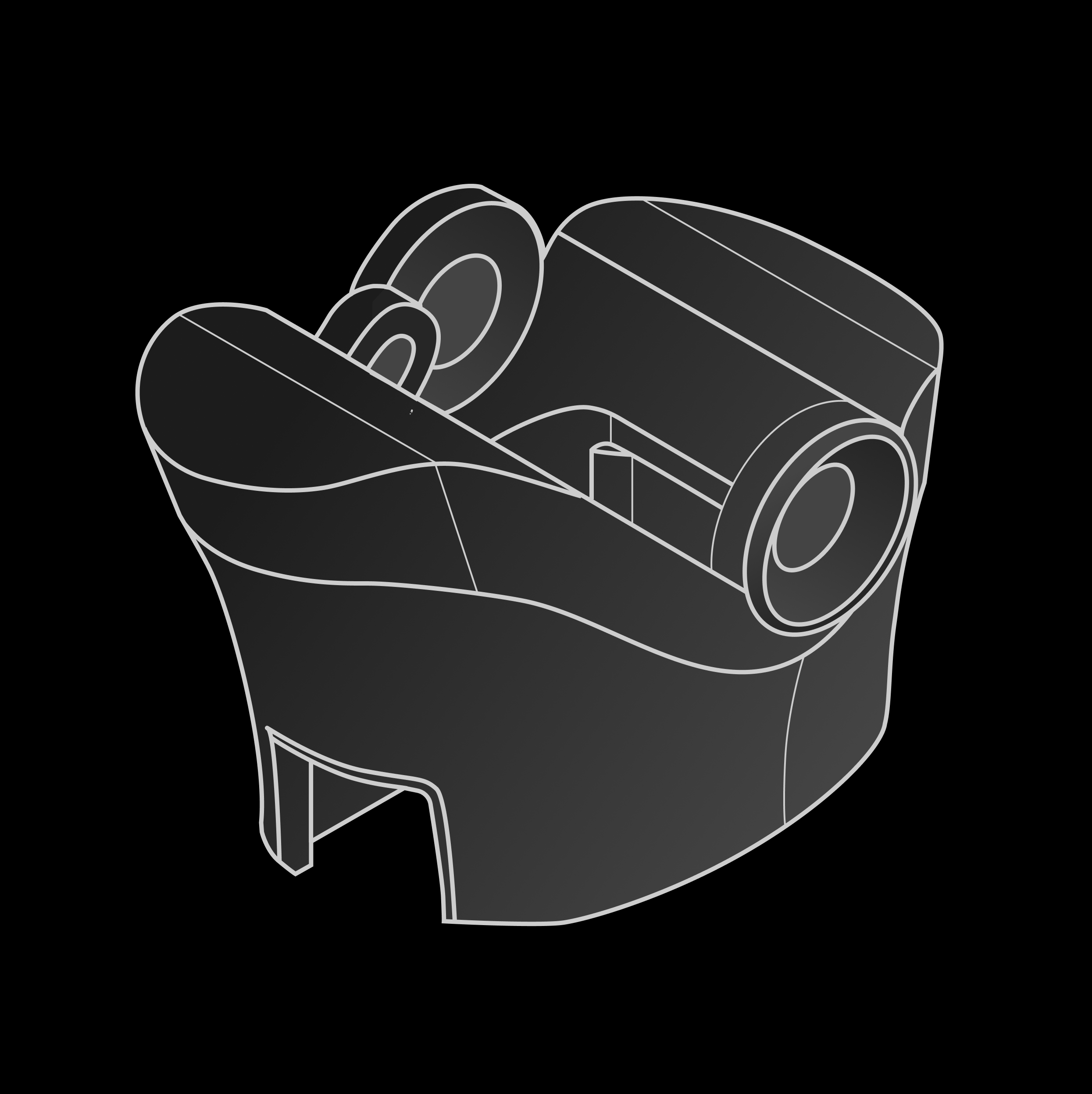
      <td>Adapter mount</td><td>1</td><td>—</td>
    </tr>

    <tr>
      <td>
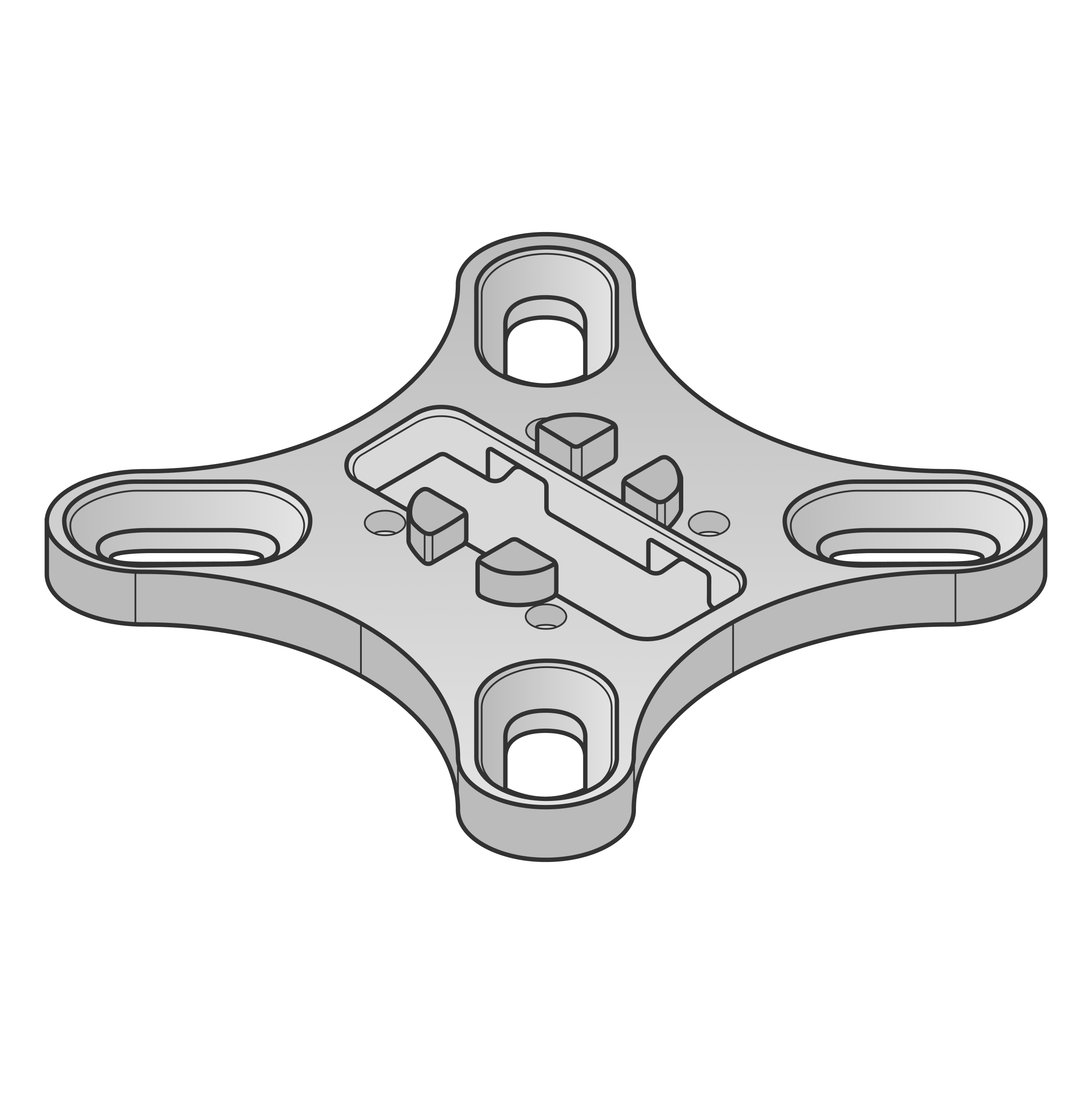
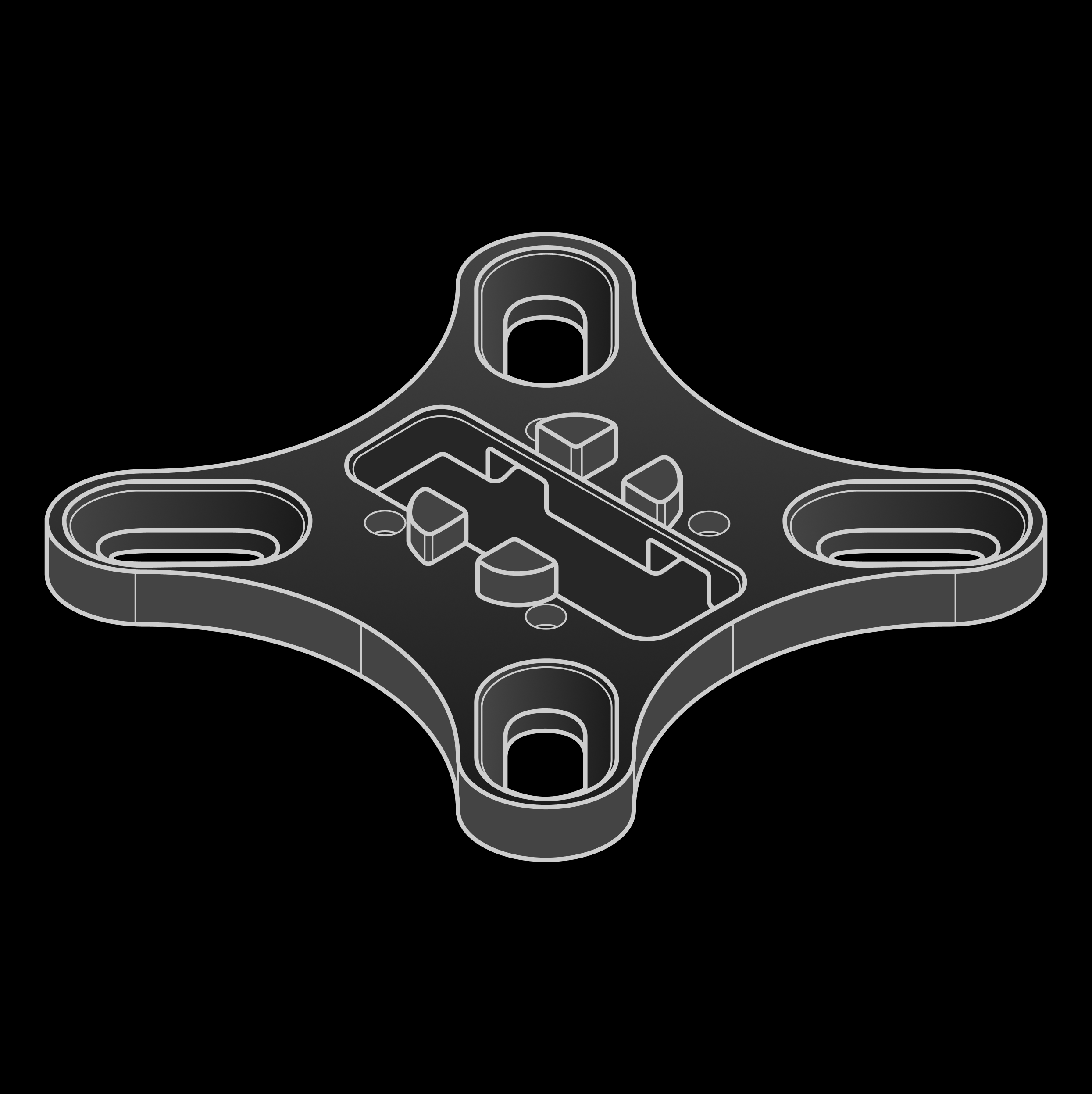
        <img className="dark:hidden" src="https://mintcdn.com/wuji-0bbde051/KO3tT6qNwl3EeRut/assets/source/images/en/wuji-hand/latest/overview/adapter-flange.png?fit=max&auto=format&n=KO3tT6qNwl3EeRut&q=85&s=2dc203d59bc73aaa333ae761bfae41b1" alt="Adapter flange" width="110" data-path="assets/source/images/en/wuji-hand/latest/overview/adapter-flange.png" />

        <img className="hidden dark:block" src="https://mintcdn.com/wuji-0bbde051/KO3tT6qNwl3EeRut/assets/source/images/en/wuji-hand/latest/overview/adapter-flange-dark.png?fit=max&auto=format&n=KO3tT6qNwl3EeRut&q=85&s=d309482aad1cb0ca66adf20a42f61b62" alt="Adapter flange" width="110" data-path="assets/source/images/en/wuji-hand/latest/overview/adapter-flange-dark.png" />
      </td>

      <td>Adapter flange</td><td>1</td><td>—</td>
    </tr>
  </tbody>
</table>


This documentation is built and hosted on [Mintlify](https://mintlify.com), a developer documentation platform.