Launch the Software
Before launching the application, ensure Wuji Hand is powered off. Method 1: Search forwujihand-upgrader in the application menu and click the icon to launch
Method 2: Run the command in the terminal
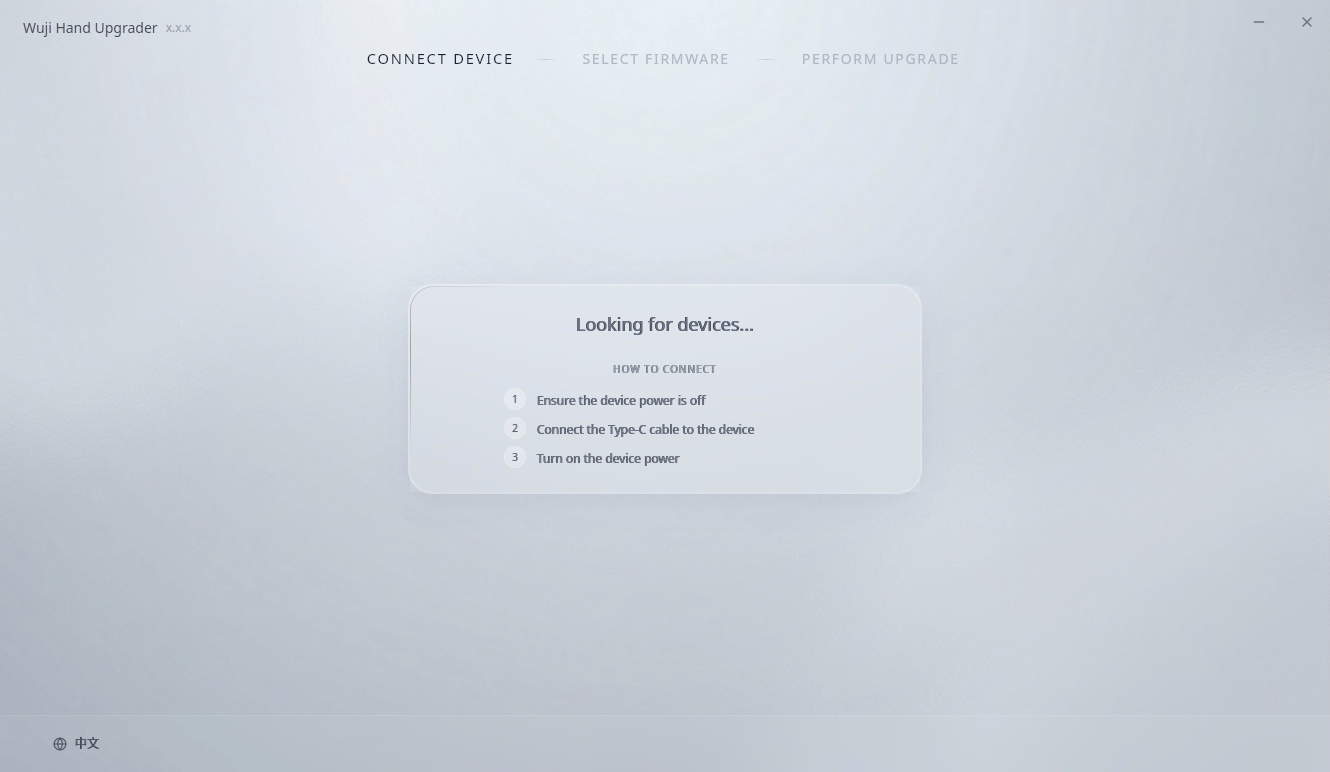
The first launch may take longer as the application extracts and initializes.
Hardware Connection
With Wuji Hand still powered off, connect it to the computer using the USB A to USB C cable included in the package, then power on the hand.Automatic Connection
After Wuji Hand is powered on, the application automatically scans for devices, connects to the Bootloader, and waits for the connection to establish.Device Information Display
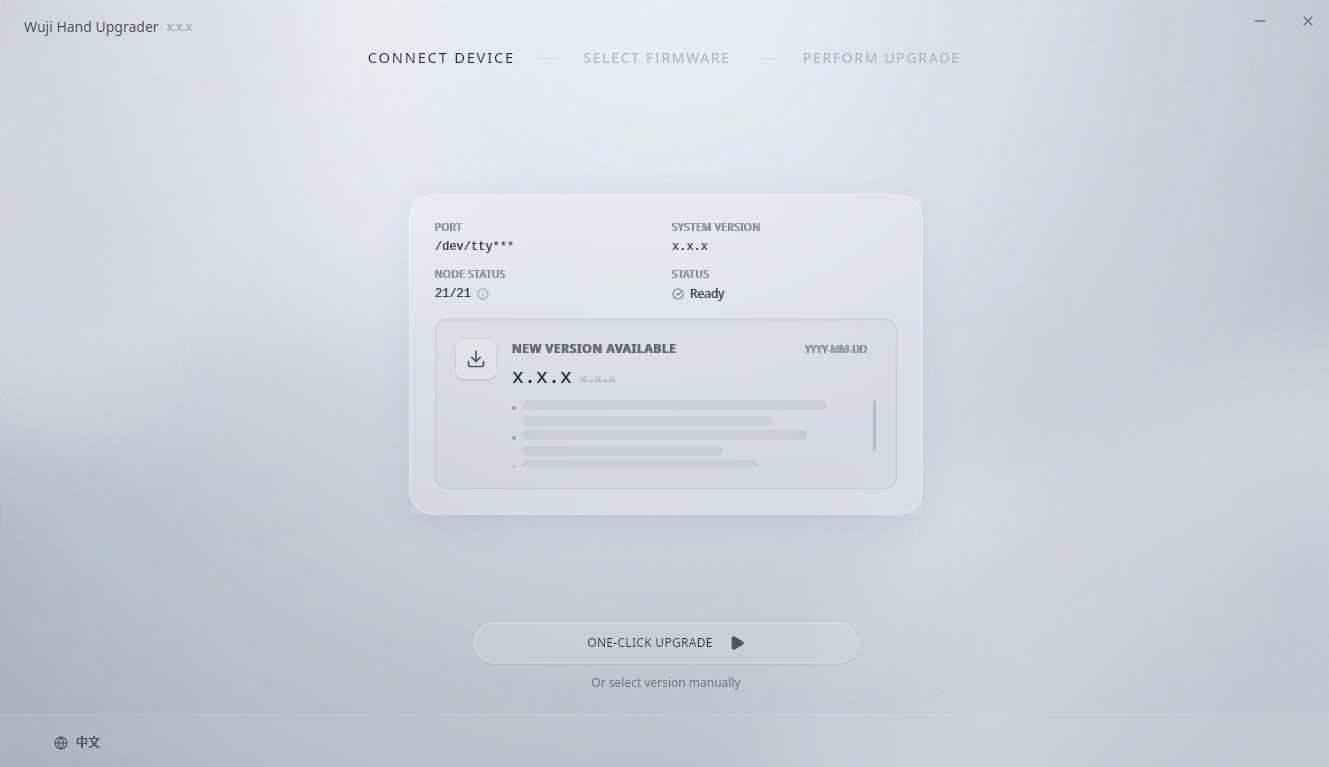
After successful connection, the interface displays the following device information:- PORT: Serial port path of the connected device (e.g., /dev/ttyUSB*)
- SYSTEM VERSION: Current system version of the device
- NODE STATUS: Online nodes/Total nodes (hover over the info icon to view detailed node version information)
- STATUS: Current device status (for example, Ready)