> ## Documentation Index
> Fetch the complete documentation index at: https://docs.wuji.tech/llms.txt
> Use this file to discover all available pages before exploring further.

# 欢迎来到 Wuji 开发者文档

> 在这里找到你需要的技术文档、指南与参考资料

export const HomeSearch = ({language = "zh"}) => {
  const [unavailable, setUnavailable] = useState(false);
  const label = language === "en" ? "Search the docs" : "搜索文档";
  const openSearch = () => {
    const entry = ["search-bar-entry", "search-bar-entry-mobile"].map(id => document.getElementById(id)).find(element => element?.tagName === "BUTTON" && !element.disabled && element.getClientRects().length > 0);
    setUnavailable(!entry);
    entry?.click();
  };
  return <>
      <button type="button" className="wj-home-search-trigger" aria-label={label} aria-haspopup="dialog" onClick={openSearch} />
      {unavailable && <span className="wj-home-search-status" role="status">
          {language === "en" ? "Search is not ready. Please try again shortly." : "搜索暂未就绪，请稍后重试。"}
        </span>}
    </>;
};

<Columns cols={2}>
  <Card className="wj-quiet">
    <span className="wj-hero-title">欢迎来到<br />Wuji 开发者文档</span>

    <span className="wj-hero-lede">在这里找到你需要的技术文档、指南与参考资料</span>

    <Card title="搜索关键词…" icon="search" horizontal className="wj-search">
      <HomeSearch language="zh" />
    </Card>

    <Card title="Wuji Hand 2" icon="arrow-right" href="/docs/zh/wuji-hand/latest/overview" horizontal className="wj-pill" />

    <Card title="Wuji Glove" icon="arrow-right" href="/docs/zh/wuji-glove/latest/introduction" horizontal className="wj-pill" />

    <Card title="Wuji CLI" icon="arrow-right" href="/docs/zh/wuji-cli/latest/introduction" horizontal className="wj-pill" />

    <Card title="Wuji SDK" icon="arrow-right" href="/docs/zh/wuji-sdk/latest/introduction" horizontal className="wj-pill" />

    <Card title="联系购买" icon="arrow-right" href="mailto:sales@wuji.tech" horizontal className="wj-pill wj-pill-cta" />
  </Card>

  <CodeGroup className="wj-term">
    ```bash CLI theme={null}
    # 安装 Wuji CLI（macOS、Linux 或 WSL）
    $ curl -fsSL https://get.wuji.tech/cli | bash

    # 确认已安装的版本
    $ wuji --version

    # 发现已连接的 Wuji 设备
    $ wuji devices

    # 验证设备连接
    $ wuji ping

    # 运行系统与权限诊断
    $ wuji doctor
    ```

    ```python Python theme={null}
    # 扫描 Wuji 设备并打印设备信息
    from wuji_sdk import SdkManager

    # 获取 SDK 管理器
    manager = SdkManager.instance()

    # 扫描设备并打印每台设备的序列号、类型和地址
    for device in manager.scan():
        print(f"SN: {device.sn}, type: {device.device_type}, address: {device.address}")
    ```

    ```c C theme={null}
    #include <stddef.h>
    #include <stdio.h>
    #include "wuji_sdk.h"

    int main(void) {
        // 初始化 SDK，失败时打印错误并退出。
        if (wuji_init(NULL) != WUJI_STATUS_OK) {
            fprintf(stderr, "Initialization failed: %s\n", wuji_last_error());
            return 1;
        }

        // 准备接收扫描结果：设备列表和设备数量。
        WujiDiscovered *devs = NULL;
        size_t count = 0;
        // 扫描设备；失败时打印错误并退出。
        if (wuji_scan(&devs, &count) != WUJI_STATUS_OK) {
            fprintf(stderr, "Scan failed: %s\n", wuji_last_error());
            wuji_shutdown();
            return 1;
        }

        // 打印每台设备的序列号、型号和地址。
        for (size_t i = 0; i < count; i++) {
            printf("SN: %s, type: %s, address: %s\n",
                   devs[i].serial_number, devs[i].model, devs[i].address);
        }

        // 释放扫描得到的设备列表。
        wuji_discovered_free(devs, count);
        // 关闭 SDK 并释放其资源。
        wuji_shutdown();
        return 0;
    }
    ```
  </CodeGroup>
</Columns>

## 最新动态

<Columns cols={2}>
  <Card title={<>Linux 支持 Ubuntu 20.04 LTS 及以上<br />Python SDK 支持 Python 3.8 及以上</>} img="https://mintcdn.com/wuji-0bbde051/nLLDY-yV3f5aegbJ/shared/assets/img/slide-firmware.webp?fit=max&auto=format&n=nLLDY-yV3f5aegbJ&q=85&s=573fbca5c060c75a7ff110097ad767f2" href="/docs/zh/release-notes#2026-10-12" className="wj-media wj-ink-light wj-news-card" data-og-width="1400" width="1400" data-og-height="538" height="538" data-path="shared/assets/img/slide-firmware.webp" data-optimize="true" data-opv="3" srcset="https://mintcdn.com/wuji-0bbde051/nLLDY-yV3f5aegbJ/shared/assets/img/slide-firmware.webp?w=280&fit=max&auto=format&n=nLLDY-yV3f5aegbJ&q=85&s=582baf2068c8d8767bfb69270f956348 280w, https://mintcdn.com/wuji-0bbde051/nLLDY-yV3f5aegbJ/shared/assets/img/slide-firmware.webp?w=560&fit=max&auto=format&n=nLLDY-yV3f5aegbJ&q=85&s=f6f303cda1f2f0bb60743c26abd931ab 560w, https://mintcdn.com/wuji-0bbde051/nLLDY-yV3f5aegbJ/shared/assets/img/slide-firmware.webp?w=840&fit=max&auto=format&n=nLLDY-yV3f5aegbJ&q=85&s=1efc5984abf0b5c7966a45b56450ae00 840w, https://mintcdn.com/wuji-0bbde051/nLLDY-yV3f5aegbJ/shared/assets/img/slide-firmware.webp?w=1100&fit=max&auto=format&n=nLLDY-yV3f5aegbJ&q=85&s=62642ba48ecdd8e7398a79b5982f7599 1100w, https://mintcdn.com/wuji-0bbde051/nLLDY-yV3f5aegbJ/shared/assets/img/slide-firmware.webp?w=1650&fit=max&auto=format&n=nLLDY-yV3f5aegbJ&q=85&s=25dc5de15681a2519efd97c87fd576fb 1650w, https://mintcdn.com/wuji-0bbde051/nLLDY-yV3f5aegbJ/shared/assets/img/slide-firmware.webp?w=2500&fit=max&auto=format&n=nLLDY-yV3f5aegbJ&q=85&s=af9d8402cbc1a055789904e888a7a630 2500w">
    <Badge color="white" size="sm">Wuji SDK / CLI · v2026.10.12</Badge>
  </Card>

  <Card title={<>Hand 2.1 / 2.2（Beta）<br />迁移至独立 ROS 2 包</>} img="https://mintcdn.com/wuji-0bbde051/nLLDY-yV3f5aegbJ/shared/assets/img/slide-sdk.webp?fit=max&auto=format&n=nLLDY-yV3f5aegbJ&q=85&s=1fba356753309be551a07f8dc2528442" href="/docs/zh/release-notes#2026-10-12" className="wj-media wj-ink-light wj-news-card" data-og-width="1400" width="1400" data-og-height="538" height="538" data-path="shared/assets/img/slide-sdk.webp" data-optimize="true" data-opv="3" srcset="https://mintcdn.com/wuji-0bbde051/nLLDY-yV3f5aegbJ/shared/assets/img/slide-sdk.webp?w=280&fit=max&auto=format&n=nLLDY-yV3f5aegbJ&q=85&s=ac2b5203d180ac63d32882f9e7fc6650 280w, https://mintcdn.com/wuji-0bbde051/nLLDY-yV3f5aegbJ/shared/assets/img/slide-sdk.webp?w=560&fit=max&auto=format&n=nLLDY-yV3f5aegbJ&q=85&s=f1210b35adf29b68b503ebadf08a1e2f 560w, https://mintcdn.com/wuji-0bbde051/nLLDY-yV3f5aegbJ/shared/assets/img/slide-sdk.webp?w=840&fit=max&auto=format&n=nLLDY-yV3f5aegbJ&q=85&s=b82de9cdf963f33a28917d1b27259886 840w, https://mintcdn.com/wuji-0bbde051/nLLDY-yV3f5aegbJ/shared/assets/img/slide-sdk.webp?w=1100&fit=max&auto=format&n=nLLDY-yV3f5aegbJ&q=85&s=ce7fec6f0e151a60ffd27b31169fa59a 1100w, https://mintcdn.com/wuji-0bbde051/nLLDY-yV3f5aegbJ/shared/assets/img/slide-sdk.webp?w=1650&fit=max&auto=format&n=nLLDY-yV3f5aegbJ&q=85&s=e2ad22cb07abc3e02731ed4aed96c3c4 1650w, https://mintcdn.com/wuji-0bbde051/nLLDY-yV3f5aegbJ/shared/assets/img/slide-sdk.webp?w=2500&fit=max&auto=format&n=nLLDY-yV3f5aegbJ&q=85&s=71a76f9ebf3449fa5d83f5042e4a0e08 2500w">
    <Badge color="white" size="sm">Wuji Description · v2026.10.12</Badge>
  </Card>
</Columns>

<Columns cols={4}>
  <Card title="Wuji Hand 2" icon="https://mintcdn.com/wuji-0bbde051/L5L7y_1GoeOydbgy/shared/assets/icons/wuji-hand-2.svg?fit=max&auto=format&n=L5L7y_1GoeOydbgy&q=85&s=9fdd862062a20c333a1d7e3918c8f6dd" href="/docs/zh/release-notes#2026-10-12" cta="2026.10.12 · v2.12.0" className="wj-stat" width="24" height="24" data-path="shared/assets/icons/wuji-hand-2.svg" />

  <Card title="Wuji SDK" icon="https://mintcdn.com/wuji-0bbde051/L5L7y_1GoeOydbgy/shared/assets/icons/wuji-sdk.svg?fit=max&auto=format&n=L5L7y_1GoeOydbgy&q=85&s=9969bda346daa27a3b1abc723c3e8d4f" href="/docs/zh/release-notes#2026-10-12" cta="2026.10.12 · v2026.10.12" className="wj-stat" width="24" height="24" data-path="shared/assets/icons/wuji-sdk.svg" />

  <Card title="Wuji Glove" icon="https://mintcdn.com/wuji-0bbde051/L5L7y_1GoeOydbgy/shared/assets/icons/wuji-glove.svg?fit=max&auto=format&n=L5L7y_1GoeOydbgy&q=85&s=12b4e0d1ac9d80393650d7e250780e89" href="/docs/zh/release-notes#2026-10-12" cta="2026.10.12 · v1.0.3" className="wj-stat" width="24" height="24" data-path="shared/assets/icons/wuji-glove.svg" />

  <Card title="Wuji CLI" icon="https://mintcdn.com/wuji-0bbde051/L5L7y_1GoeOydbgy/shared/assets/icons/wuji-cli.svg?fit=max&auto=format&n=L5L7y_1GoeOydbgy&q=85&s=537472aff156c7765d0be2c409aafaae" href="/docs/zh/release-notes#2026-10-12" cta="2026.10.12 · v2026.10.12" className="wj-stat" width="24" height="24" data-path="shared/assets/icons/wuji-cli.svg" />
</Columns>

## 快速开始

<Columns cols={4}>
  <Card title="开始使用 Wuji 产品" img="https://mintcdn.com/wuji-0bbde051/nLLDY-yV3f5aegbJ/shared/assets/img/quick-start-v2.webp?fit=max&auto=format&n=nLLDY-yV3f5aegbJ&q=85&s=67863c6be4fe1e6b1c00040d1a78392f" href="/docs/zh/wuji-hand/latest/quick-start" cta="从快速开始入手" className="wj-media wj-bento-hero wj-ink-top wj-ink-light" width="1200" height="817" data-path="shared/assets/img/quick-start-v2.webp" />

  <Card title={<>快速体验 Wuji <span className="whitespace-nowrap">Hand 2</span></>} href="/docs/zh/wuji-hand/latest/quick-start" cta="约 30 分钟" arrow>
    从开箱接线到第一个动作，收尾升级固件。
  </Card>

  <Card title="快速体验 Wuji Glove" href="/docs/zh/wuji-glove/latest/getting-started" cta="约 15 分钟" arrow>
    连接手套，用 Wuji CLI 读取实时手部数据。
  </Card>

  <Card title="用 AI 构建" cta="即将上线" className="wj-soon lg:col-span-2">
    描述需求，AI 协助整理适合的快速开始路径
  </Card>
</Columns>

## 文档

### 硬件

<Columns cols={3}>
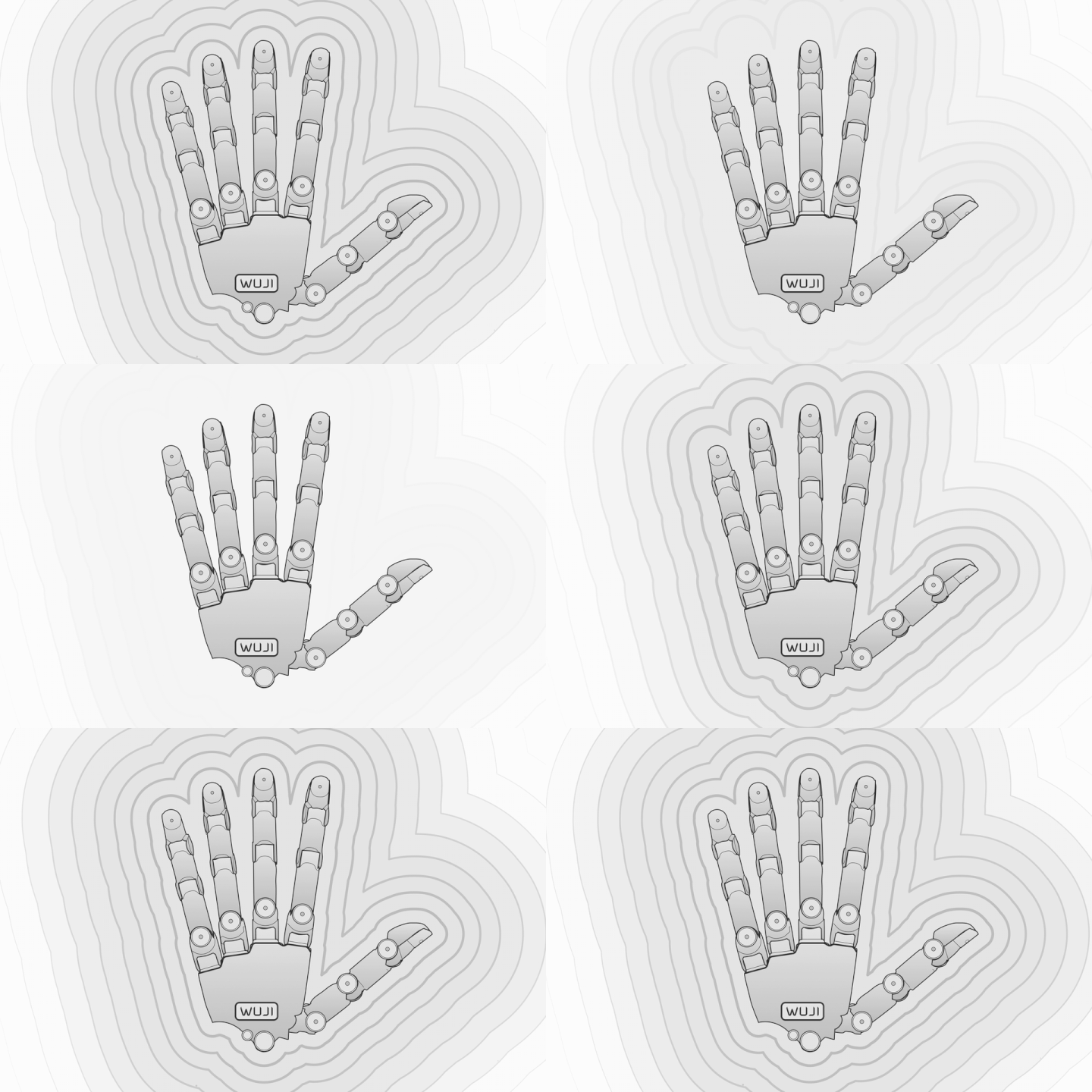
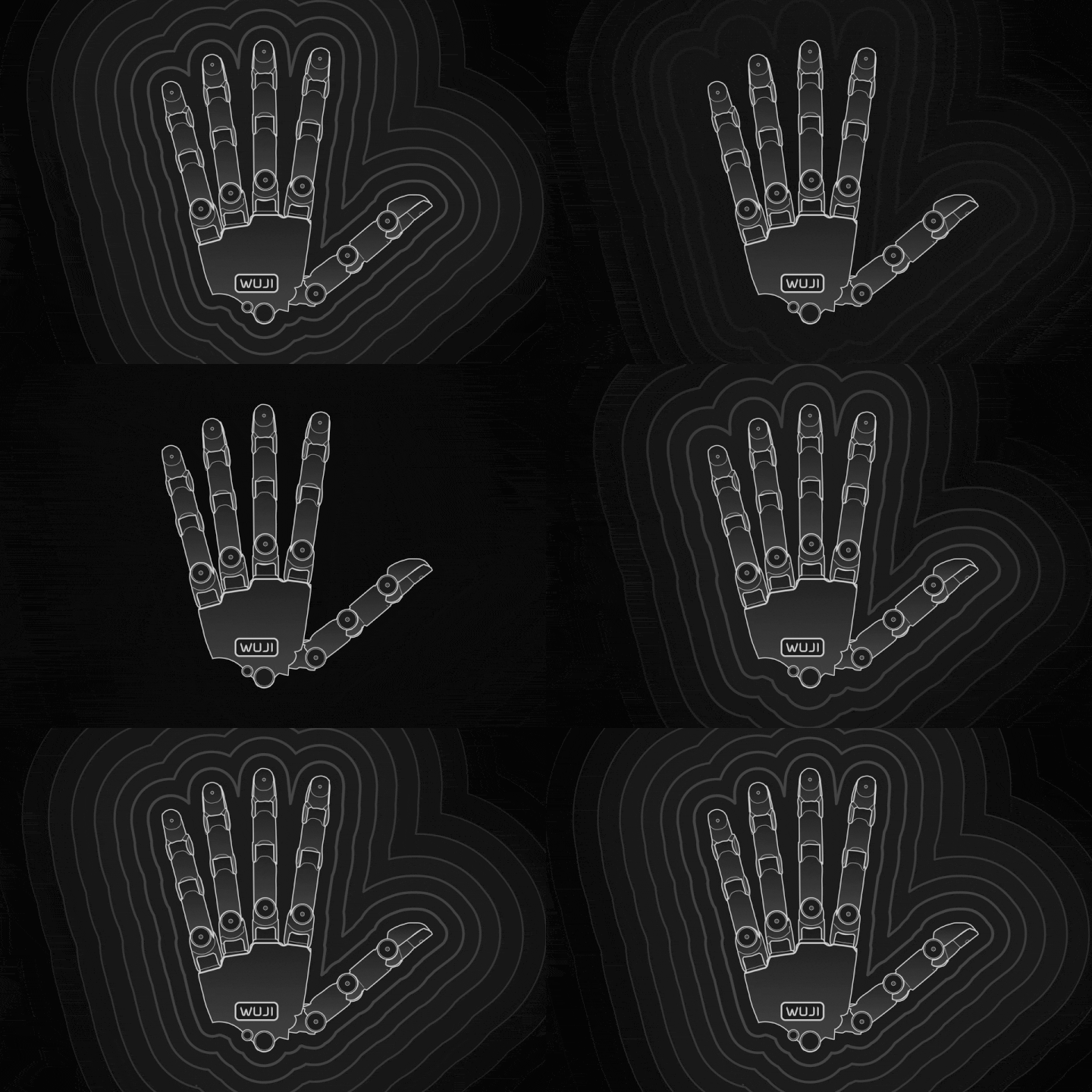
  <Tile href="/docs/zh/wuji-hand/latest/overview" title="Wuji Hand 2 `Hand 2`" description="第二代灵巧手 · 20 个主动自由度，力位混合控制。" className="wj-product">
    <img src="https://mintcdn.com/wuji-0bbde051/L5L7y_1GoeOydbgy/shared/assets/docs/hand2.gif?s=d3b8e7a37454c25a6e076d30ec29b2be" alt="" className="block dark:hidden" width="720" height="480" data-path="shared/assets/docs/hand2.gif" />

    <img src="https://mintcdn.com/wuji-0bbde051/L5L7y_1GoeOydbgy/shared/assets/docs/hand2-dark.gif?s=95743921de2adaa7f1af249f42c5a0fb" alt="" className="hidden dark:block" width="720" height="480" data-path="shared/assets/docs/hand2-dark.gif" />
  </Tile>

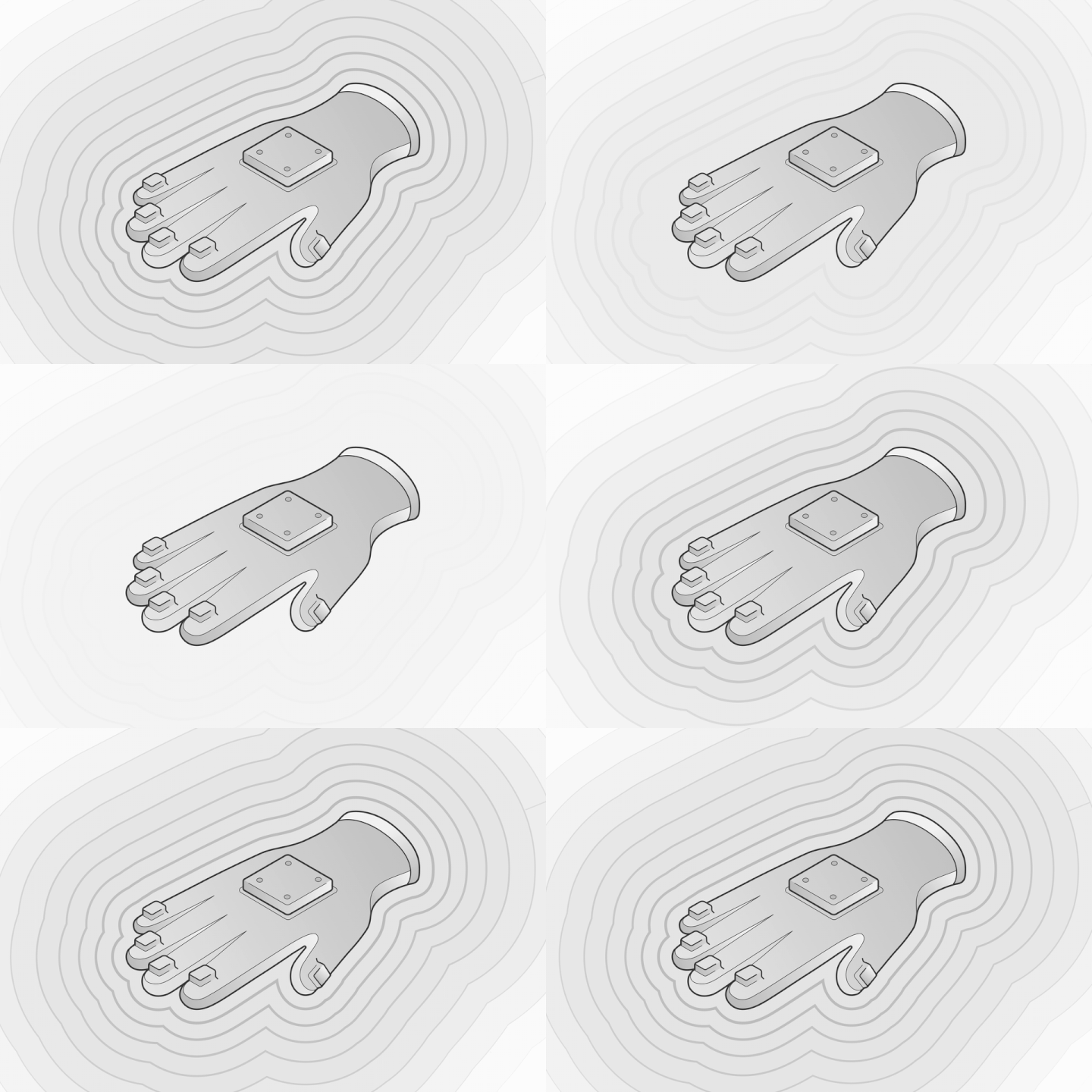
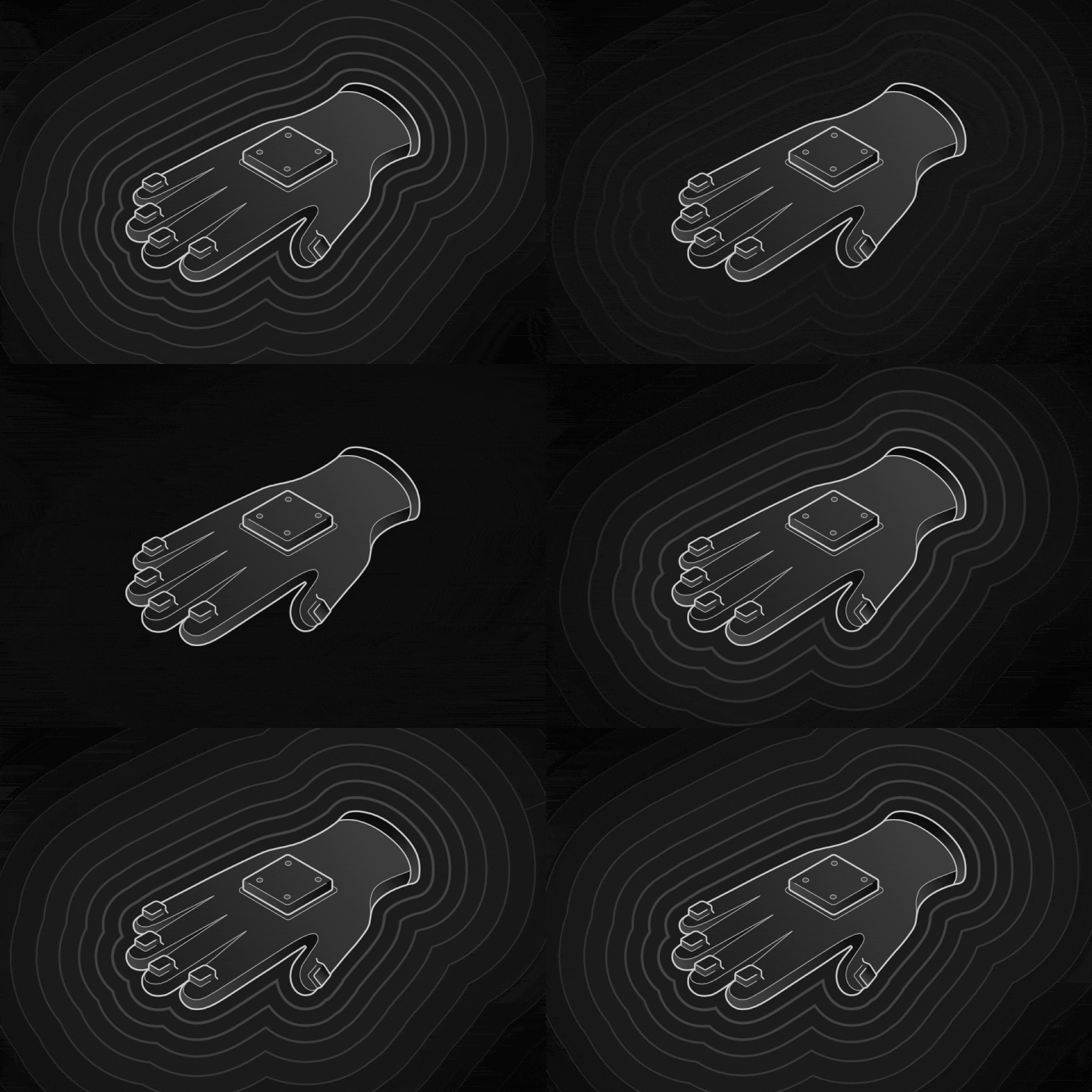
  <Tile href="/docs/zh/wuji-glove/latest/introduction" title="Wuji Glove `Glove`" description="采集触觉压力、指尖姿态与运动的数据手套。" className="wj-product">
    <img src="https://mintcdn.com/wuji-0bbde051/L5L7y_1GoeOydbgy/shared/assets/docs/glove.gif?s=a3961920f878b7e4c868fffef3a32616" alt="" className="block dark:hidden" width="720" height="480" data-path="shared/assets/docs/glove.gif" />

    <img src="https://mintcdn.com/wuji-0bbde051/L5L7y_1GoeOydbgy/shared/assets/docs/glove-dark.gif?s=e59372af4164ed2d9aee192b49c50711" alt="" className="hidden dark:block" width="720" height="480" data-path="shared/assets/docs/glove-dark.gif" />
  </Tile>

  <Tile href="/docs/zh/wuji-hand/v1/overview" title="Wuji Hand `Hand · v1` `Archived`" description="第一代灵巧手文档，为存量设备保留。" className="wj-product wj-archived">
    <img src="https://mintcdn.com/wuji-0bbde051/L5L7y_1GoeOydbgy/shared/assets/docs/hand.gif?s=2ea14225dfad0639cb4f3388ed208b63" alt="" className="block dark:hidden" width="720" height="480" data-path="shared/assets/docs/hand.gif" />

    <img src="https://mintcdn.com/wuji-0bbde051/L5L7y_1GoeOydbgy/shared/assets/docs/hand-dark.gif?s=283cf288326ddff08a6663c413c2376c" alt="" className="hidden dark:block" width="720" height="480" data-path="shared/assets/docs/hand-dark.gif" />
  </Tile>
</Columns>

### 软件

<Columns cols={3}>
  <Tile href="/docs/zh/wuji-sdk/latest/introduction" title="Wuji SDK `Hand 2` `Glove`" description="Python 与 C SDK · 发现、串流、录制、重定向。" className="wj-product">
    <img src="https://mintcdn.com/wuji-0bbde051/L5L7y_1GoeOydbgy/shared/assets/docs/sdk.gif?s=c4c43e1dc7e772c26216b5062dd98b30" alt="" className="block dark:hidden" width="720" height="480" data-path="shared/assets/docs/sdk.gif" />

    <img src="https://mintcdn.com/wuji-0bbde051/L5L7y_1GoeOydbgy/shared/assets/docs/sdk-dark.gif?s=be60888e976d32f77cfd76dd926175dc" alt="" className="hidden dark:block" width="720" height="480" data-path="shared/assets/docs/sdk-dark.gif" />
  </Tile>

  <Tile href="/docs/zh/wuji-cli/latest/introduction" title="Wuji CLI `Hand 2` `Glove`" description="在终端扫描、配置、订阅、诊断与刷写。" className="wj-product">
    <img src="https://mintcdn.com/wuji-0bbde051/L5L7y_1GoeOydbgy/shared/assets/docs/cli.gif?s=22ad0b829334e7c07c95cc72fe04f707" alt="" className="block dark:hidden" width="720" height="480" data-path="shared/assets/docs/cli.gif" />

    <img src="https://mintcdn.com/wuji-0bbde051/L5L7y_1GoeOydbgy/shared/assets/docs/cli-dark.gif?s=5d9bb8b7a1a18488a64bdeba19c44cd8" alt="" className="hidden dark:block" width="720" height="480" data-path="shared/assets/docs/cli-dark.gif" />
  </Tile>
</Columns>

## 发布记录

最新四条。[查看 2026.10.12 完整发布记录 →](/docs/zh/release-notes#2026-10-12)

<Update label="2026-10-12" description="Wuji Hand 2、Wuji Glove、Wuji SDK、Wuji CLI 与 Wuji Description">
  **版本重点**

  * **运行环境与版本支持**：Python SDK、C SDK 和 Wuji CLI 的 Linux 产物支持 Ubuntu 20.04 LTS（glibc 2.31）及以上，覆盖 x86\_64 与 arm64。Python SDK 支持 Python 3.8 及以上。
  * **Wuji Description 模型迁移**：迁移到 Hand 2.1 (Beta) 和 Hand 2.2 (Beta) 独立 ROS 2 包。资源路径、依赖项和启动配置同步更新。
  * **状态与诊断**：Wuji Hand 2 对应的 Wuji SDK 连接后读取全部 20 个关节的 `kp` 和 `kd`。固件 v2.10.0 起，选定关节离线时升级会提前停止，并显示设备返回的拒绝原因。
    [查看 2026.10.12 完整发布记录 →](/docs/zh/release-notes#2026-10-12)
</Update>

<Update label="2026-10-12 Wuji SDK / Wuji CLI" description="运行环境与设备操作">
  Python SDK、C SDK 和 Wuji CLI 的 Linux 产物支持 Ubuntu 20.04 LTS（glibc 2.31）及以上版本的 x86\_64 和 arm64 平台。Python SDK 支持 Python 3.8 及以上版本。Wuji CLI 新增 agent skills 与文档链接，并改进设备连接、数据订阅和固件升级。
  [查看 2026.10.12 完整发布记录 →](/docs/zh/release-notes#2026-10-12)
</Update>

<Update label="2026-10-12 Wuji Description" description="Hand 2.1 (Beta) 与 Hand 2.2 (Beta) 模型迁移">
  Wuji Description 改用 Hand 2.1 (Beta) 和 Hand 2.2 (Beta) 独立 ROS 2 包，需同步更新 `colcon --packages-select`、`package://` URI、依赖项和启动配置。
  [查看 2026.10.12 完整发布记录 →](/docs/zh/release-notes#2026-10-12)
</Update>

<Update label="2026-10-12 Wuji Hand 2 / Wuji Glove" description="状态、诊断与固件升级">
  Wuji Hand 2 的 SDK 连接后读取全部 20 个关节的 `kp` 和 `kd`。选定关节离线或设备拒绝升级目标时，固件升级会停止并显示具体原因。Wuji Glove 的 EMF 数据流在固件升级失败或被拒后无需重启即可恢复。
  [查看 2026.10.12 完整发布记录 →](/docs/zh/release-notes#2026-10-12)
</Update>

## 视频

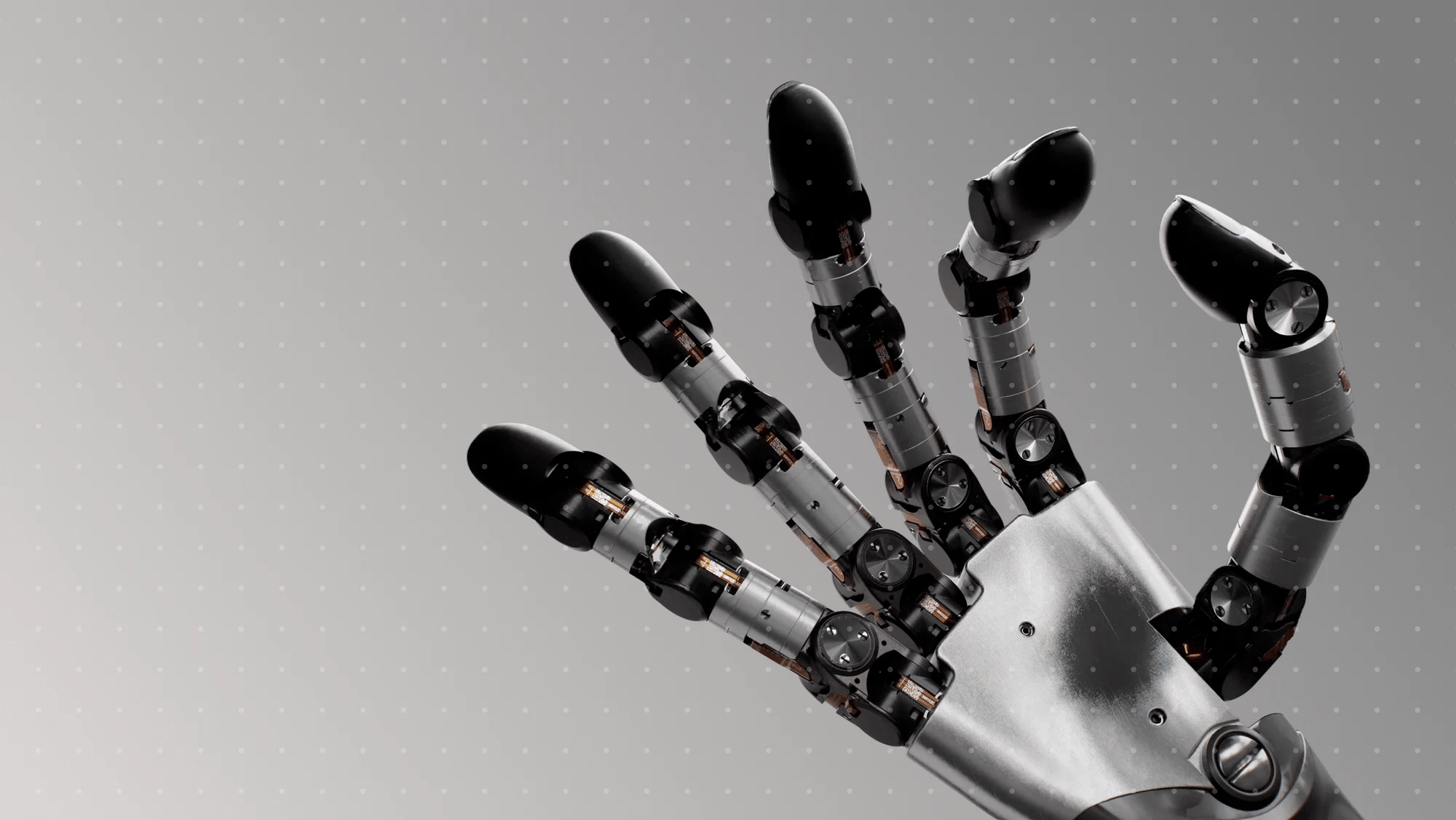
<Tile href="/docs/zh/videos#产品影片" title="产品影片" description="Wuji Hand 2 与 Wuji Glove 官方发布影片。" className="wj-overlay wj-overlay-wide">
  <img src="https://mintcdn.com/wuji-0bbde051/nLLDY-yV3f5aegbJ/shared/assets/img/video-films.webp?fit=max&auto=format&n=nLLDY-yV3f5aegbJ&q=85&s=f6535c8e34e6f2ea230669b8ba45af73" alt="" width="2400" height="904" data-path="shared/assets/img/video-films.webp" />
</Tile>

<Columns cols={2}>
  <Tile href="/docs/zh/videos#新手入门" title="新手入门" description="开箱、安装与标定上手教学。" className="wj-overlay">
    <img src="https://mintcdn.com/wuji-0bbde051/nLLDY-yV3f5aegbJ/shared/assets/img/video-guides.webp?fit=max&auto=format&n=nLLDY-yV3f5aegbJ&q=85&s=a3cb9d822298845fe218e364a5dfce38" alt="" width="2000" height="1126" data-path="shared/assets/img/video-guides.webp" />
  </Tile>

  <Tile href="/docs/zh/videos#算法演示" title="算法演示" description="重定向、遥操作、仿真与 sim-to-real 演示。" className="wj-overlay wj-crop-left">
    <img src="https://mintcdn.com/wuji-0bbde051/nLLDY-yV3f5aegbJ/shared/assets/img/slide-retargeting.webp?fit=max&auto=format&n=nLLDY-yV3f5aegbJ&q=85&s=9bab05bb631d51250f7118b8b14a445b" alt="" width="1400" height="538" data-path="shared/assets/img/slide-retargeting.webp" />
  </Tile>
</Columns>

<Columns cols={2}>
  <Tile href="/docs/zh/videos#新手入门" title="新手入门" description="开箱、安装与标定上手教学。" className="wj-product wj-m-only">
    <img src="https://mintcdn.com/wuji-0bbde051/nLLDY-yV3f5aegbJ/shared/assets/img/video-guides.webp?fit=max&auto=format&n=nLLDY-yV3f5aegbJ&q=85&s=a3cb9d822298845fe218e364a5dfce38" alt="" width="2000" height="1126" data-path="shared/assets/img/video-guides.webp" />
  </Tile>

  <Tile href="/docs/zh/videos#算法演示" title="算法演示" description="重定向、遥操作、仿真与 sim-to-real 演示。" className="wj-product wj-m-only">
    <img src="https://mintcdn.com/wuji-0bbde051/nLLDY-yV3f5aegbJ/shared/assets/img/slide-retargeting.webp?fit=max&auto=format&n=nLLDY-yV3f5aegbJ&q=85&s=9bab05bb631d51250f7118b8b14a445b" alt="" width="1400" height="538" data-path="shared/assets/img/slide-retargeting.webp" />
  </Tile>
</Columns>


This documentation is built and hosted on [Mintlify](https://mintlify.com), a developer documentation platform.